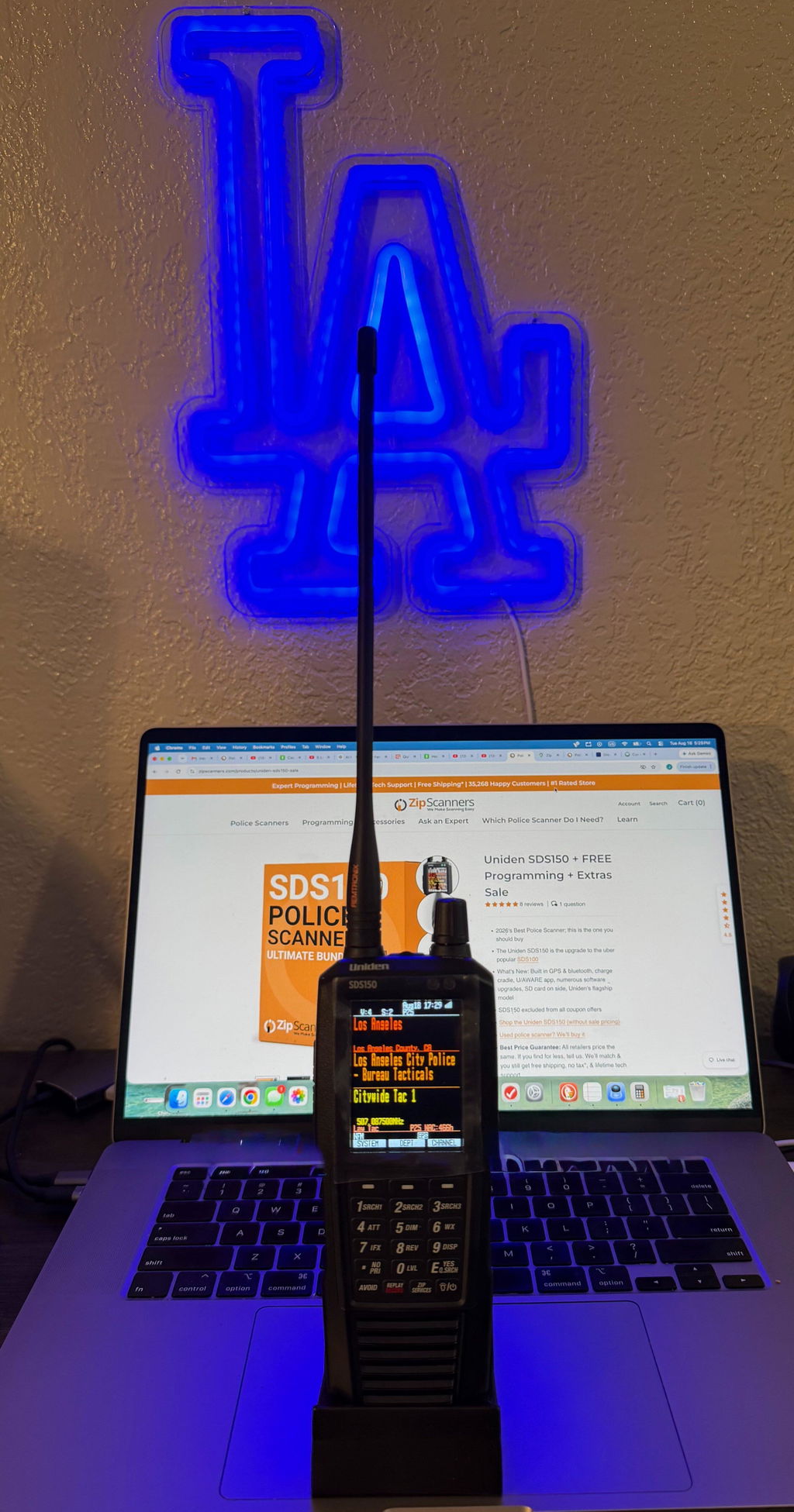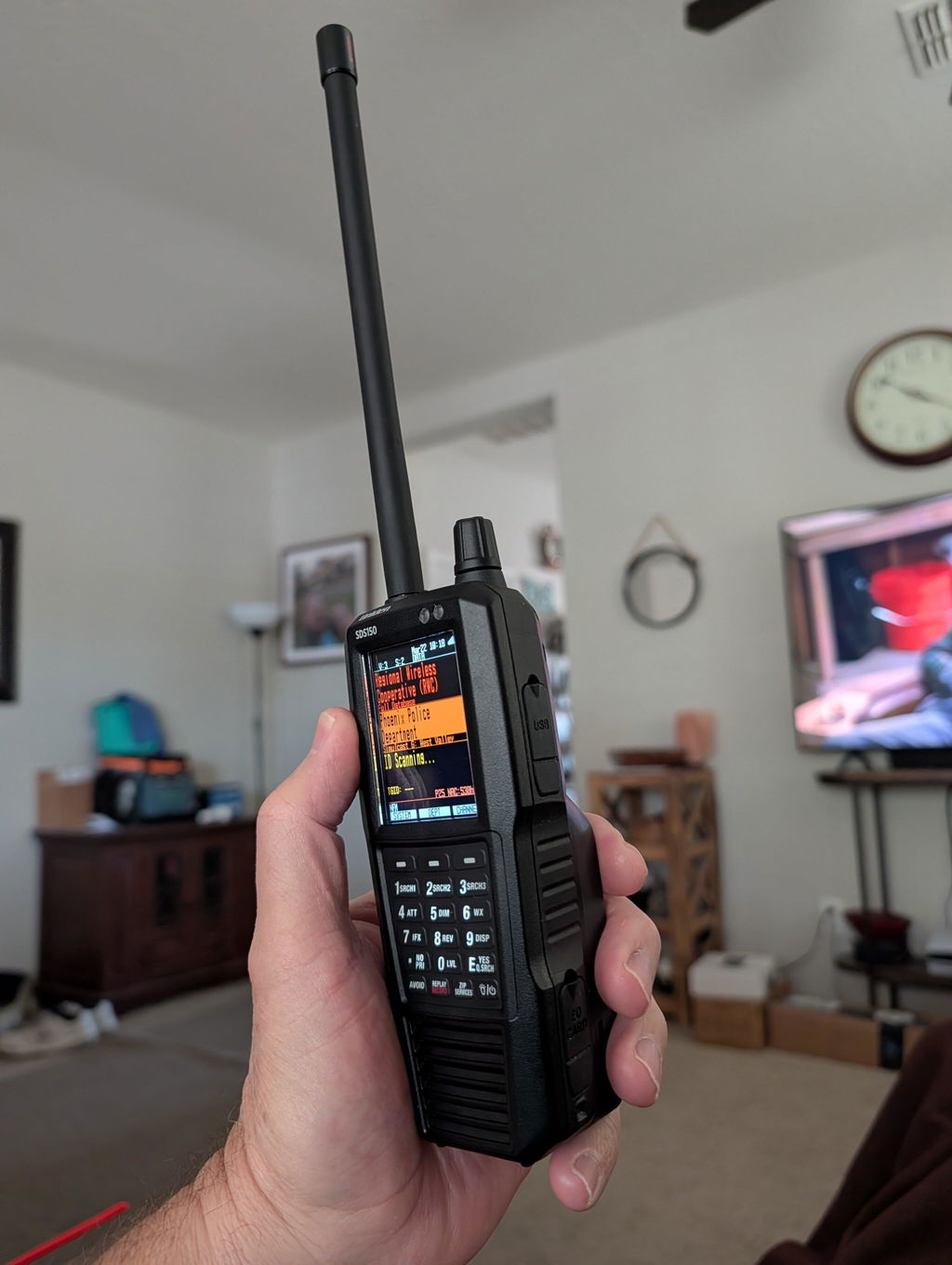
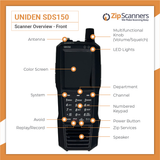
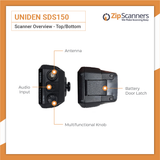
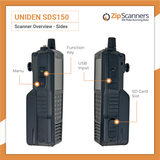
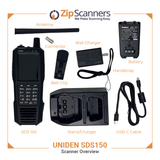

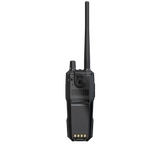
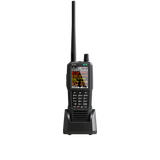
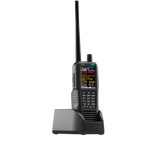
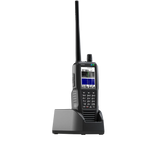
NEW! Uniden SDS150 + FREE Programming + Extras Sale

  • NOW IN STOCK!
  • 2026's Best Police Scanner; this is the one you should buy
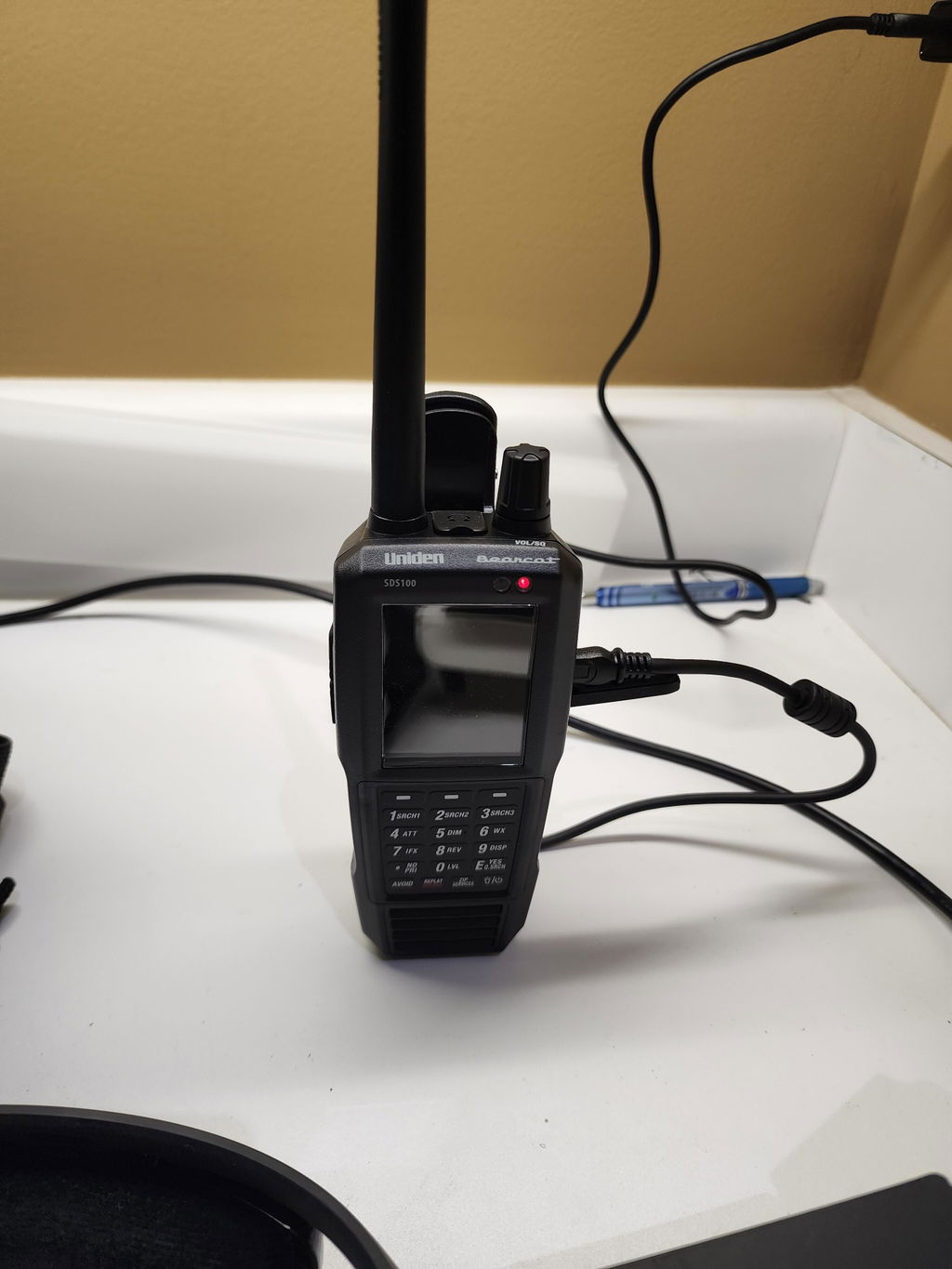
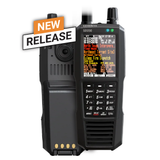
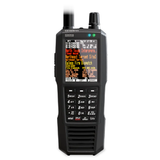
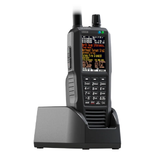
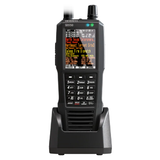
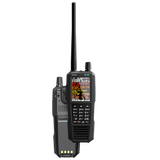
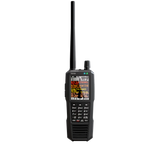
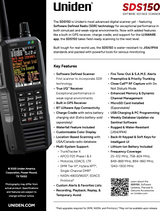
  • The Uniden SDS150 is the upgrade to the uber popular SDS100
  • What's New: Built in GPS & bluetooth, charge cradle, U/AWARE app, numerous software upgrades, SD card on side, Uniden's flagship model
  • SDS150 excluded from all coupon offers
  • Shop the Uniden SDS150 (without sale pricing)
  • Used police scanner? We’ll buy it
  • Best Price Guarantee: All retailers price the same. If you find for less, tell us. We’ll match & you still get free shipping, no tax*, & lifetime tech support

Short version: If you’re buying a police scanner in 2026, the SDS150 is the smart “buy once” move.

The SDS150 keeps the True I/Q platform that made the SDS100 a legend in simulcast areas, then upgrades the stuff you actually feel every day: built-in GPS, phone control + audio, USB-C, a dock-style charging cradle, & Waterfall upgrade included.

Why that matters: most people don’t quit scanning because the radio can’t decode. They quit because the workflow is annoying (cables, charging, SD card access, tiny-screen navigation, traveling across county lines). The SDS150 is built to remove those friction points.

The SDS150 has 7 practical advantages over the SDS100:

  1. Built in GPS (GPS synced time): location based scanning without buying & connecting an external GPS puck. Great for travel, commuting across jurisdictions, & accurate timestamps in recordings/logs.
  2. U/AWARE phone control + audio: full remote control on a big touchscreen, plus listen on your phone (& route audio to Bluetooth earbuds or your car via your phone).
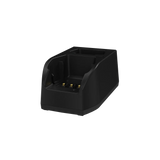
  3. Charge cradle included: drop it in, walk away. The cradle can also charge a spare battery in the second slot (spare battery sold separately).
  4. USB-C charging + programming: one modern cable standard for home, vehicle, power bank, & laptop.
  5. Waterfall included: it ships unlocked. On the SDS100, Waterfall is a separate paid upgrade key.
  6. Less 'filter fiddling' in messy RF: the SDS150 platform adds RF/IF changes aimed at reducing the need to hunt for the perfect filter setting in interference heavy areas.
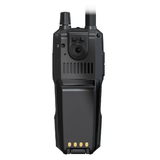
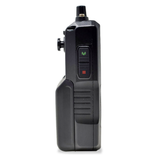
  7. Side access microSD: faster SD swaps & updates without pulling the battery door off (small thing, big quality-of-life upgrade).

Price reality check: if you’re the type who will add GPS, a better charging workflow, & Waterfall to the SDS100 anyway, you end up close to SDS150 money fast. If you want the full-feature, low-hassle setup, start with the SDS150 & be done.

Both the Uniden SDS100 & SDS150 are premium True I/Q (SDR) handheld scanners designed for modern digital trunking & challenging simulcast environments. Neither scanner can decode encrypted police channels.

Quick decision

Choose the SDS150 if you want:

  • The “buy once” flagship with the newest platform & the longest runway
  • Built in GPS for true grab & go travel scanning (no puck, no cable)
  • Phone/tablet control & audio via the U/AWARE app (big-screen control, easier channel discovery)
  • Dock-style charging (cradle included) & USB-C everywhere
  • Waterfall included out of the box
  • Less tweaking in high-interference, RF-dense metro areas

Choose the SDS100 if you want:

  • The lowest upfront price for True I/Q simulcast performance
  • You mainly scan one area (home/desk) & you won’t use GPS or app control
  • You’re fine with cable charging & mini-USB
  • You’d rather add optional upgrades later (GPS, Waterfall, external charger)

Side-by-side comparison

Category Uniden SDS100 Uniden SDS150
Model position Flagship True I/Q handheld (established) Newest flagship True I/Q handheld (next-gen)
Launch window 2018 2025
Price $699.99 $949.99
Receiver architecture True I/Q (SDR) True I/Q (SDR), updated platform
Simulcast + interference handling Excellent True I/Q performance (may require filter tuning in tough RF) Built for stable decoding in simulcast & high-interference areas, with platform changes aimed at reducing tuning/tweaking
Frequency coverage 25–512 MHz, 758–824 MHz, 849–869 MHz, 894–960 MHz, 1240–1300 MHz
Trunking + digital TrunkTracker X, P25 Phase I & II, Motorola, EDACS, LTR TrunkTracker X, P25 Phase I & II, Motorola, EDACS, LTR
Paid digital upgrades DMR, NXDN 4800/9600, EDACS ProVoice (paid keys) DMR, NXDN 4800/9600, EDACS ProVoice (paid keys)
GPS / location scanning External GPS accessory Built-in GPS
Phone/tablet control No official app U/AWARE app via Bluetooth Low Energy (control + audio)
Waterfall display Optional paid unlock Included
Charging + ports Mini-USB charging & PC programming USB-C charging & PC programming
Included charging hardware USB cable (no cradle) Charge cradle with extra battery slot
microSD access Behind battery door Side access under rubber flap
Water resistance JIS4 / IPX4 JIS4 / IPX4
Recording + replay Yes Yes
Encrypted police audio No No

Key differences that actually matter

1) The daily workflow (charging, cables, SD card)

  • SDS150: dock it in the cradle, charge it, optionally keep a spare battery topped off, & the SD card is quick-access on the side.
  • SDS100: cable charging, no included cradle, SD access requires pulling the battery door.

Zip Scanners’ take: if you’ll actually use your scanner daily or weekly, the SDS150’s workflow is the upgrade that keeps you using it.

2) Phone/tablet control (easier listening)

  • SDS150: U/AWARE gives you real control, a big-screen UI, & audio on your phone (then to earbuds or car Bluetooth through the phone).
  • SDS100: no official app-based control/audio.

Zip Scanners’ take: this is the difference between “scanner hobby UI” & “modern device UI.” It’s also the cleanest way to listen discreetly in a vehicle or around the house.

3) GPS that you will actually use

  • SDS150: built-in GPS means travel scanning is always ready, no accessories, no cable mess.
  • SDS100: supports external GPS, but it’s an add-on.

Zip Scanners’ take: built-in GPS changes behavior. People skip external GPS. People use built-in GPS.

4) Waterfall included vs paid add-on

Zip Scanners’ take: if you like finding activity fast (air, rail, events, unknown freqs), Waterfall stops being “nice to have” & becomes “why didn’t I have this sooner.”

5) RF performance in the real world (simulcast + interference)

  • SDS100: proven True I/Q performance in simulcast & weak-signal areas.
  • SDS150: Uniden positions the platform for stable decoding in simulcast & high-interference environments, plus early owners report less tweaking & clearer audio in RF-dense areas.

Zip Scanners’ take: both are elite. The SDS150’s edge is “less messing around to get the same or better result.”

6) Price-to-performance (the honest framing)

  • SDS150: costs more, but bundles the upgrades most users end up wanting anyway (GPS, dock charging, app control, Waterfall, USB-C, SD access).
  • SDS100: best value if you keep it simple & stationary.

Zip Scanners’ take: if you’re already spending $700+ for True I/Q, the SDS150 is the one & done flagship. The SDS100 is the “I know exactly what I’m giving up” option.

This is the one you want. Look no further.

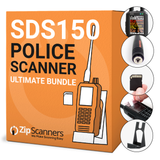
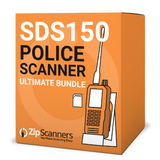
The SDS150 Sale bundles Uniden’s newest flagship handheld with the exact extras people end up buying anyway: expert programming, premium antenna, stand, screen protectors, one touch start up, free shipping, and lifetime tech support. You get the top scanner plus the kit that makes it plug in, power on, and start hearing traffic in minutes instead of hours.

BOGO programming is built in. Buy programming for one county and we program a second county free. Perfect if you want to cover where you live and where you work, or home and your main travel area, without paying full price for both.

If you are buying a gift for Dad, Mom, or the scanner nerd in your life, this bundle gets them 100 percent of what they need and gives them a real human to talk to when they have questions. We handle the tech support so you do not have to.

We took the SDS150 and added the most popular extras so it simply works right out of the box. Tell us the counties, drop it in the cart, and when it shows up they can turn it on and start listening the same day.

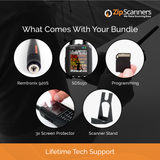
Included in the SDS150 Sale

  1. Uniden SDS150 Scanner
  2. BOGO (Buy One, Get One) County FREE Programming
    Buy programming for one county and we’ll program a second county free.
  3. Lifetime Tech Support
    Real humans, lifetime help. You’re covered if anything changes or you need a hand.
  4. Free Shipping
  5. Screen Protectors (3 Pack)
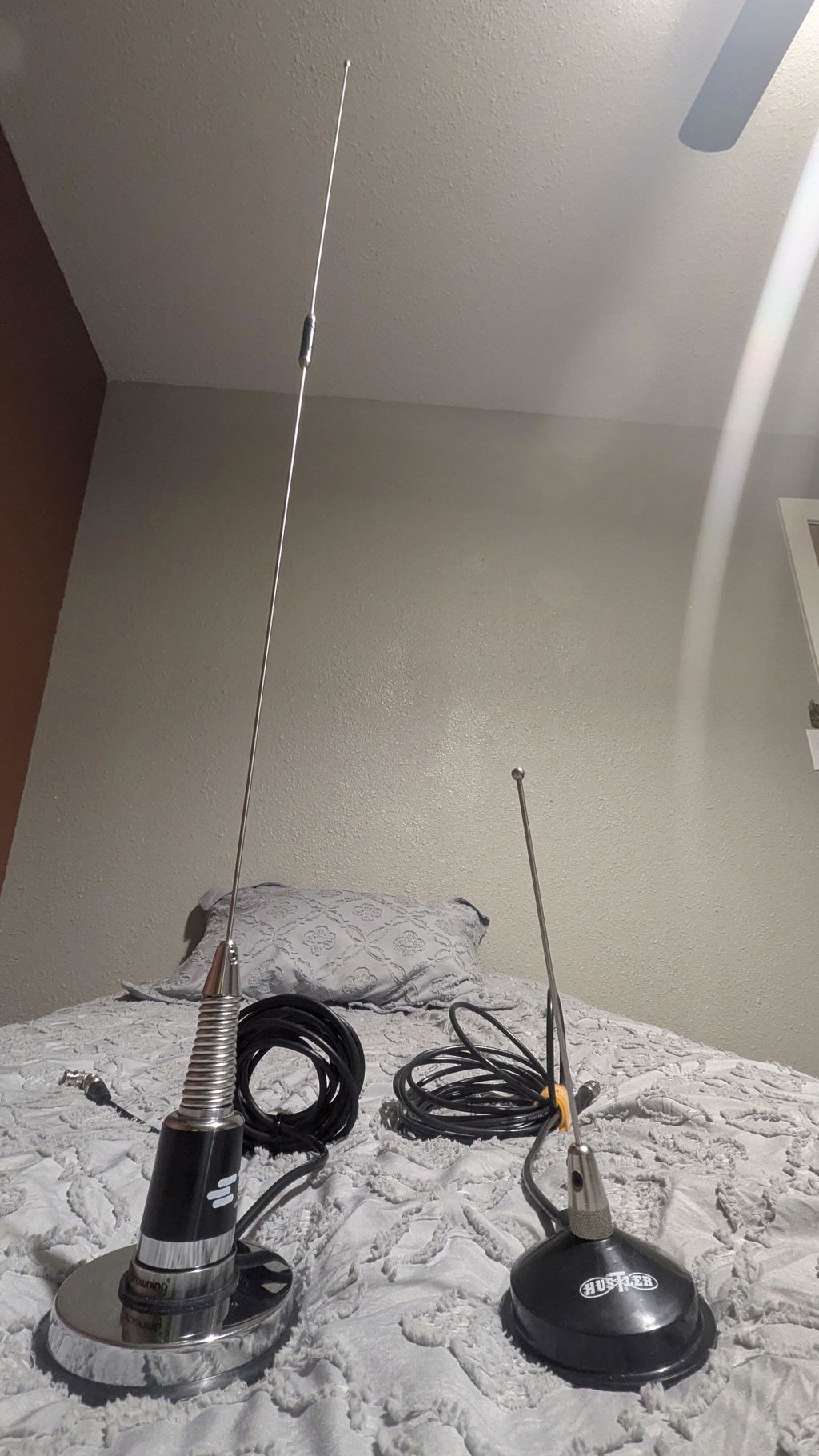
  6. Remtronix SMA Antenna (920S with O-Ring)
  7. One Touch Start-Up
    We pre-set the scanner so it’s ready to scan the moment you power it on.
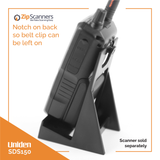
  8. Desktop Stand

Note: All items must be purchased together to get the sale pricing.

Deep dive on programming here.

We HIGHLY recommend letting our experts program your scanner.

Programming issues are, by FAR, the #1 reason for...

  • Returns
  • 99% of any negative comments about the SDS150 & SDS100 you'll read while researching
  • 99% of any negative comments about us
  • 90% + of all support questions
  • Our receding hairlines

Basically, you're about to spend hundreds of dollars on a snappy new gadget, might as well spring a few extra bucks so it will actually work right out of the box.

What is programming?

Scanners work like AM/FM radios in that they pick up airwaves based on a set of specifics frequencies. But unlike a radio there is not the simple 'seek' and 'save' feature on a scanner. Also, the frequencies are wildly different based on where you live and what you want to listen to.

What, specifically, do I get with expert programming?

For each county you purchase, our experts will program the following:

  • State police, fire & EMS
  • County police, fire & EMS

Add as many counties as you'd like.

When your scanner arrives, the programmed data will be on your scanner in easy to navigate lists.

What if your programming does not work?

100% money back guarantee on programming.

Can you program X, Y, Z?

We can program anything in Radio Reference, the world's largest & best frequency database. 

What if I need help after you program?

We’re always here to help with our lifetime tech support. 

Why should I buy programming?

Programming is the #1 reason police scanners are returned.

While scanner programming is much easier than the days of crystal scanners, there is a learning curve like any other electronics purchase. While some scanner enthusiasts are highly technical and want to learn the ins-and-outs of programming, others want their scanner to just "work" right out of the box.

95% of all scanner sales include programming, so unless you’re familiar with scanners, scanner terminology, own a PC (Macs do not work), and want to learn the nuances of programming, we highly recommend letting our experts program your scanner.

Scanner technology is fairly user friendly, but scanners are not smartphones or iPads. If you're spending hundreds on a scanner, we recommend springing a few extra bucks so it works right out of the box.

Can't you teach me programming with your lifetime technical support?

No.

Lifetime technical support is not unlimited technical support. We made "how to" videos and can help point you in the right direction, but we will not teach programming.

How long does your expert programming take?

We usually get this out same day, but it can add 1-2 business days to your shipment.

Can I program this scanner myself?

Yes.

We created a programming decision tree, as well as programming videos, to help you decide whether you should include expert programming with your scanner. With that said, we HIGHLY recommend adding the expert programming to your purchase to save time and spare yourself potential aneurysms.

Can't I just punch in my zip code for programming?

Yes, however...

When you punch in your zip code, it scans EVERYTHING in your area, which is kinda like getting the phone book thrown at you.

With our expert scanner programming, we filter out the junk so you don't have to listen to things such as the dog catcher, repo guy, power company & the like.

How long will it take me to program on my own?

It takes our scanner tech anywhere from 30 minutes to several hours to program each scanner...and this is ALL he does.

For new & moderate scanner users, we estimate 3-12 hours of programming. Setup time varies wildly based on scanner, area and general tech familiarity.

What software comes with my SDS150?

The Uniden SDS150 comes with Sentinel software like other Uniden scanners, including the:

While there is a version of Sentinel software for each scanner, they operate the same. The SDS150 includes Sentinel software (download free SDS150 software here). Watch our Uniden Sentinel software programming video here or above in the video gallery.

Any self-programming tips?

We recommend downloading the software before you buy to test drive.

Customer Reviews

Based on 8 reviews
88%
(7)
13%
(1)
0%
(0)
0%
(0)
0%
(0)
A
Antonio H.
SDS 150

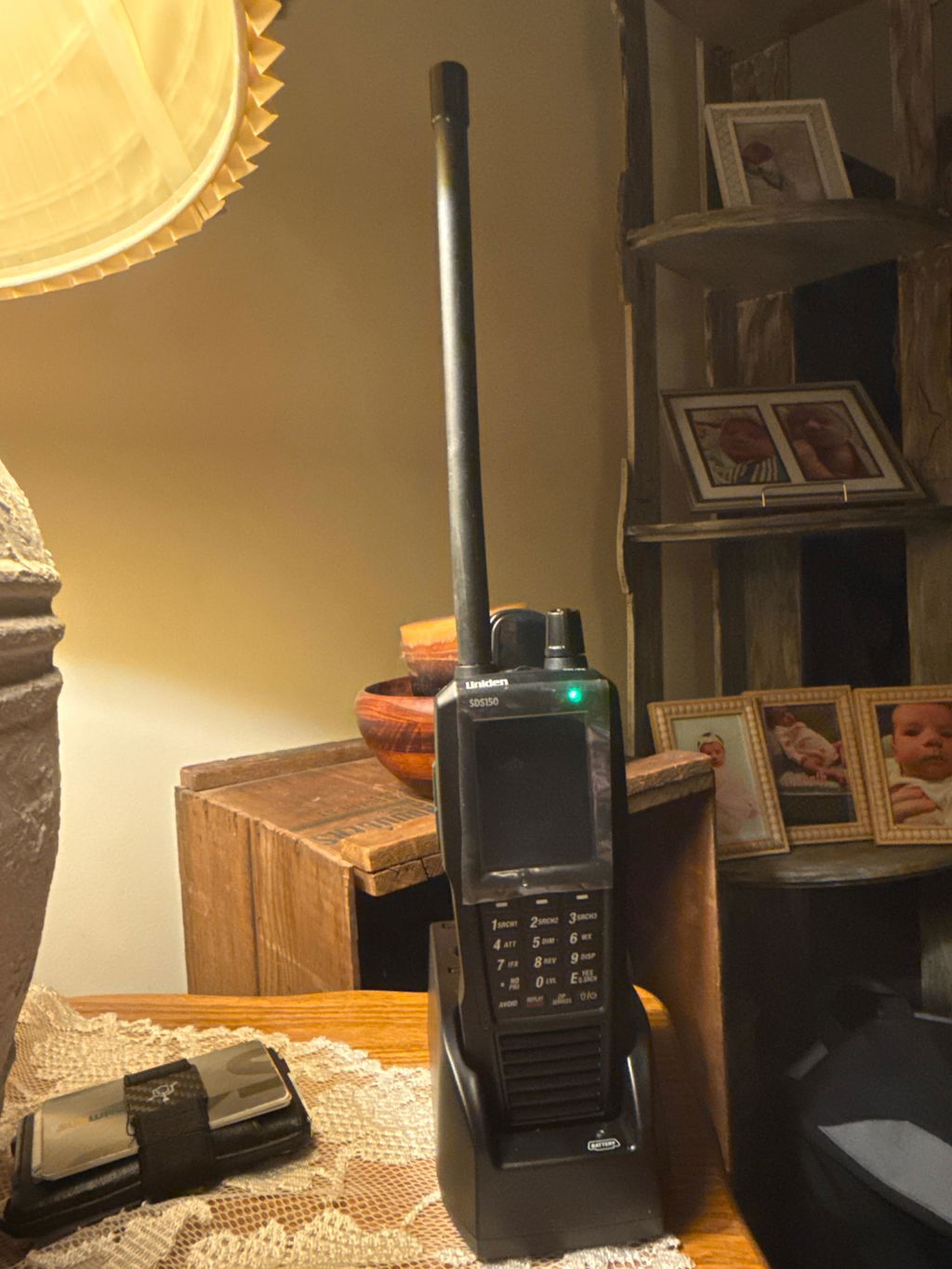
Zipscanners had the SDS 150 in stock so I bought it they got it to me very quickly!! I love it so far!! It’s the best scanner I’ve owned yet!!
F
Frank O.
Happy with Purchase

Easy ordering and fast shipping. Arrived in just a couple of days.

R
Ryan L.
SDS150

Great team and very happy with the performance of the SDS150.

R
Rebecca
5 stars

Scanner performs well and tech support was helpful in me choosing the right scanner for my area.

M
Mark J.
Better then the SDS100

I own both the SDS100 and the SDS150. I have to say that the SDS150 feel and performs better. I have yet to try the GPS function but the scanner just feel better in your hands. Definitely worth the extra $$$.

Reviews in Other Languages

Recently viewed