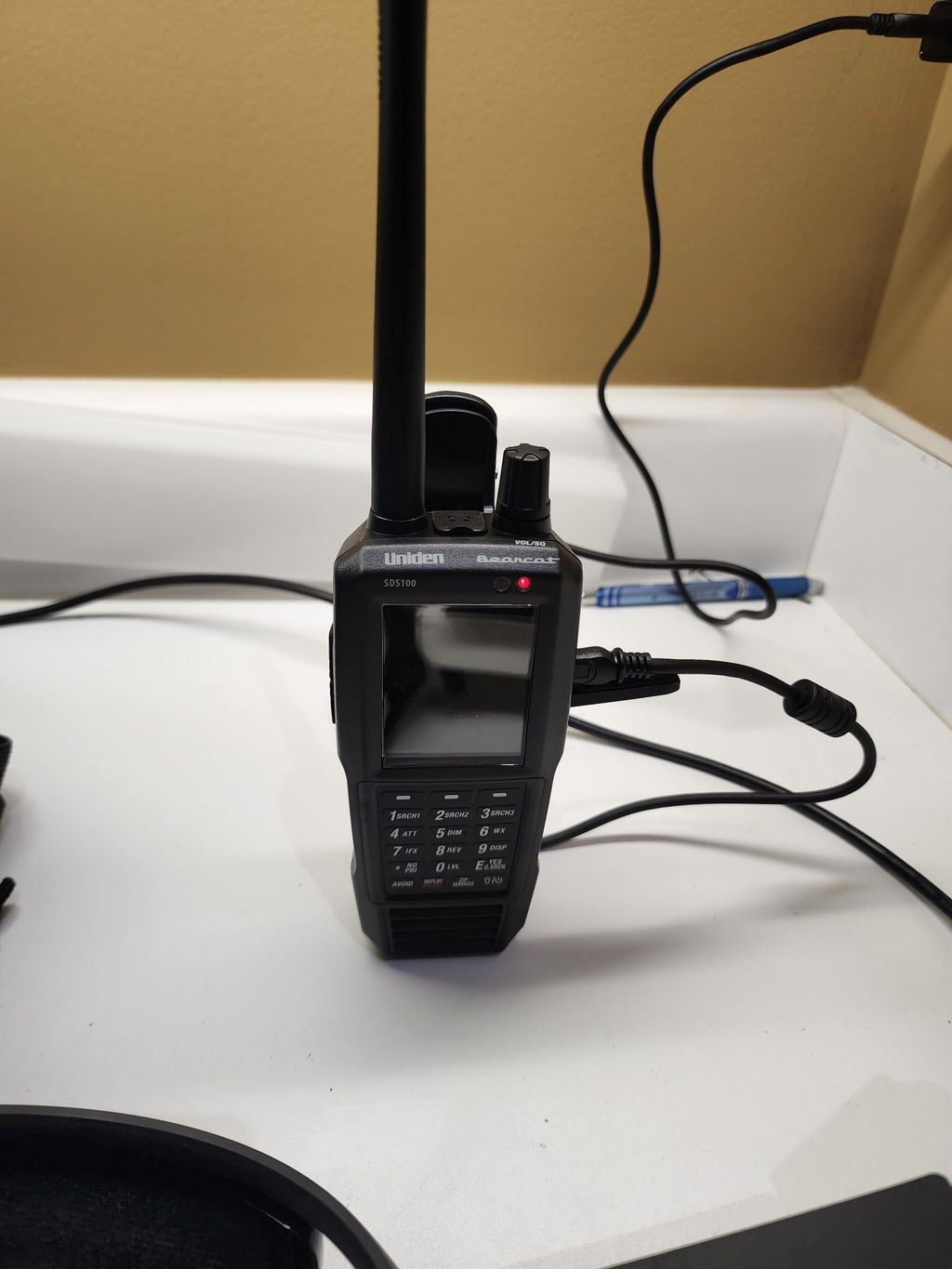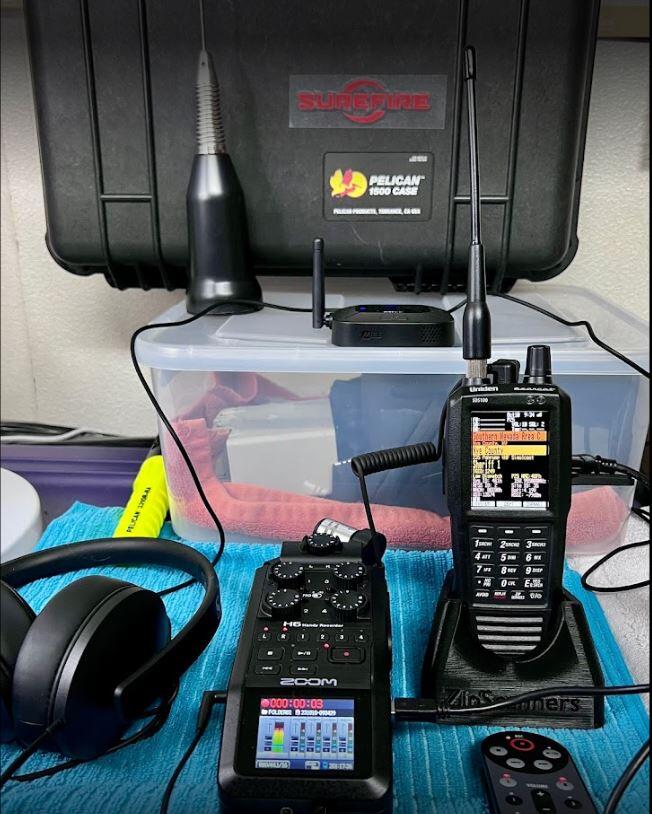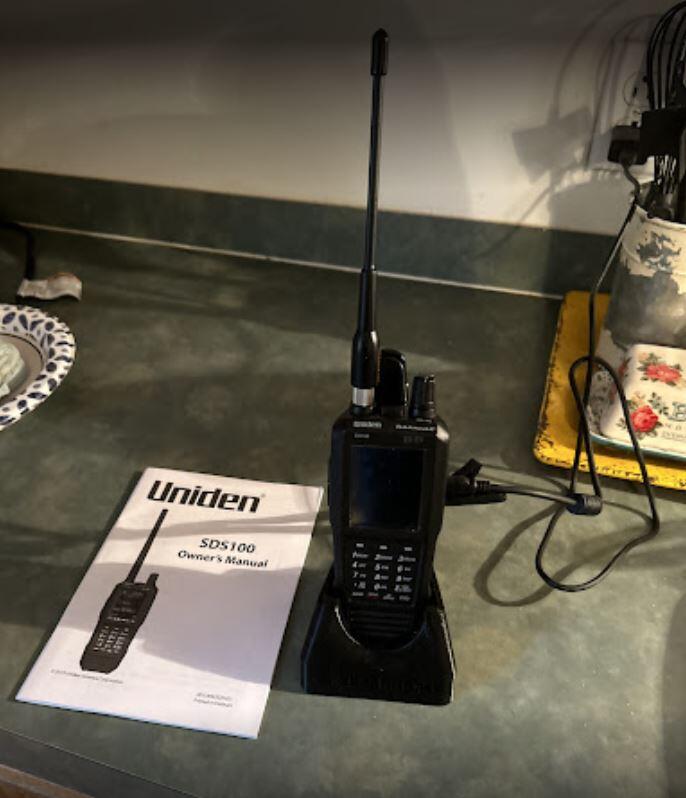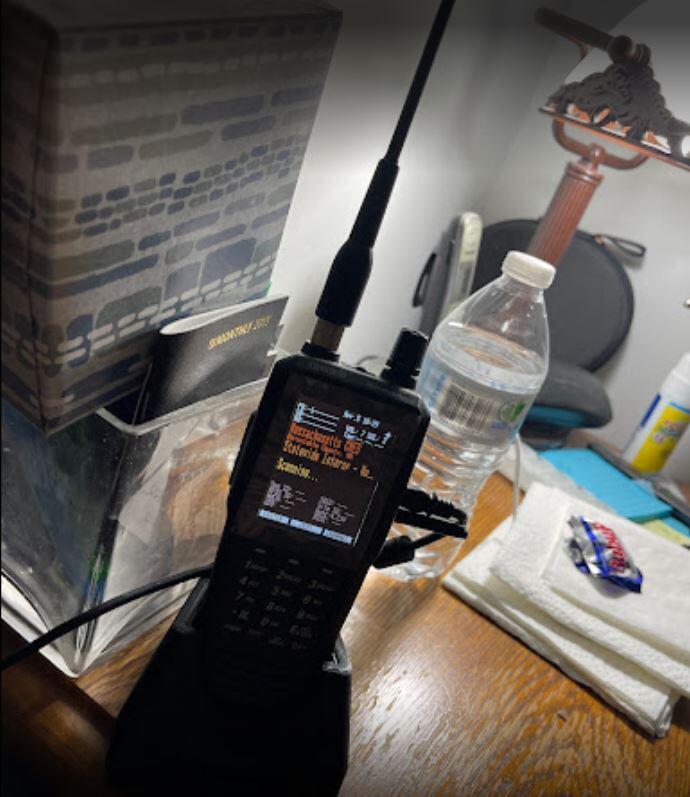










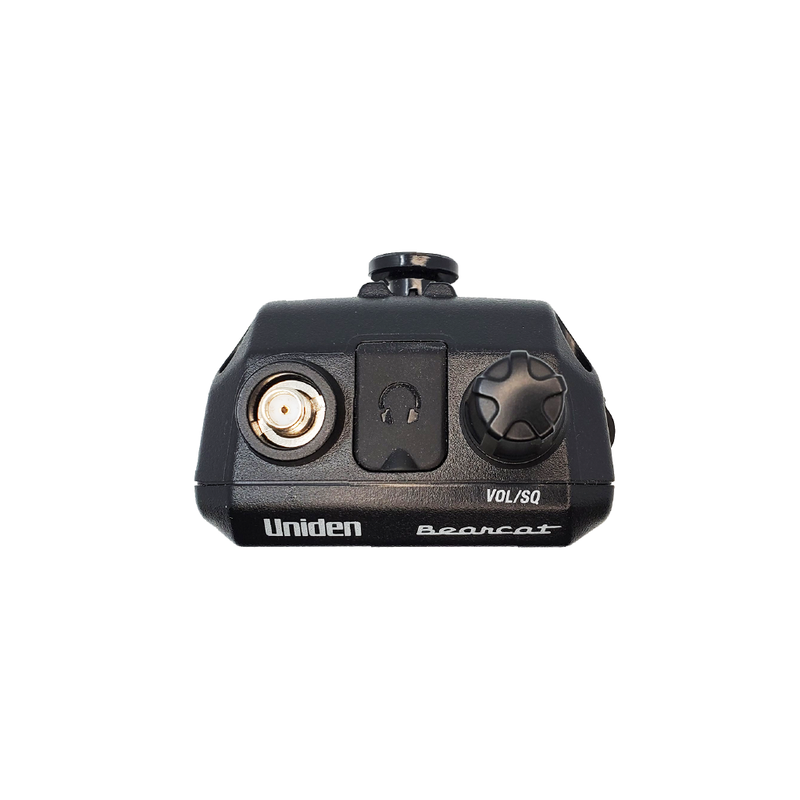

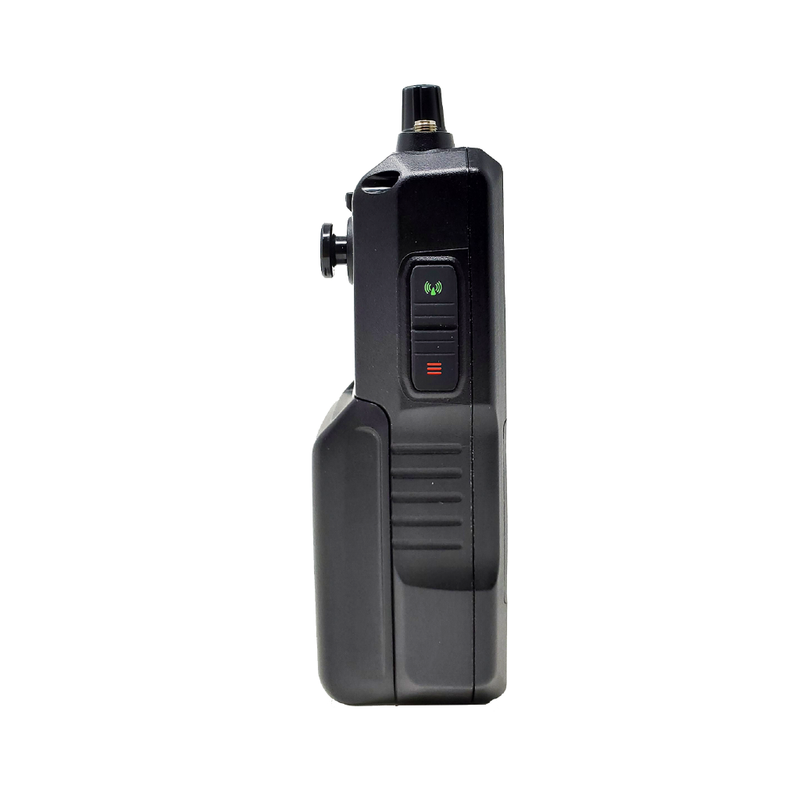

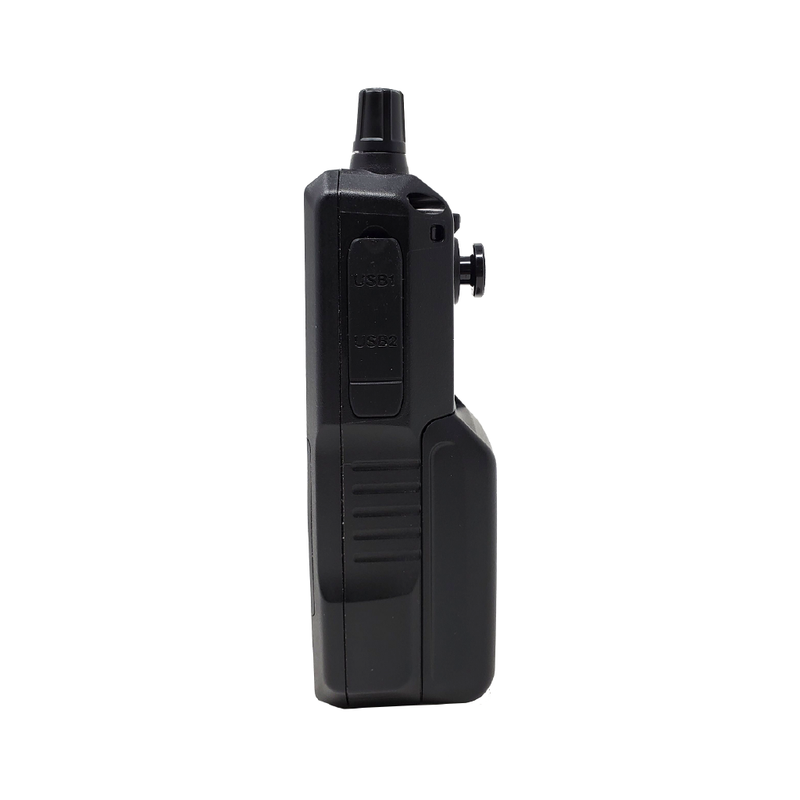

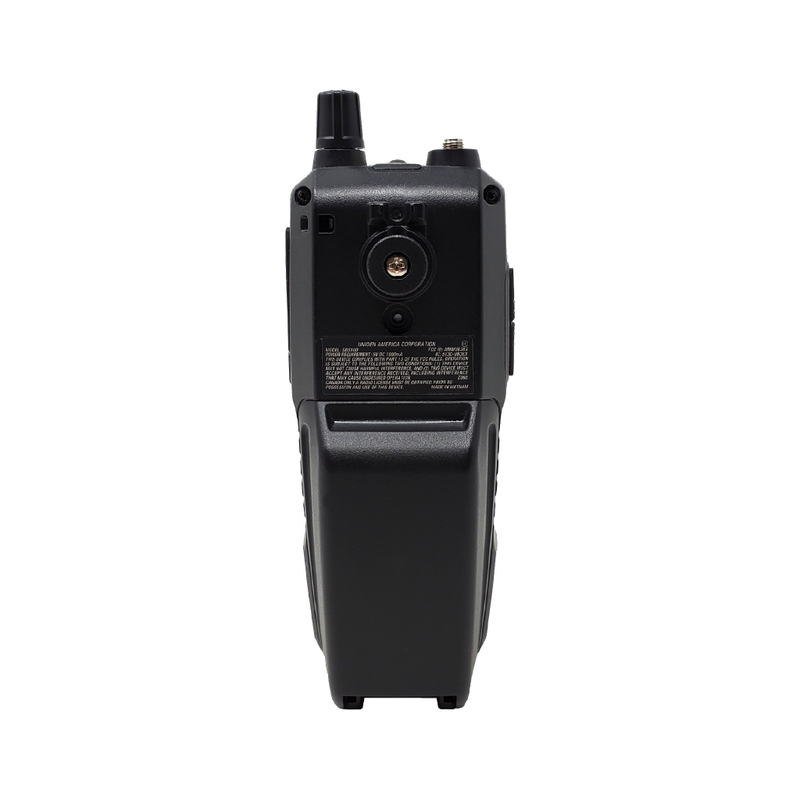

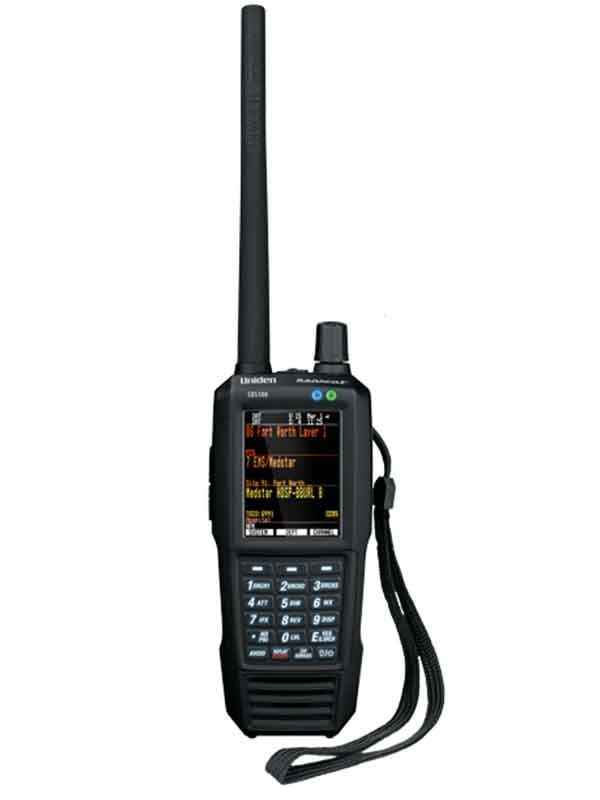

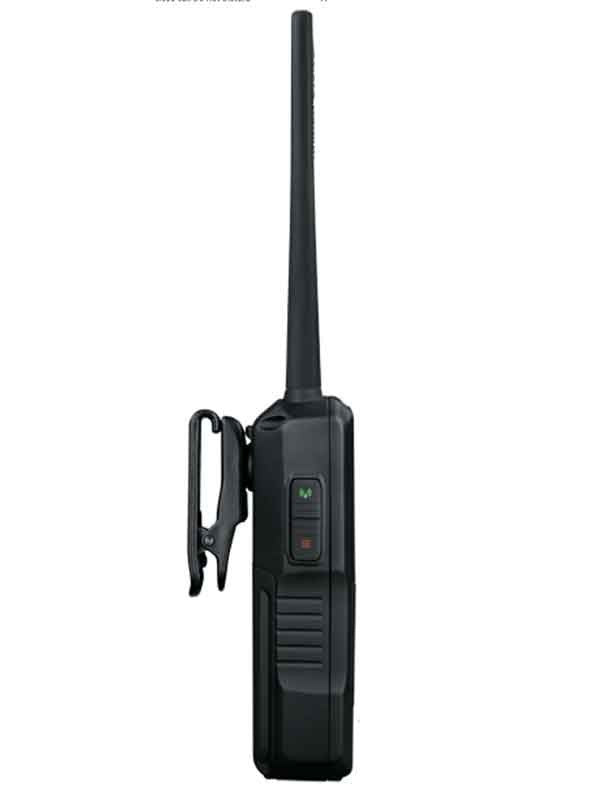

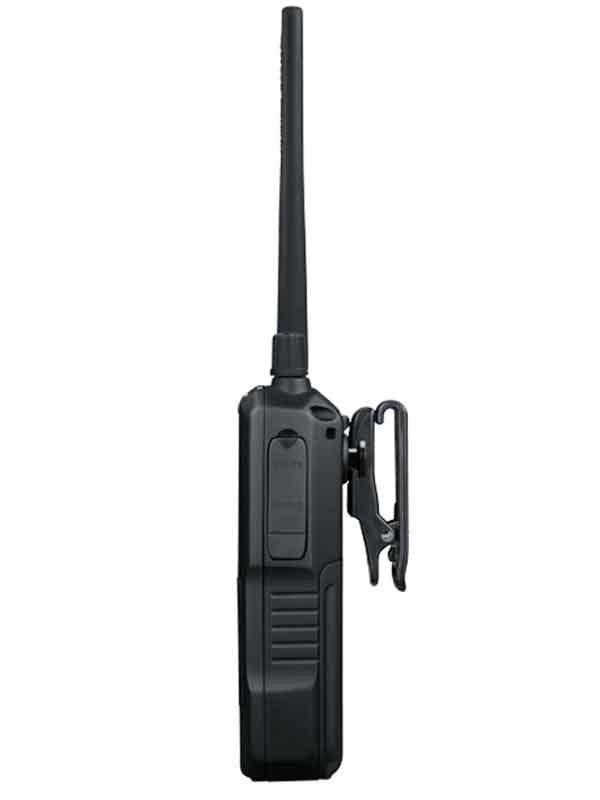

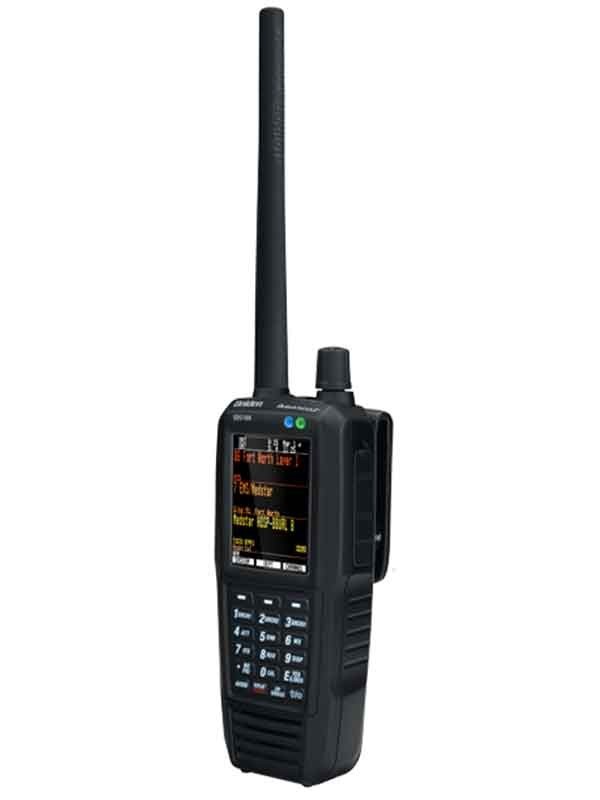

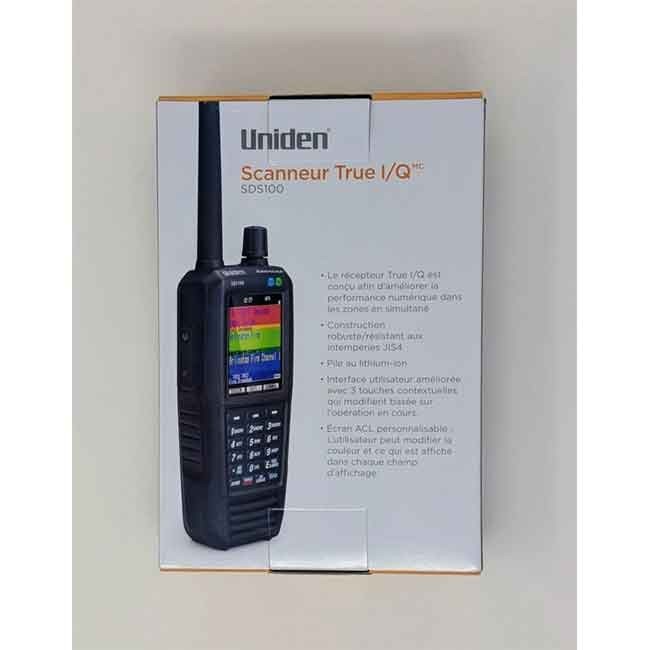

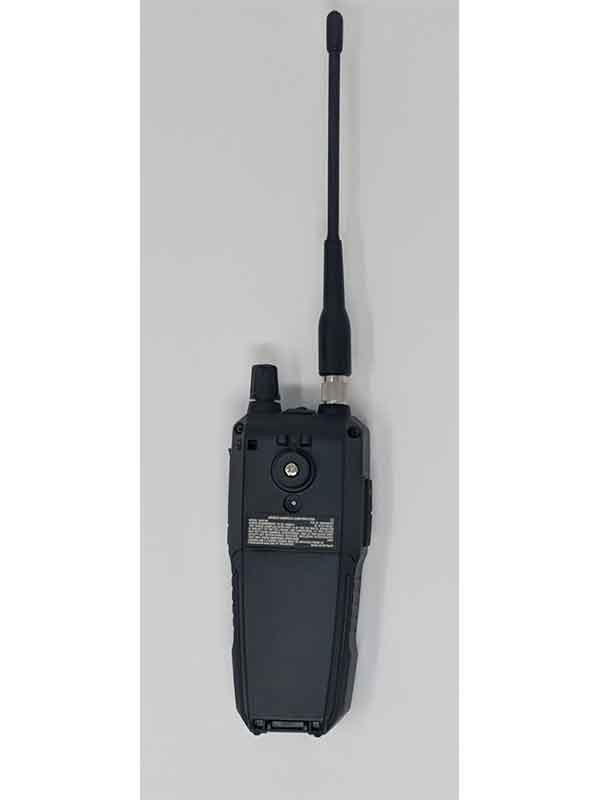

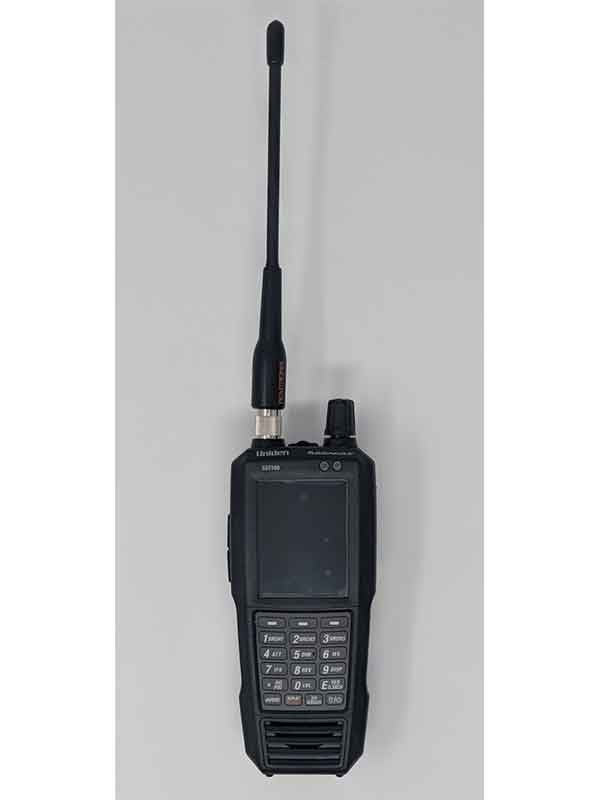

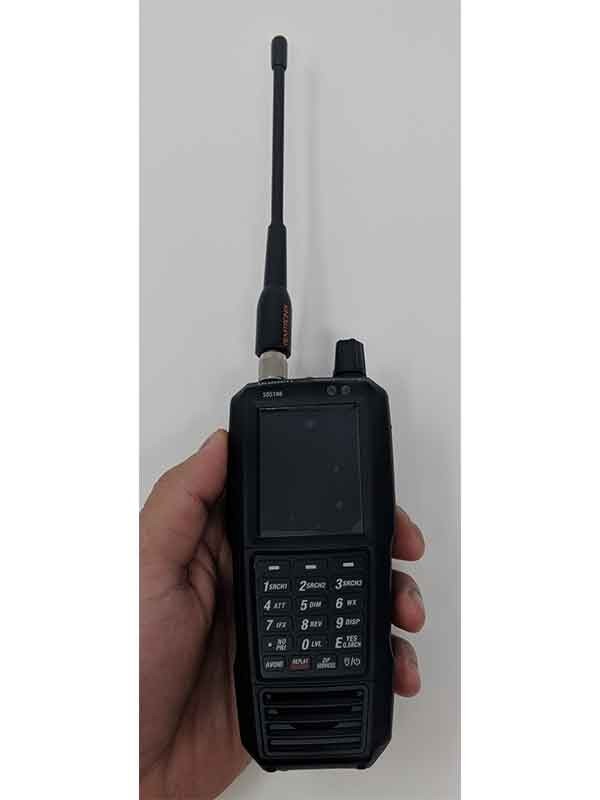





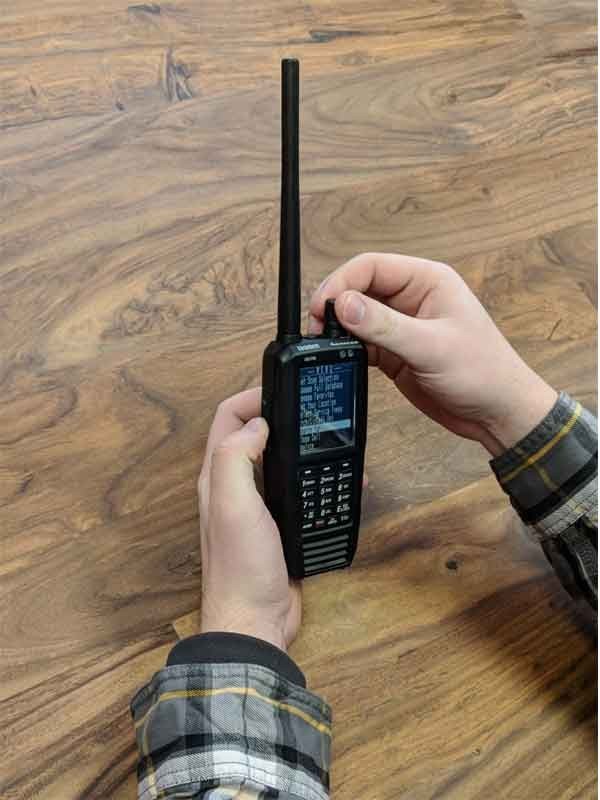

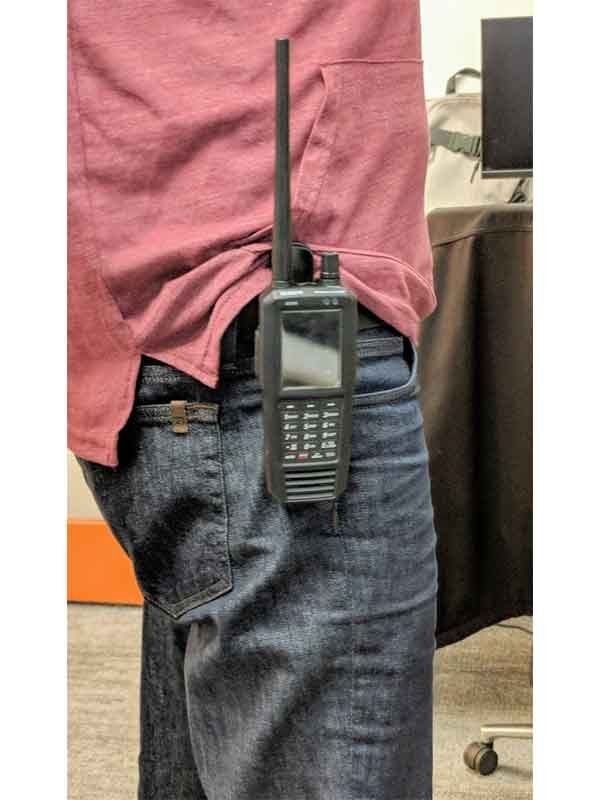

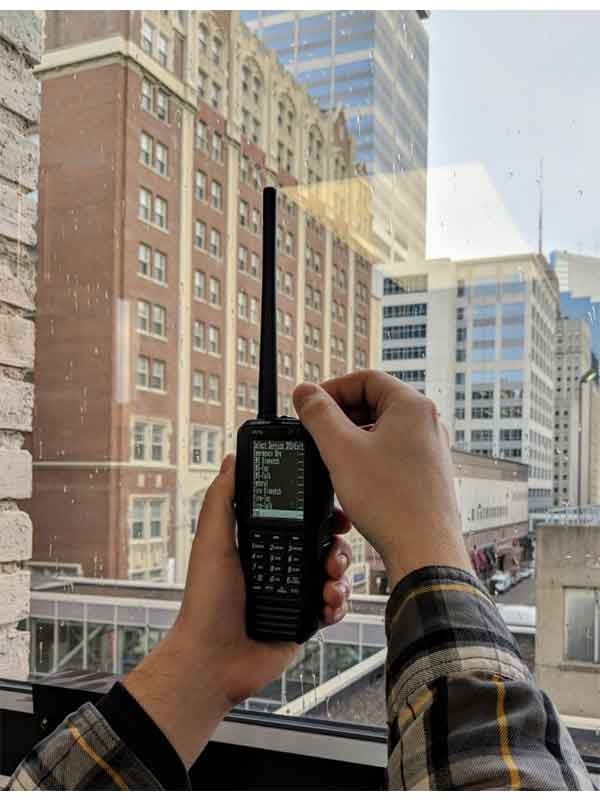

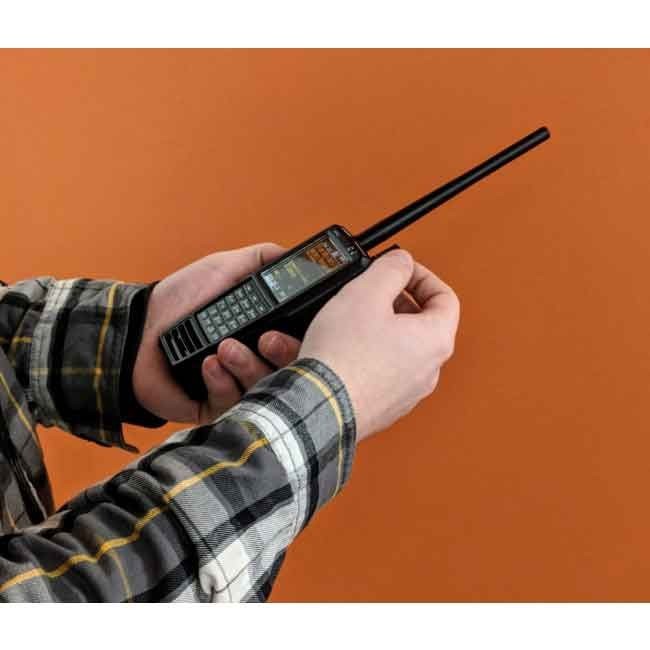

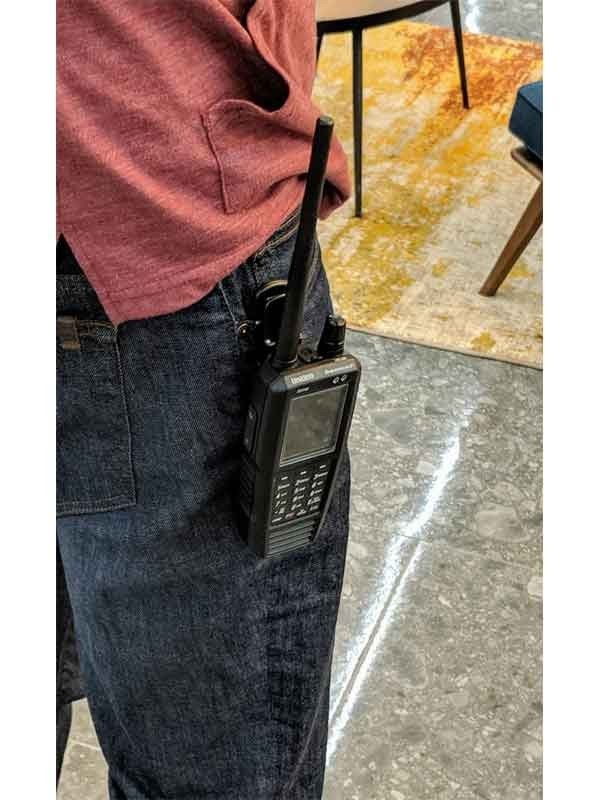














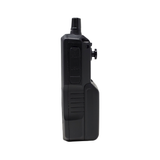
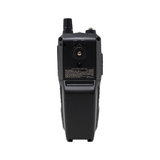
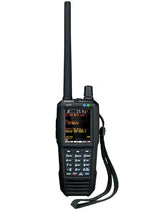
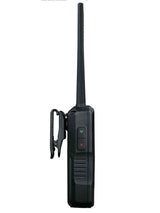
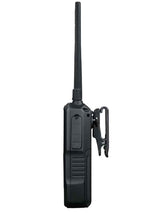
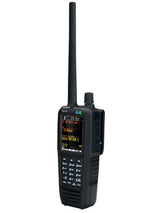
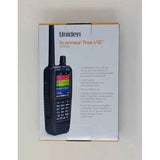
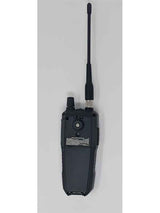
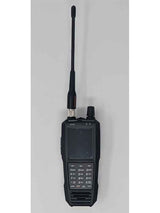
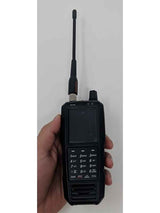
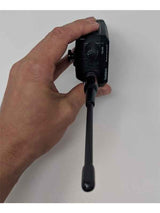
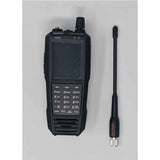
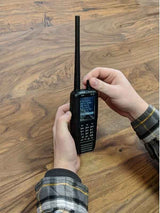
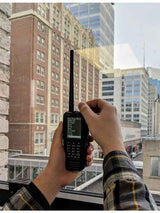
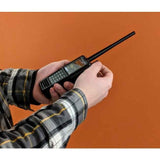


SDS100 Uniden Police Scanner
2026's #2 handheld scanner, behind the SDS150. Premium digital reception with True I/Q technology for challenging simulcast systems.
Overview & Features
Want excellent reception without paying for every bell and whistle?
The Uniden SDS100 digital police scanner has been one of our favorites for years. And there's a reason people keep buying it.
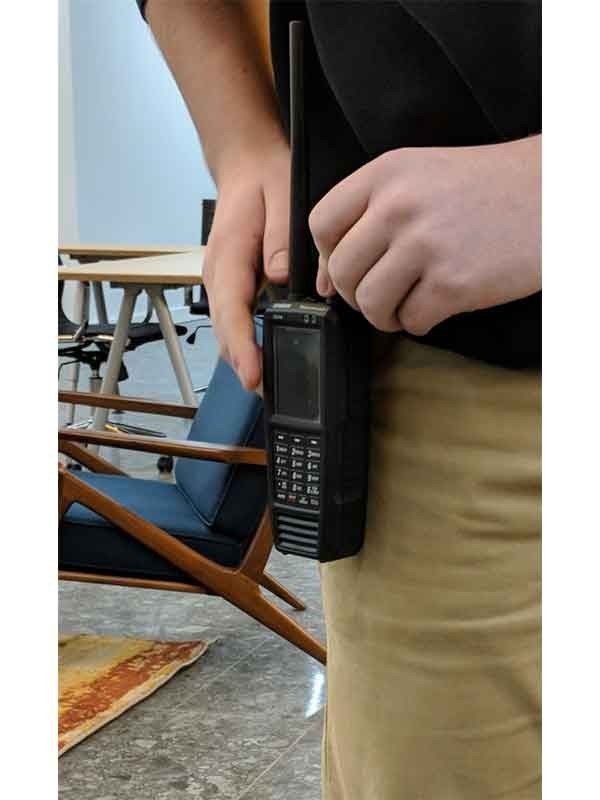
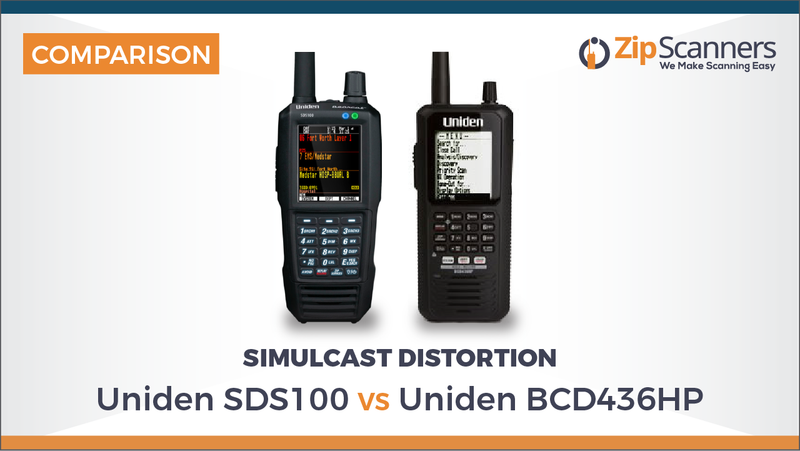
It's a serious handheld scanner built for modern digital radio systems, especially simulcast systems that can make cheaper scanners sound like somebody talking through a blender.
The newer SDS150 has some nice upgrades. But if your priority is excellent digital reception rather than every modern convenience, the SDS100 is still a terrific choice.
Why the SDS100?
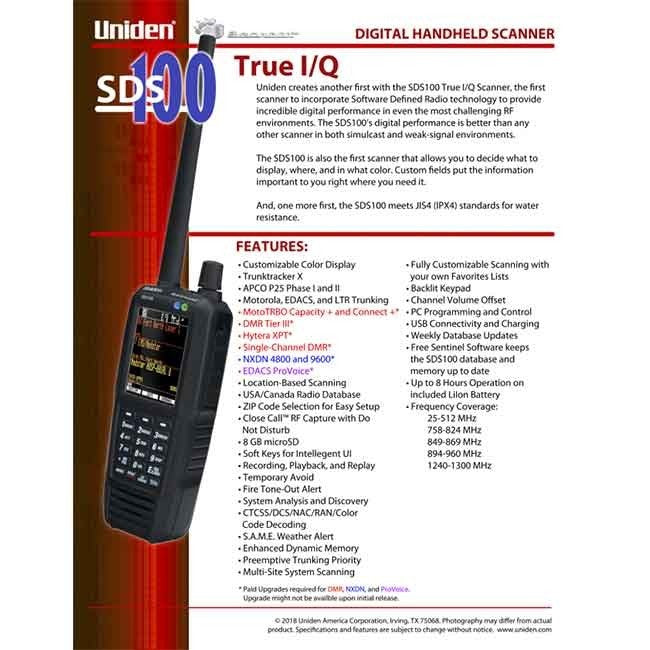
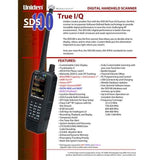
- Excellent simulcast reception. Uniden's True I/Q technology helps decode complicated digital radio systems that give many traditional scanners trouble.
- Premium digital scanning. Monitor compatible police, fire, EMS, weather and other radio communications, including standard digital P25 systems.
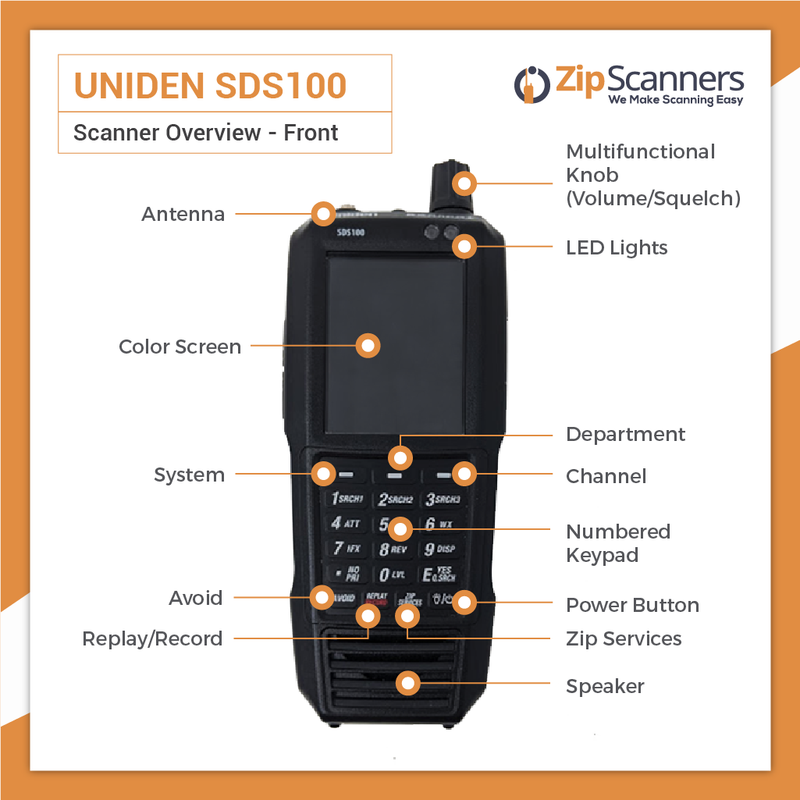
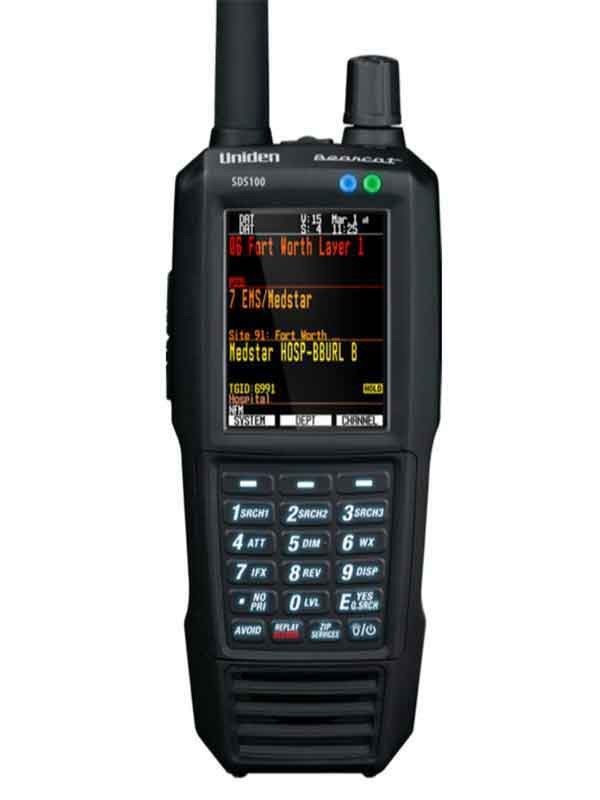
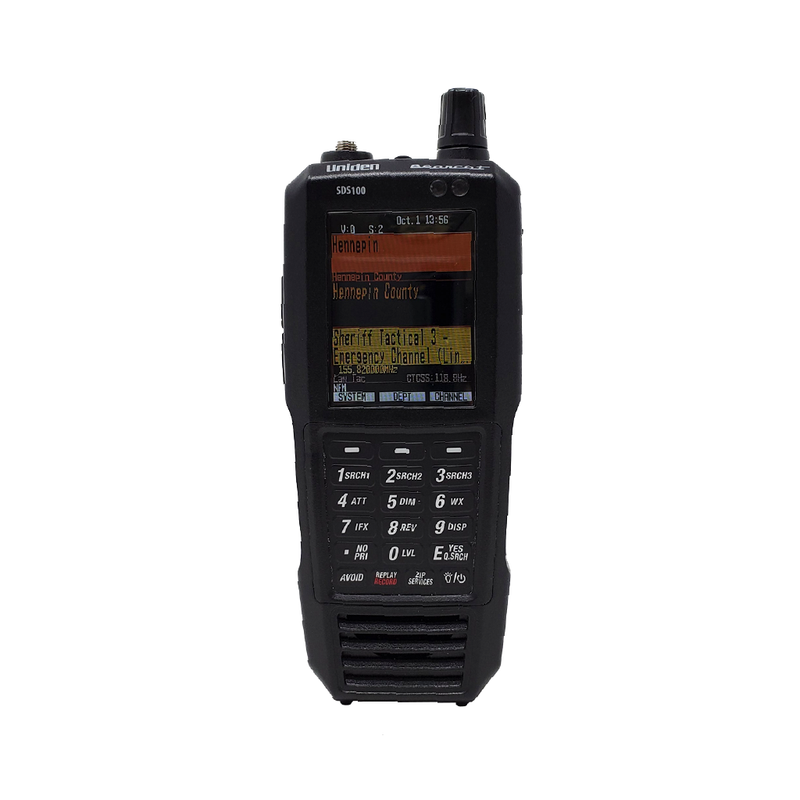
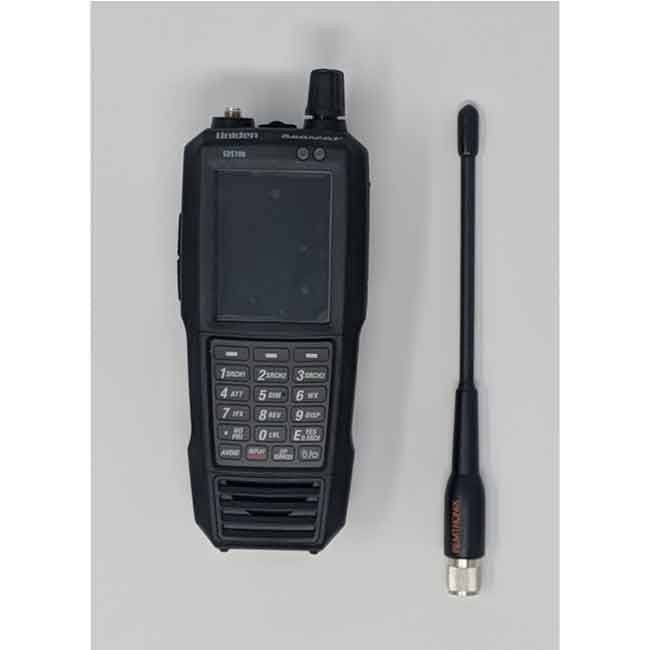
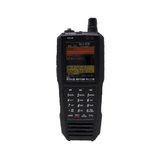
- Customizable color display. Make the screen show information that matters instead of squinting at a sea of abbreviations.
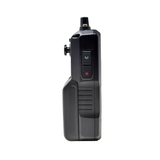
- Built for everyday use. A rechargeable battery, recording features, backlit controls and a rugged, splash-resistant design.
- A proven platform. Years of software updates, tutorials and owner discussions. You're not figuring this thing out alone.
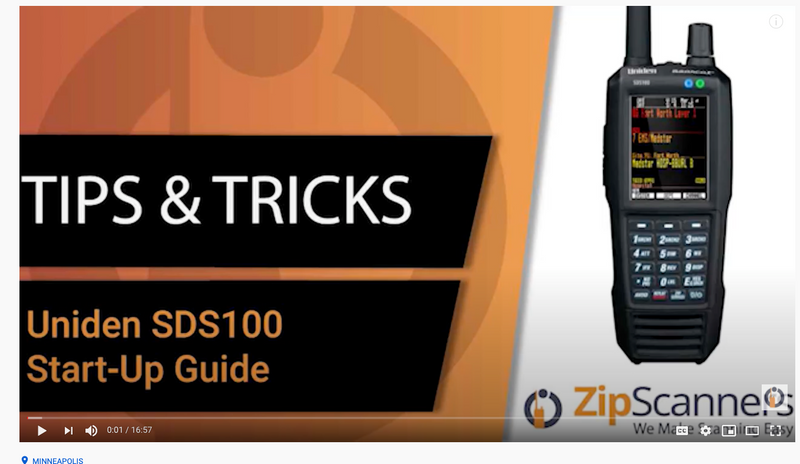
See the SDS100 in action
SDS100 or SDS150?
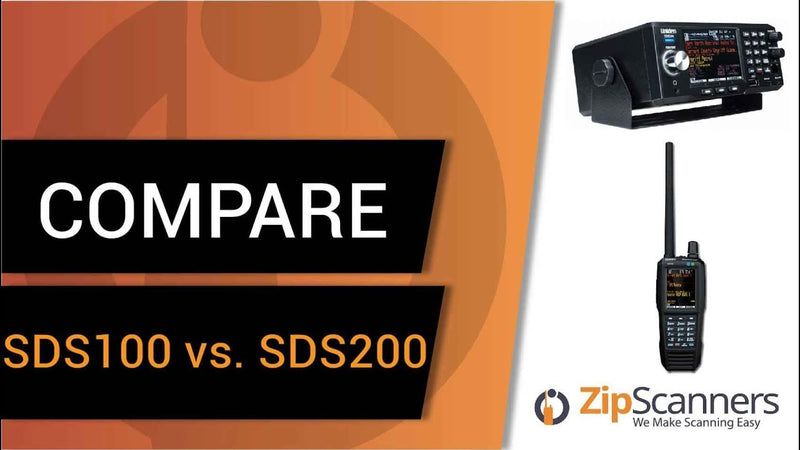
Choose the SDS100 if you want premium digital reception, mostly listen in one area and don't need built-in GPS, USB-C charging or phone-app control.
Choose the SDS150 if those added conveniences matter, especially when traveling or using the scanner every day. Neither can decode encrypted channels.
What's in the Box
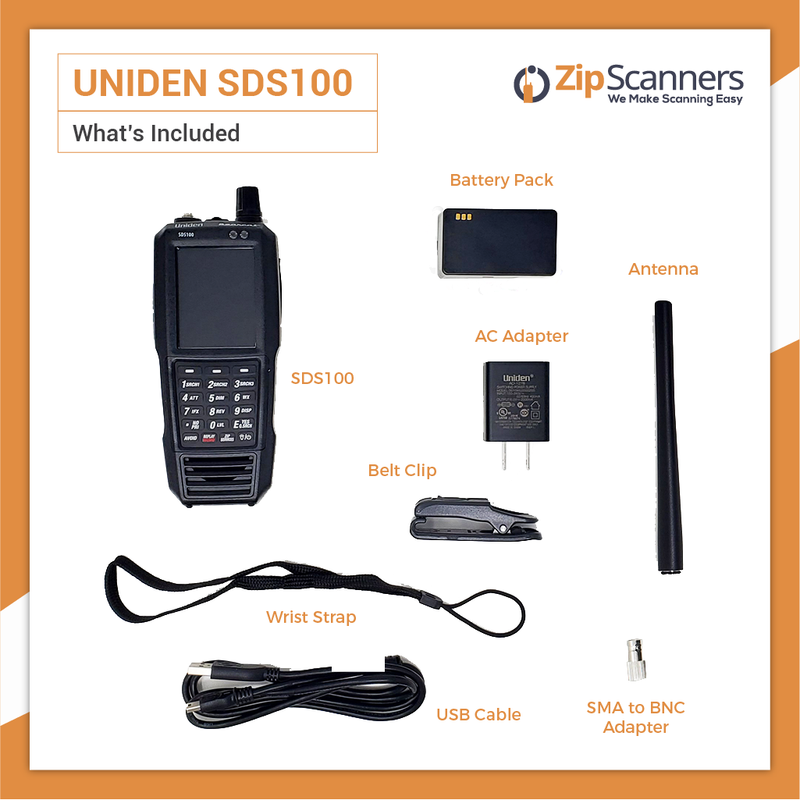
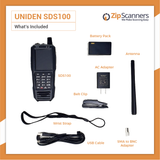
Here's what's included in the Uniden SDS100 box:
- SDS100 digital handheld scanner
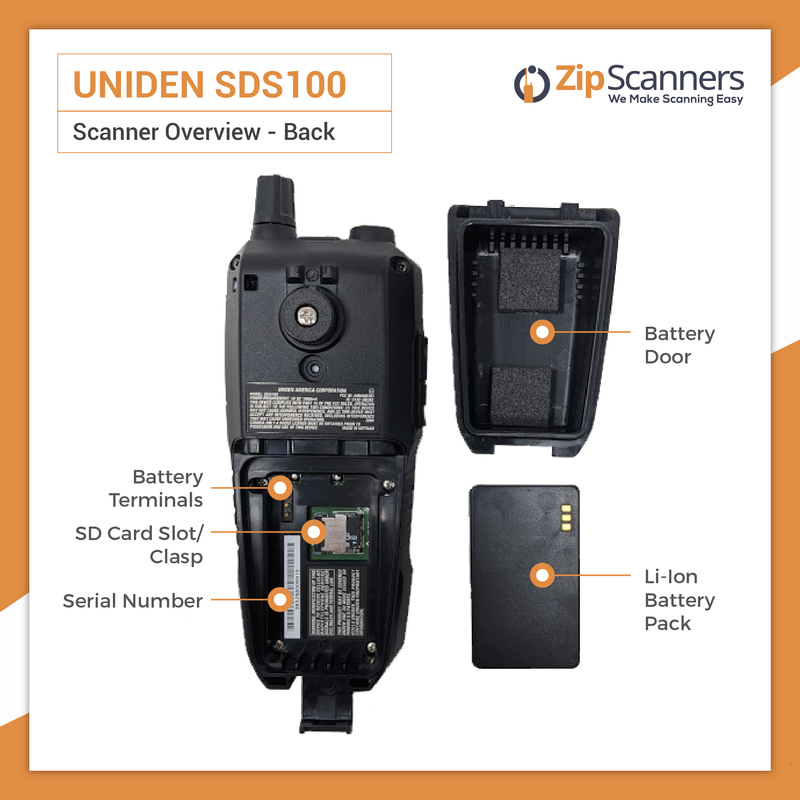
- Rechargeable lithium-ion battery
- AC wall power adapter
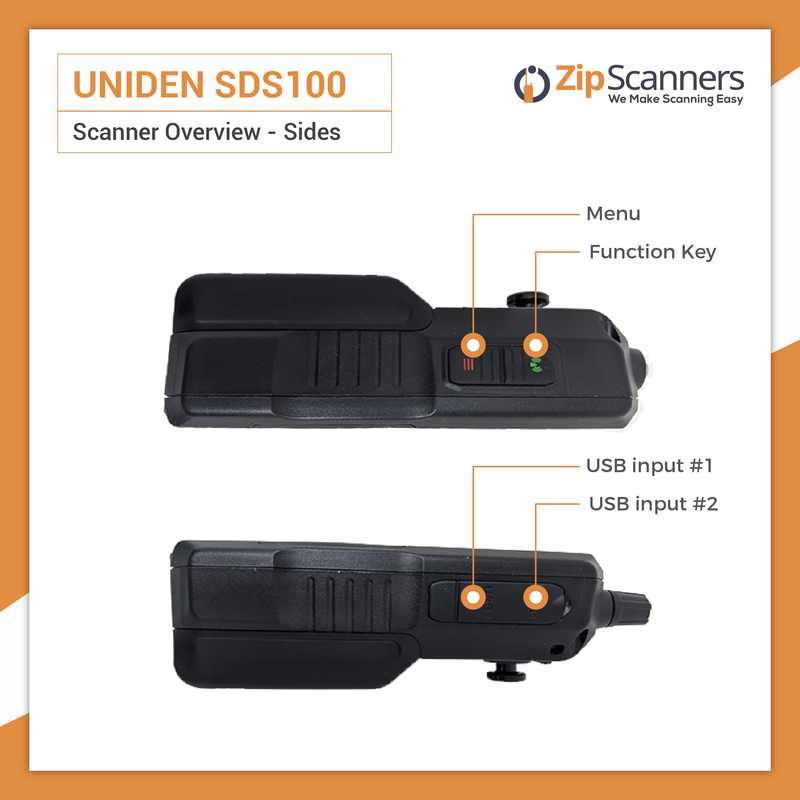
- Mini-USB charging and programming cable
- Pre-installed 8GB microSD card
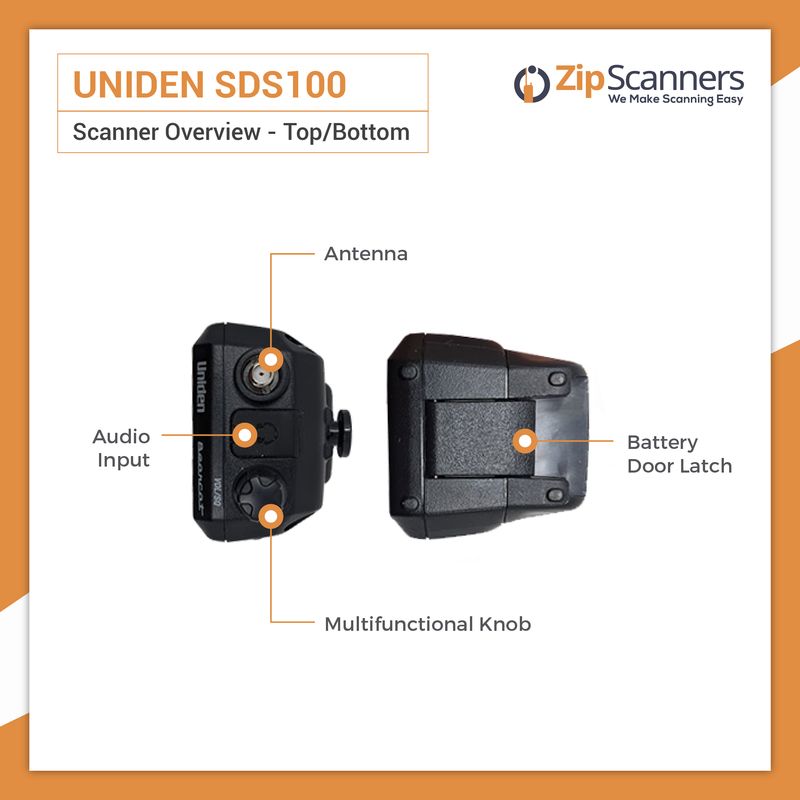
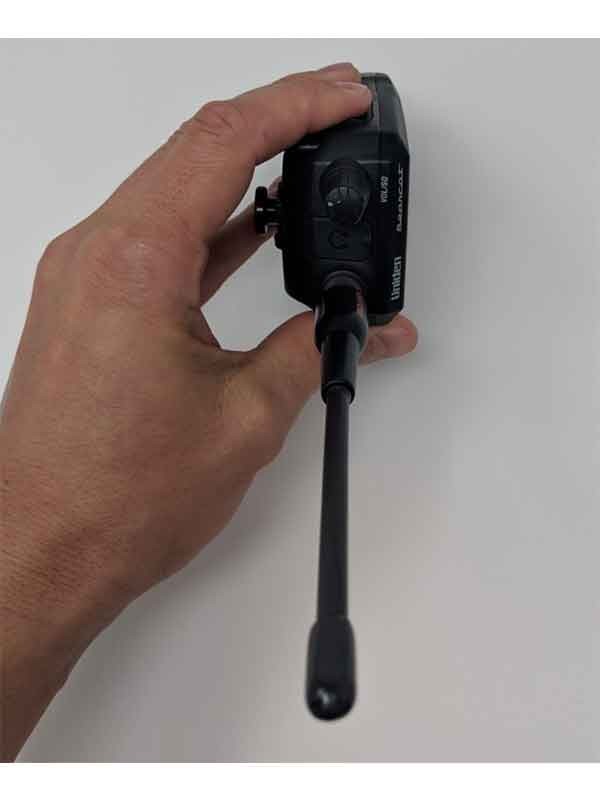
- Stock SMA antenna and SMA-to-BNC antenna adapter
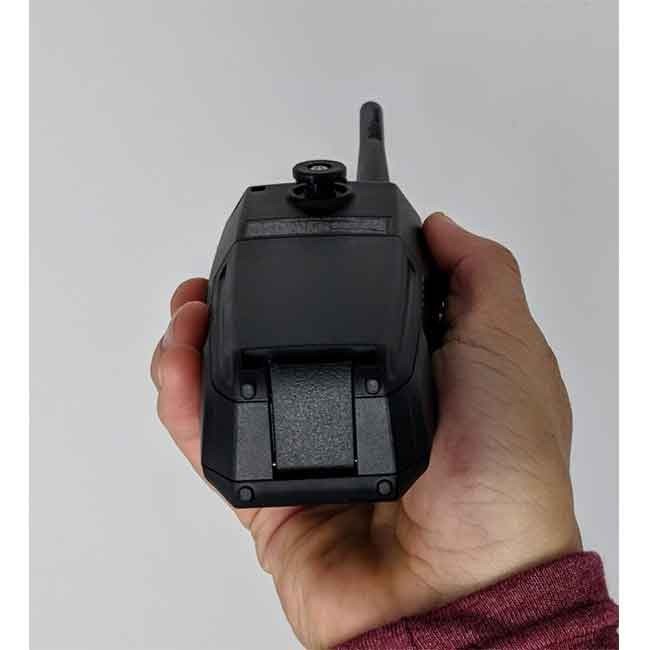
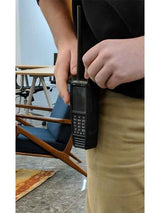
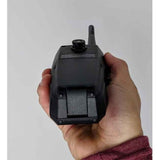
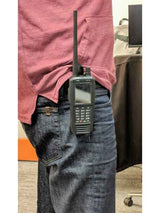
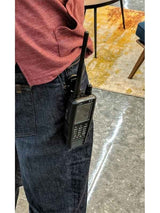
- Belt clip and hand strap
- Printed documentation
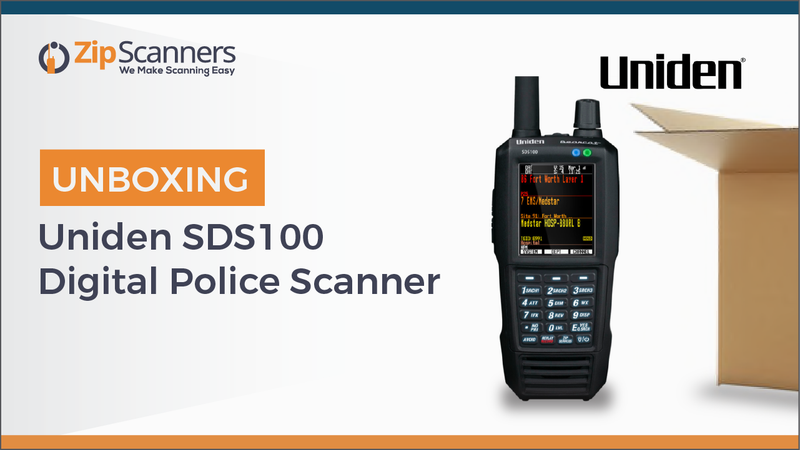
Want to see everything? Watch our SDS100 unboxing video. See the radio and accessories before the box arrives.
Need a spare battery?
Here's a quirky SDS100 detail: it can run on USB power while switched on, but the battery only charges when the scanner is turned off. Many owners keep a second battery charged so they can swap it in rather than interrupt their listening.
Add a spare above with the product options, or see the SDS100 replacement battery and battery + external charger kit.
Try the software before you buy
Uniden Sentinel is free Windows software for programming, Favorites Lists and database updates.
Download Sentinel for free and take it for a test drive. You'll quickly learn whether configuring this radio is your kind of Saturday project.
Common Questions
Will the SDS100 work in my area?
That depends on the radio systems nearby, the agencies you want to hear and whether their transmissions are encrypted. The SDS100 handles many modern digital systems, including difficult simulcast networks, but no expensive radio can hear everything.
Let our scanner experts check your area before you buy.
Can it hear encrypted police channels?
Nope. No consumer police scanner can decode fully encrypted radio traffic. It can still monitor compatible police, fire, EMS and other channels broadcasting in the clear. Learn how police radio encryption works.
Do I need additional software upgrades?
Maybe. Standard digital reception is already included. Some specialized systems require paid DMR, NXDN or ProVoice upgrades. The SDS100 also offers an optional Waterfall feature that displays nearby radio activity.
View the Uniden software upgrades or SDS100 Waterfall upgrade. We can help determine what your area actually needs before you spend extra.
Can't I just enter my ZIP code and start listening?
Technically, yes. But there's a catch.
ZIP code scanning searches a huge database. You might hear police and fire, public works, utilities, campus security and departments three towns over.
It's a little like having the whole phone book dumped in your lap when all you wanted was the local police department.
Expert Programming is different. Tell us what you want to hear. Our scanner experts organize relevant, compatible channels into Favorites Lists so you can spend more time listening.
Can I program the SDS100 myself?
Yes, but plan on a Windows PC, Uniden Sentinel, accurate local radio-system information and some patience. New owners can spend several hours dealing with frequencies, sites, talkgroups, departments and Favorites Lists.
About 95% of scanner orders include programming, based on our established site messaging. Download Sentinel and try it first, or let our experts program your scanner.
Can I improve SDS100 reception with a different antenna?
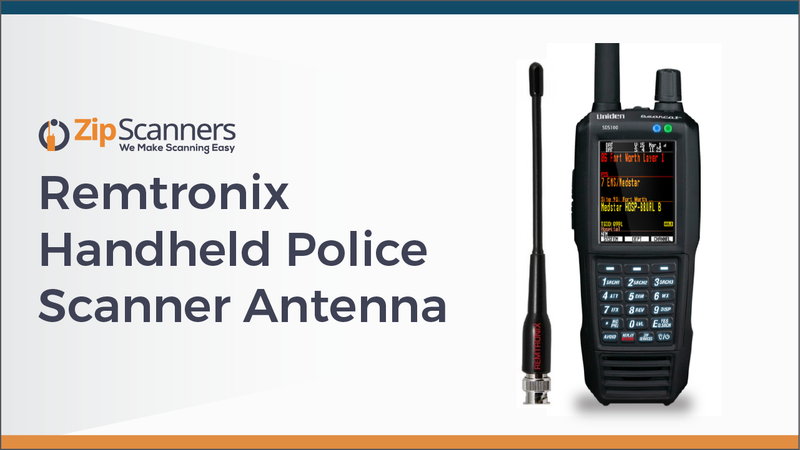
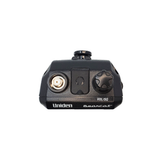
Often, yes. The stock antenna is designed around the SDS100's weather-resistant connection, but it's not always ideal for weak signals, particularly in the 700/800 MHz bands.
The Remtronix 920S is one of our most popular SDS100 upgrades. Reception improvements depend on local frequencies and conditions, and changing the antenna can compromise the factory weather-resistant seal.
See the Remtronix 920S antenna, or add an antenna using the product options above.
Does the SDS100 have GPS built in?
No. It supports location-based scanning by ZIP code or via an external GPS receiver for automatic location updates while traveling. See the Uniden external GPS accessory. Built-in GPS is one of the reasons to consider the SDS150.
Is the SDS100 waterproof?
Not quite. Its JIS4/IPX4 water-resistant design can handle splashes with the protective covers and stock antenna properly fitted. It's not made for swimming, and swapping the stock antenna can affect that protection.
Setup, Guides & Resources
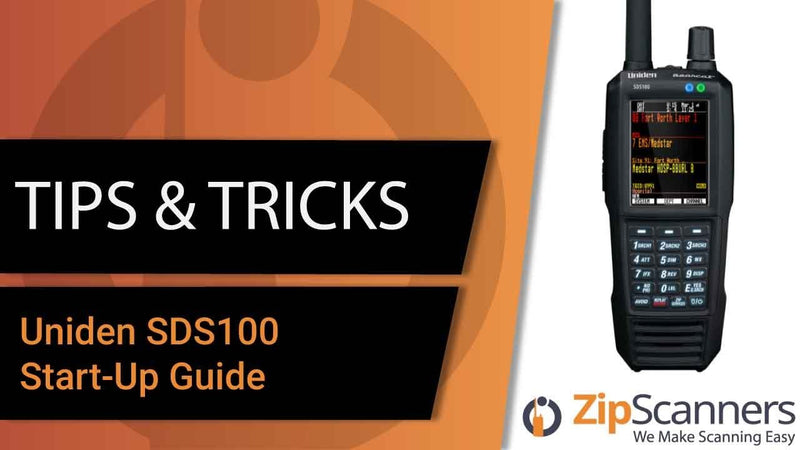
Programming the Uniden SDS100
The SDS100 is a powerful digital police scanner. Getting it configured to hear the exact agencies you care about? That's a different challenge.
Option 1: Let our scanner experts handle it
This is what we recommend. Tell us your city, county, state or province and the police, fire, EMS or other agencies you want to monitor.
Our scanner experts research the available radio systems and organize compatible channels into Favorites Lists before shipping.
We do this all day. You don't have to.
Add Expert Programming. Already bought your SDS100 somewhere else? We can help with programming that too.
No programming service can bypass encrypted channels or guarantee reception where radio signals are unavailable.
Option 2: Program it yourself
You'll need a Windows PC, accurate local system details, Sentinel software and time to understand how frequencies, sites, talkgroups and Favorites Lists fit together. For new users, several hours of trial and error isn't unusual.
Our advice? Download Sentinel free before you buy. If you love the software, great. If you'd rather spend Saturday listening instead of arguing with it, that's why we're here.
Official Uniden resources
Manufacturer manuals, software and firmware. Start here for current technical details.
Zip Scanners guides & tutorials
Helpful walkthroughs without the engineering degree.
Watch & learn
Sometimes watching someone do it beats reading another 20 pages of instructions.
Mark's Scanners: Bookmark this one
This website looks like it was last updated when people were still renting DVDs at Blockbuster. The information, however, is exceptional. We recommend it all the time.
RadioReference: The SDS100 knowledge base
There is a good chance somebody has already solved your problem, then spent another three days arguing about the answer.
Owner information & troubleshooting
Frequencies & local systems
Reddit: What owners actually think
What people say after living with an SDS100, not just unboxing one.
Facebook & scanner communities
Advanced software
Still comparing scanners?
Not sure which police scanner you need?
Tell us what you want to hear. Our experts will help you find the right scanner for your area.