

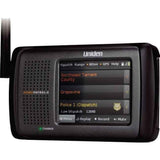


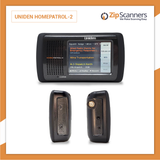

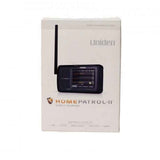
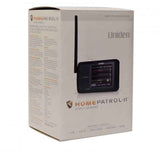
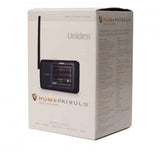
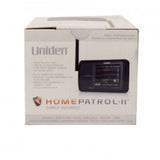
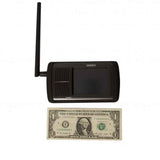
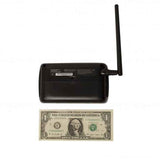
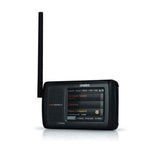
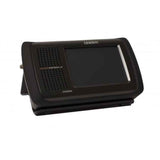
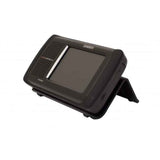
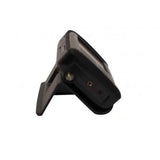
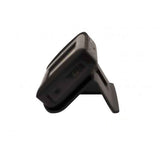
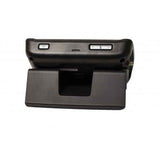
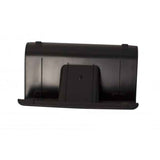
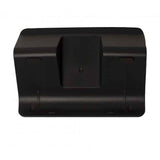
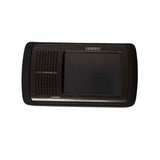
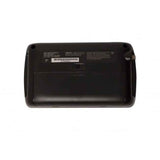
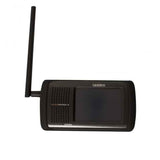
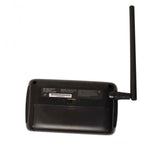




HomePatrol 2 Uniden Police Scanner
Easy-to-use digital scanner with a color touchscreen & ZIP code-based scanning. Great for home or vehicle use.
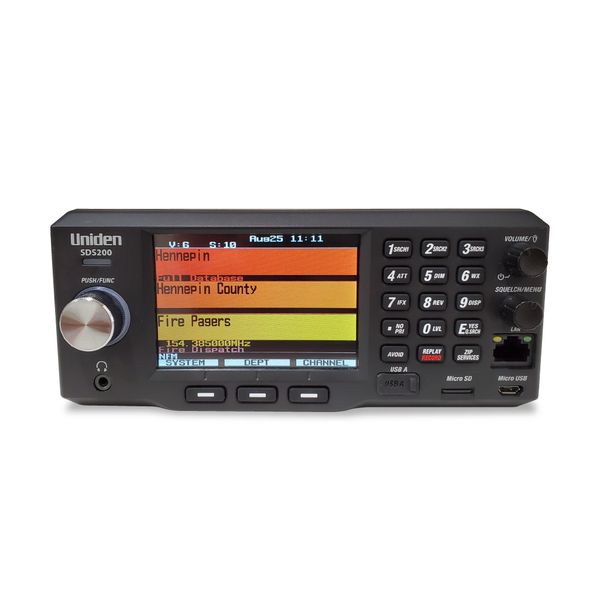
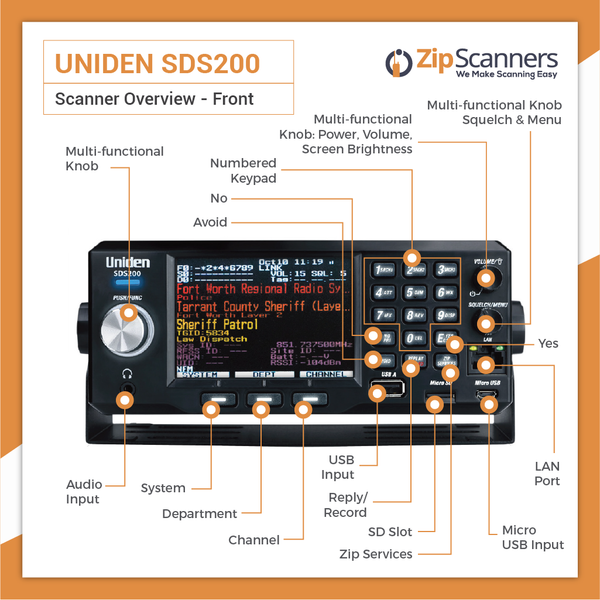
Upgrade: For better simulcast reception, see the SDS200.
Overview & Features
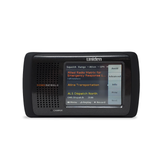
More touchscreen. Fewer buttons. Meet the Uniden HomePatrol-2.
Ever look at a police scanner and wonder why it has more buttons than your old VCR remote?
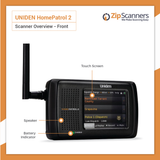
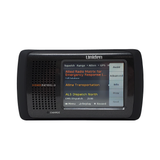
The Uniden HomePatrol-2 digital police scanner takes a different approach. Instead of making you memorize a maze of buttons, it puts a color touchscreen in front of you.
Enter your ZIP code, choose the types of radio traffic you want to hear, and start scanning compatible nearby systems. It's designed for home listening, trips and vehicle use, with a portable design that's also happy on your desk.
The best part? You don't need to be a radio expert to get started.
Why choose the HomePatrol-2?
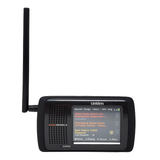
- 3.5-inch color touchscreen. Tap the display instead of memorizing dozens of button combinations.
- ZIP-code scanning. Use the onboard radio database to locate compatible systems near you.
- P25 Phase I and II included. Hear compatible digital public safety systems alongside conventional analog services.
- Choose your listening interests. Select police, fire, EMS, aviation, railroad, NOAA weather and other supported service types.
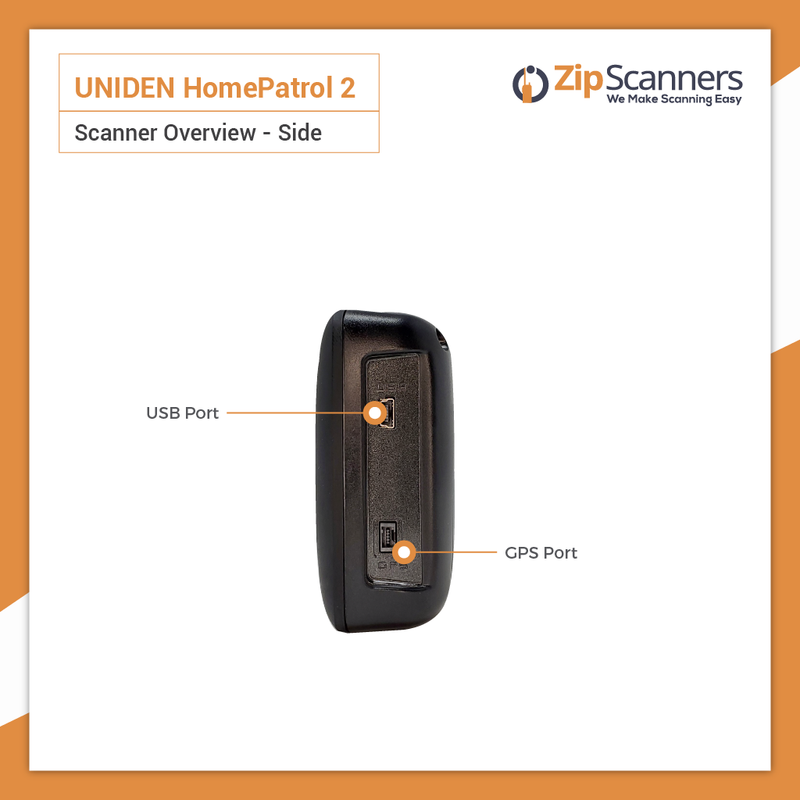
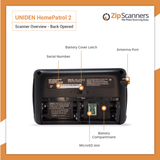
- Home, car or portable use. Put it on the included desktop stand, power it by compatible USB or use four rechargeable AA batteries.
- Recording and Instant Replay. Capture radio traffic and replay what you missed.
- Favorites Lists. Organize favorite departments so you aren't monitoring every frequency in the neighborhood.
- Weather monitoring. Follow compatible NOAA broadcasts and alerts.
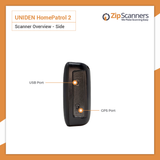
- GPS-capable with an accessory. Add an external GPS receiver for automatic location-based scanning as you travel.
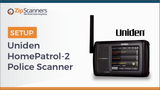
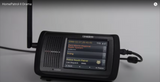
Watch the HomePatrol-2 in action
A touchscreen instead of a science project
Think about the first time you traded a phone with dozens of tiny buttons for a touchscreen. Suddenly a lot of things got easier.
That's the idea here. Tap the screen to select service types, adjust locations, manage Favorites Lists and control the scanner. You'll still need accurate local radio data, but it's a far more approachable interface than the usual button-heavy scanner.
If you enjoy technical projects, you can dig deeper with Uniden's free HomePatrol Sentinel software. If you don't, our programming team can organize your favorite local agencies for you.
Important: Not every digital radio system is compatible
The HomePatrol-2 supports P25 Phase I and II, but doesn't receive DMR or NXDN. The optional Extreme Upgrade adds analysis tools, not those radio formats.
It also lacks the specialized True I/Q receiver found in Uniden's SDS scanners. If your county uses difficult simulcast networks, our recommendation is the SDS100 or SDS200.
If you need DMR or NXDN instead, ask us about compatible alternatives.
HomePatrol-2, BCD436HP or SDS200?
Choose HomePatrol-2 if easy touchscreen operation and convenient home listening come first.
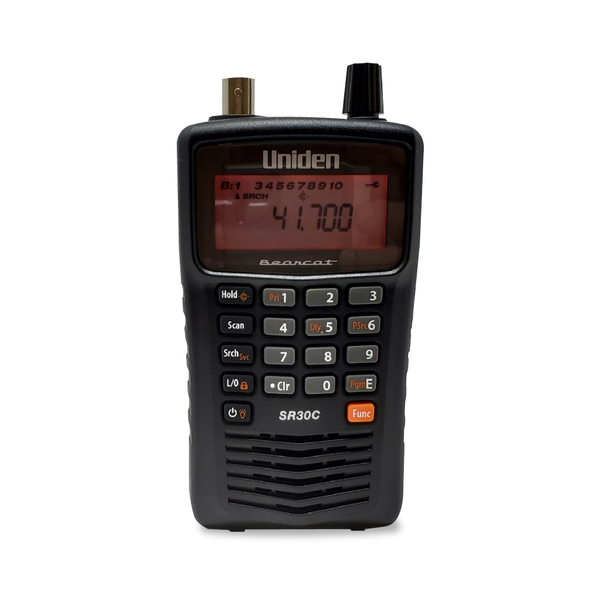
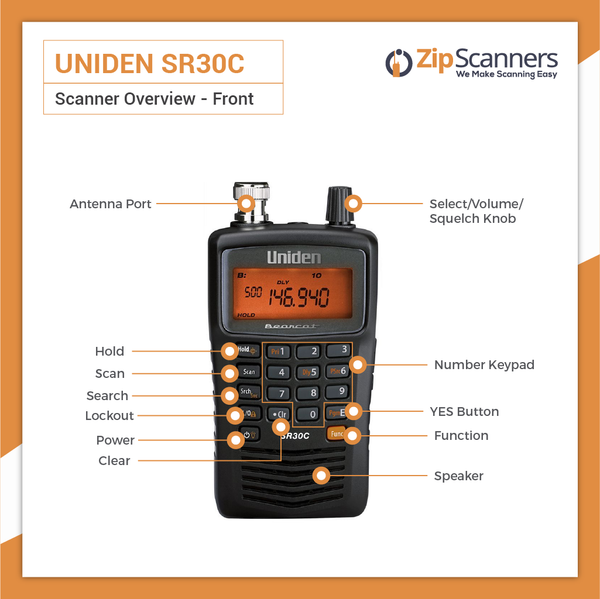
Choose BCD436HP if you prefer a conventional handheld shape and direct controls.
Choose SDS200 for a fixed home/vehicle installation where challenging simulcast is your biggest concern.
There's no point buying features you'll never use. But you also don't want a scanner that can't receive your local departments. Ask our experts to check your area for free before you buy.
What's in the Box
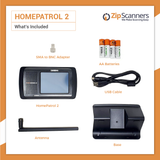
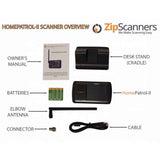
Here's what comes with the Uniden HomePatrol-2:
- HomePatrol-2 digital touchscreen police scanner
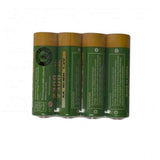
- Four rechargeable AA NiMH batteries
- Stock SMA rubber antenna
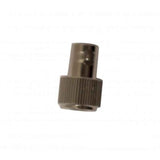
- SMA-to-BNC antenna adapter
- Pre-installed microSD card with scanner database
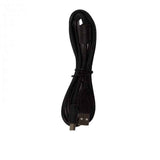
- Mini-USB-to-USB cable
- Desktop stand
- Quick-start documentation
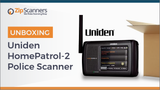
Watch our HomePatrol-2 unboxing video to see the equipment before it arrives.
Four rechargeable AA batteries are included
That means you can move your scanner around the house or listen away from an outlet. For longer sessions, we recommend a spare set of four rechargeable AA batteries and a dedicated 4-bay AA charger.
Having one charged set ready is easier than discovering your batteries are dead when something interesting is happening.
Important: No separate USB wall adapter in the box
You get a USB cable, but not the wall power adapter. For regular home listening, add a compatible AC wall charger rather than relying on batteries alone.
Use a suitable power source and rechargeable NiMH batteries for in-radio charging. Never try to charge disposable alkaline batteries.
Yes, the desktop stand is included
Prop the scanner on your desk or shelf so the touchscreen faces you. Think of it as a compact desktop radio, not a walkie-talkie permanently clipped to your belt.
The stand is just a stand, not a powered charging dock. Connect power to the scanner itself.
Taking the HomePatrol-2 in your vehicle?
A dedicated car mount and vehicle power adapter are not included. If you want automatic location-based scanning as you drive, you'll also need a compatible external GPS receiver.
See the Uniden Universal GPS. Without GPS you can still select locations manually from the touchscreen.
Try Sentinel before you buy
The HomePatrol-2 uses its own HomePatrol Sentinel version, identified by the orange shield icon. It's free Windows software for database updates, Favorites Lists and supported firmware updates.
Download HomePatrol Sentinel and see whether you'd enjoy setting it up yourself or prefer our technicians to handle programming.
Common Questions
Will HomePatrol-2 work in my area?
That depends on the agencies and radio systems near you. HomePatrol-2 supports P25 Phase I/II and many conventional analog networks, but encrypted traffic, DMR/NXDN and difficult simulcast can limit what you'll actually hear.
Ask our scanner experts to check your area before ordering. Tell us your county and which agencies you're interested in.
Is it really easier to use than other scanners?
For many people, yes. You enter your ZIP code, choose police/fire/EMS or other supported service types and adjust the scanner on its touchscreen.
It's not magic, because radio systems can still be complicated. But it avoids a lot of the button combinations found on traditional handheld scanners.
Does it receive P25 Phase II?
Yes. Compatible P25 Phase I and II digital systems are supported without a paid digital format upgrade. Encryption, unsupported network configurations and simulcast reception are separate issues.
Can it hear DMR or NXDN?
No. HomePatrol-2 does not support DMR or NXDN. The optional Extreme Upgrade adds advanced controls and analysis functions, not those digital formats.
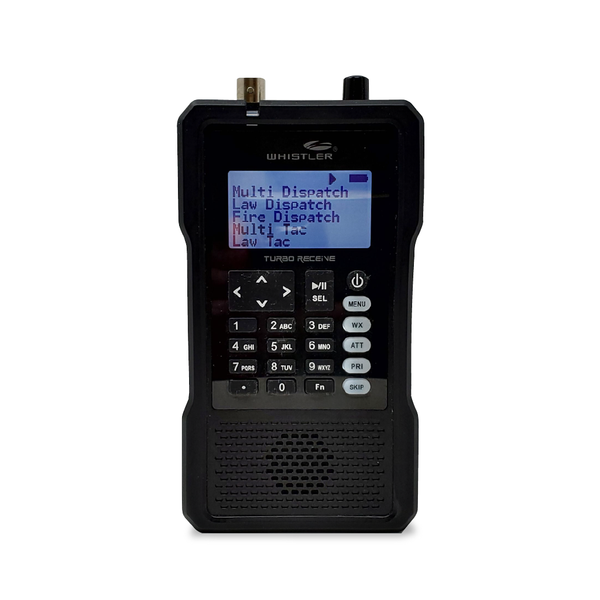
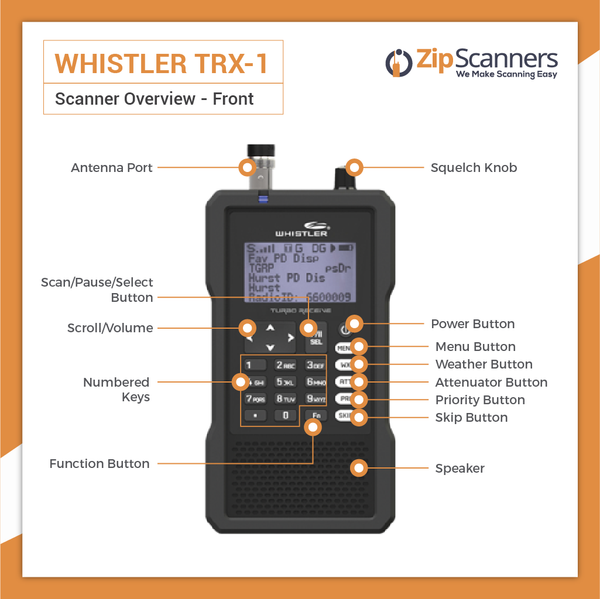
If your agencies use DMR or NXDN, ask us about a compatible scanner such as the Whistler TRX series or an eligible Uniden model.
How does HomePatrol-2 handle simulcast?
It depends on your radio system and exact location. Some users have good luck; others hear broken audio, missed calls or silence, even with strong signal levels.
Unlike the SDS100 and SDS200, HomePatrol-2 doesn't have the specialized True I/Q receiver. We recommend the SDS models for known difficult simulcast systems. Read our simulcast guide.
If ZIP code setup is easy, why pay for Expert Programming?
Good question. The built-in ZIP-code setup really is a useful starting point. For some owners, it may be enough.
But the scanner's database doesn't know whether you care about the county sheriff, two fire departments or the state patrol. It's like getting the entire TV Guide when you only watch four channels.
Our technicians can research compatible local systems, build your Favorites Lists and help reduce unnecessary scanning so the scanner follows your interests rather than everything nearby.
Add Expert Programming or select the programming option above. If the built-in setup works for you, that's fine too.
Can I program HomePatrol-2 myself?
Absolutely. Basic location and service-type selection happens right on the touchscreen. For Favorites Lists and more control, download the free Windows HomePatrol Sentinel software.
Note that HomePatrol uses its own Sentinel version. Don't use the application designed for every other Uniden model.
Can I manually enter individual frequencies?
The normal HomePatrol interface focuses on its database, location, service types and Favorites Lists. More detailed programming is possible through Sentinel.
The optional Extreme Upgrade also adds advanced front-panel controls and analysis tools. If direct frequency-by-frequency input is your main goal, we may recommend a different scanner.
What is the Extreme Upgrade?
It's an optional Uniden software upgrade for experienced owners who want additional scanner analysis and programming controls.
It does not enable DMR, NXDN, encryption decoding or True I/Q simulcast reception. Most beginners can start without it. Read Uniden's Extreme Upgrade information.
Can I charge AA batteries while listening?
With a suitable higher-current USB source, yes. With a lower-power USB connection, charging may require the scanner to be off. Check the power source, scanner settings and instructions.
An external AA charger and a second set of rechargeable batteries are still a convenient approach. Never try to recharge disposable alkaline cells.
Does the wall adapter come in the box?
The USB cable does, but a separate USB wall power adapter does not. You can use compatible USB power or the included rechargeable AAs. For a permanent desk setup, we recommend a compatible wall charger.
Is HomePatrol-2 handheld or a desktop scanner?
A little of both. You can carry it on AA batteries, put it on the included desk stand or take it in your vehicle, but it isn't shaped like a traditional walkie-talkie-style scanner.
If you want something more comfortable to carry while walking, consider the BCD436HP or SDS100.
Does it have built-in GPS?
No. It's GPS-capable with a compatible external receiver. With that accessory, the scanner can adjust monitored systems as your location changes.
See the Uniden Universal GPS. Without GPS, manually change your location from the touchscreen.
Does it have Wi-Fi or Bluetooth?
No built-in Wi-Fi or Bluetooth. The touchscreen is for controlling the radio itself, not streaming audio to your phone.
Can it decode encrypted police communications?
No consumer police scanner can decode fully encrypted channels. Some agencies encrypt only certain traffic, while others encrypt nearly all of it. Read our guide to scanner encryption.
Can I replay something I missed?
Yes. Instant Replay lets you hear up to four minutes of recent transmissions, depending on settings. You can also record selected audio to the microSD card.
If you missed something while making coffee, you have a chance to hear it again.
Can it monitor weather, aviation and railroad channels?
Yes, if those communications use frequencies and modes the radio supports. HomePatrol-2 supports NOAA weather monitoring and compatible weather alerts, plus other selected service types.
Tell our programming team about any special listening interests, and we'll help organize supported channels.
Setup, Guides & Resources
Get the most out of your HomePatrol-2
The HomePatrol-2 is made to simplify scanning. Even so, you'll get better results from an up-to-date database and Favorites Lists matched to the agencies you actually care about.
Option 1: Let Zip Scanners handle the setup
Best if you want a customized scanner without learning the software. Tell us the city, county, state and agencies you want to monitor.
Our technicians research compatible systems, organize relevant departments into Favorites Lists and tell you if encryption or simulcast would make a different scanner a better fit.
The goal is simple: less configuration, more listening. Add Expert Programming or choose it in the options above.
Programming cannot bypass encryption, unlock unsupported digital formats or guarantee reception if usable signals aren't available.
Option 2: Use the touchscreen and do it yourself
Enter your ZIP code, choose service types and start scanning compatible local systems. For more control, use Uniden's HomePatrol Sentinel software to update the database and manage Favorites Lists.
Download HomePatrol Sentinel for free and explore the settings.
Official Uniden HomePatrol-2 resources
Start with the owner's manual and the correct version of Sentinel.
Zip Scanners guides and tutorials
Helpful explanations for people who don't want to spend their weekends becoming radio engineers.
Watch and learn
These two tutorials play inside this page, so you can watch without leaving the scanner listing.
More HomePatrol-2 videos
Mark's Scanners: The detailed guide worth bookmarking
Mark's website looks like it has survived every version of Windows since the 1990s. The instructions are excellent.
If you decide to explore the advanced menus, his guide explains the HomePatrol interface and settings in more detail than most owners will ever need.
RadioReference: Technical help from experienced owners
Years of discussions about local radio networks, Favorites Lists and HomePatrol reception.
Owner opinions and community
Specs tell you what a scanner can do. Owner conversations tell you what it's like actually using one.
Still comparing scanners?
Still not sure? Ask our scanner experts. We'll help match the radio to the agencies you want to hear.
Not sure which police scanner you need?
Tell us what you want to hear. Our experts will help you find the right scanner for your area.