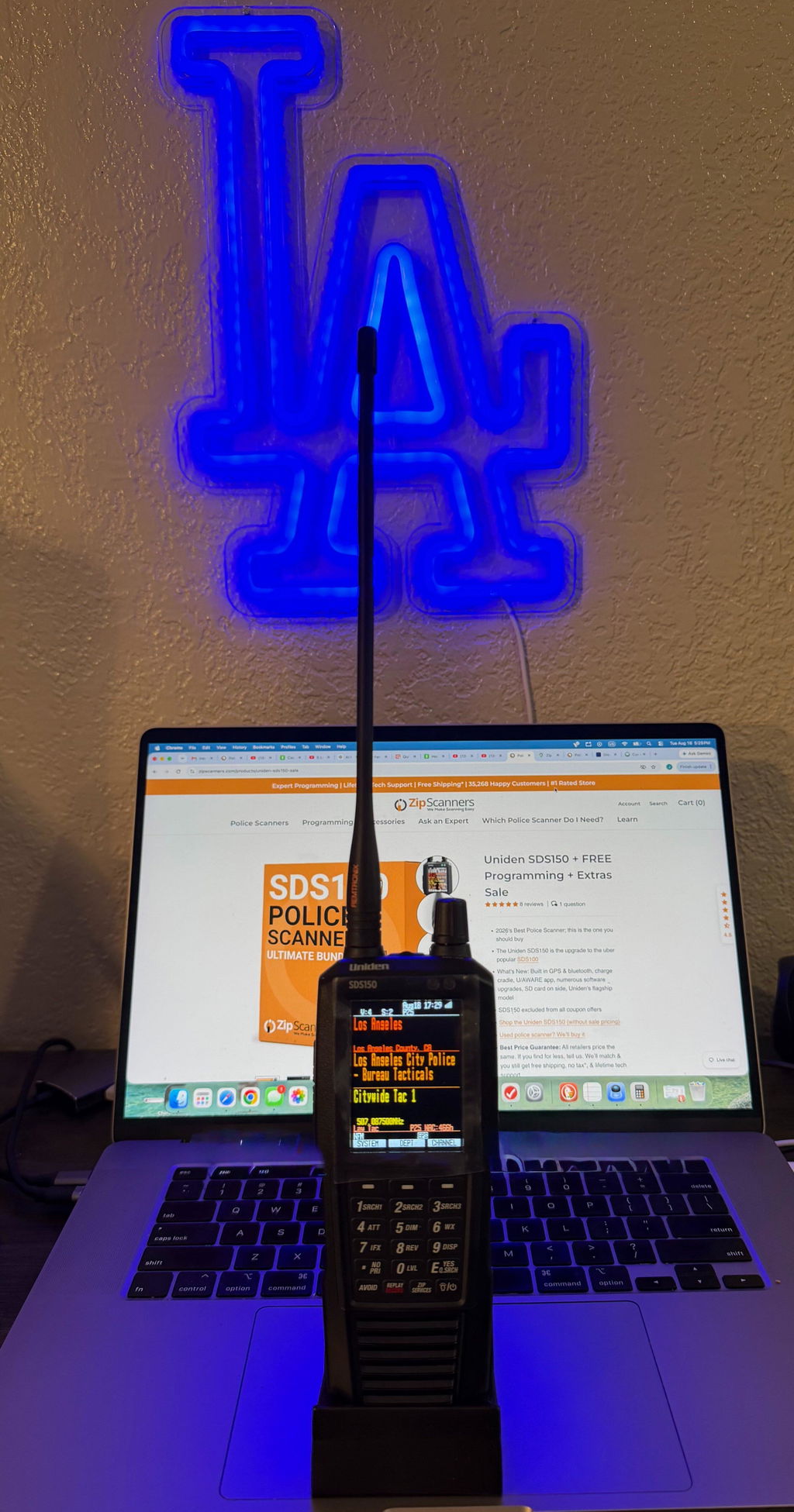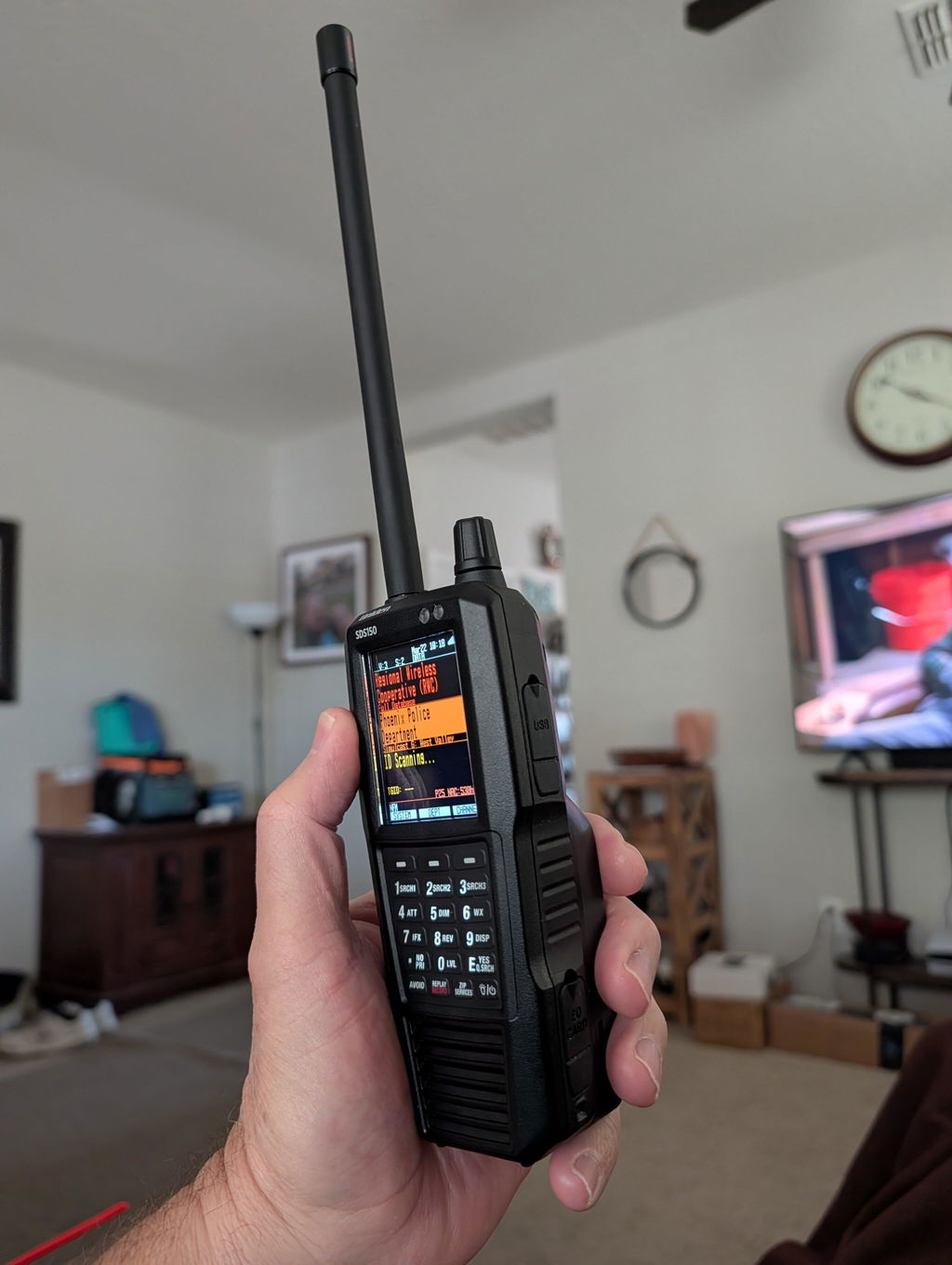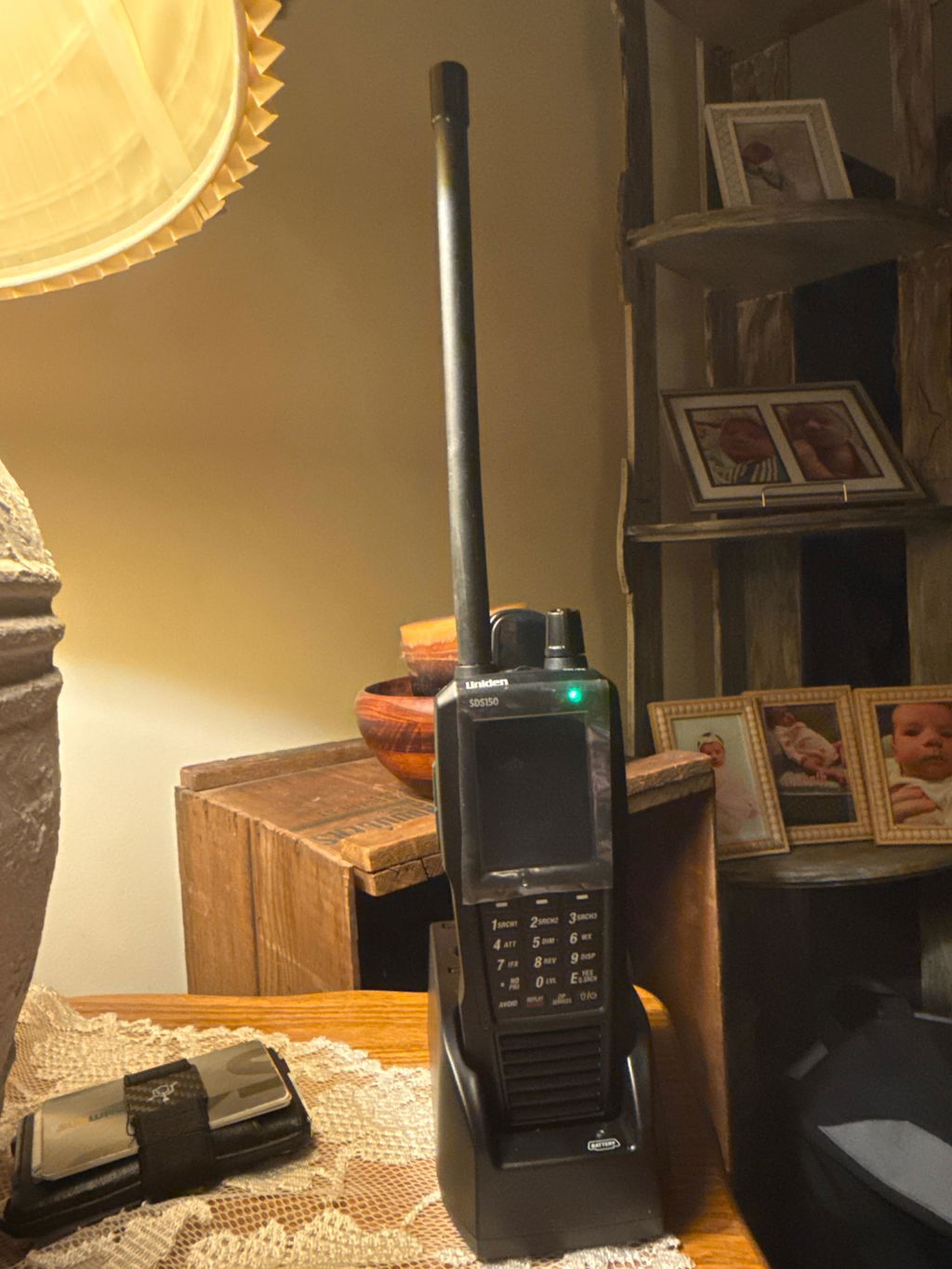
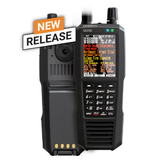
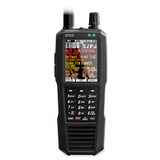
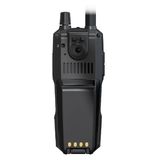
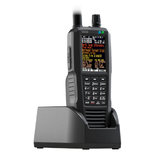

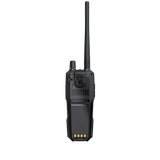
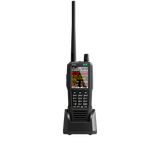
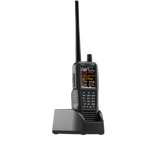
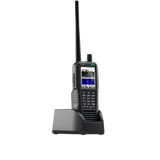
NEW! SDS150 Uniden Police Scanner

$949.99
  • Now taking backorders! Expected to ship in January!
  • Stock is limited & we expect to sell out.
  • What's New: Built in GPS, Charge Cradle, U/AWARE App Connectivity
  • The Uniden SDS150 is the upgrade to the uber popular SDS100.
  • Shop the Uniden SDS150 Sale


If you want the most advanced handheld Uniden makes right now, this is it.

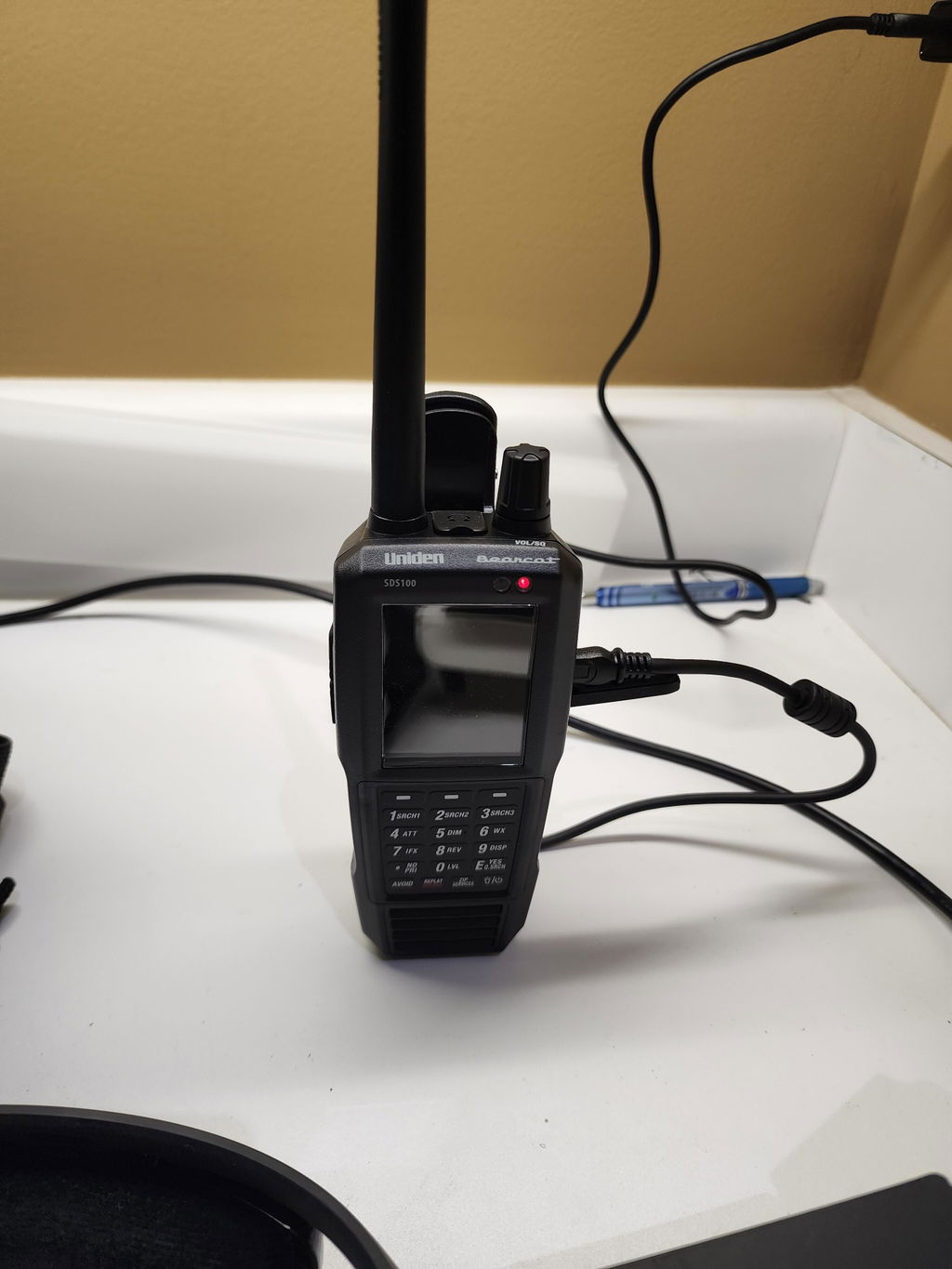
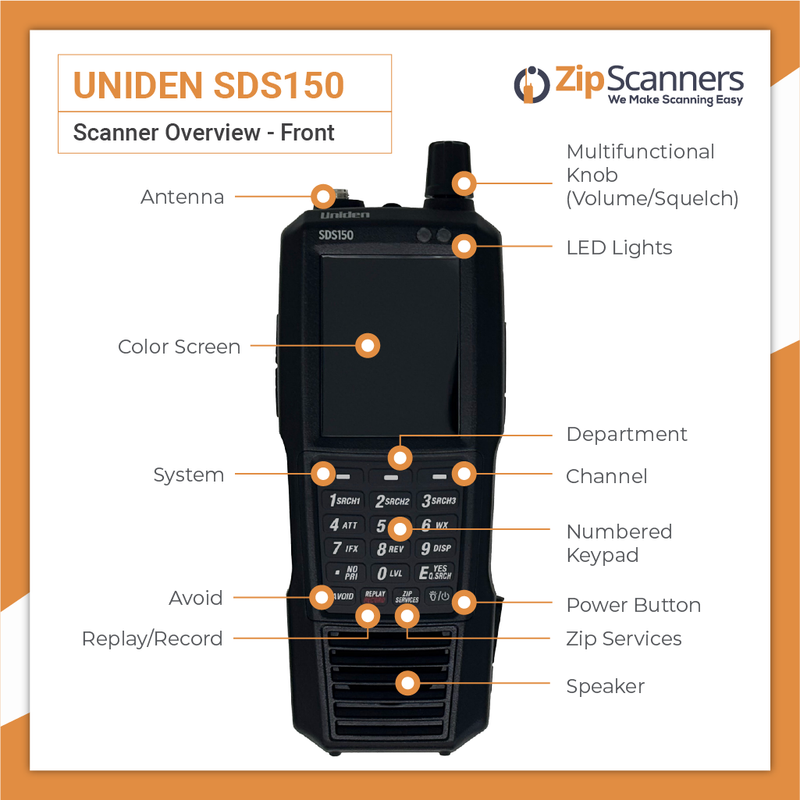
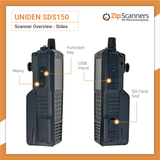
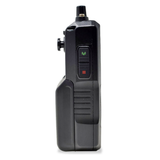
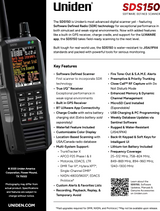
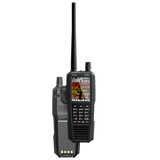
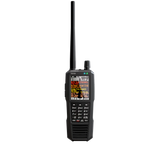
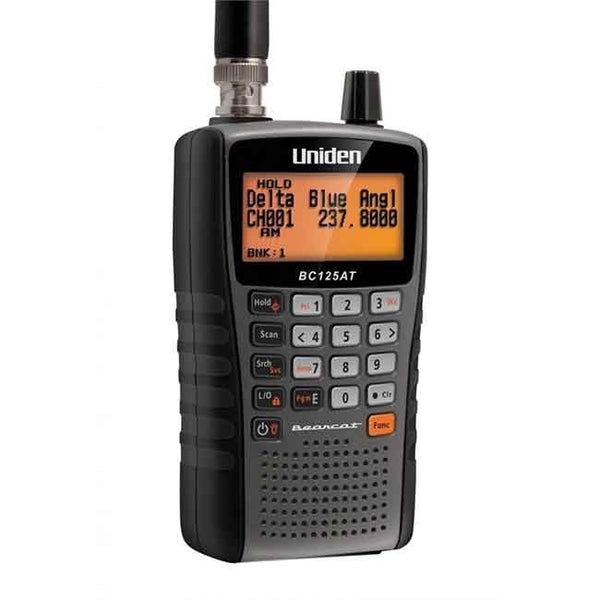
The Uniden SDS150 is a True I/Q digital scanner built to crush simulcast and messy RF environments where older scanners fall apart. It carries the SDS platform performance you already trust, then adds a bigger color display, built-in GPS, an included waterfall, and modern USB-C power so it fits how people actually monitor in 2025.

Enter a zip code or let the internal GPS handle it and the SDS150 locks onto the right systems using the full USA and Canada database. It tracks APCO P25 Phase I and II, Motorola, EDACS, and LTR. It will also decode DMR, NXDN, and ProVoice with the purchase of the upgrades. Bottom line: you’re covered for almost anything that’s not encrypted.

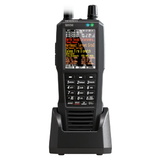
The 3.5 inch customizable color screen plus the built-in waterfall make it easy to see what’s active across the band in real time. Add U/Aware app support and Bluetooth for cleaner mobile monitoring, then stack on the included charge cradle, lithium-ion battery, microSD storage, and Sentinel software support and you’ve got a handheld built for years, not months.

If you’re cross-shopping: the SDS100 is still a killer value if you don’t need built-in GPS/app integration, and the SDS200 is the right move if you want a dedicated base/mobile install.

Pair the SDS150 with Zip Scanners expert programming and you can go from box to live traffic without touching a frequency chart.

Will the SDS150 work in my area?

That depends on what your local agencies use. The SDS150 can monitor analog, P25 Phase I and II, Motorola, EDACS, and LTR trunking. With optional paid upgrades from Uniden, it can also decode DMR, NXDN, and ProVoice. It cannot monitor fully encrypted talkgroups or proprietary systems like OpenSky, and no scanner can.

If you do not want to guess, use our Which Police Scanner Do I Need? tool. We will research your county, check simulcast, encryption, and system type, and tell you if the SDS150 is the right move or if a cheaper model will do the job.

Why should I buy the SDS150 instead of the SDS100?

Think of the SDS150 as the next generation SDS handheld. You still get the same True I/Q architecture and trunking performance that made the SDS100 a beast, but with major usability upgrades: built-in GPS, included waterfall, a larger color screen, USB-C, U/Aware app support, and an included charging cradle.

If budget matters more than built-in GPS and app integration, the SDS100 is still a strong choice. If you want the most capable Uniden handheld today, buy the SDS150.

What digital upgrades do I need?

Out of the box the SDS150 handles analog, P25 Phase I and II, plus Motorola, 

Software upgrades are a subset of digital modes of transmission that affect individual frequencies and, often, countywide trunking systems. If your area, or an individual frequency that you wish to monitor utilizes these modes of transmission, you must purchase the upgrade(s) associated with that county/talk group in order to monitor those broadcasts.

We can look this up for you here.

Can the SDS150 listen to encrypted police channels?

No. The SDS150 cannot decrypt fully encrypted radio traffic, and no legal scanner can. If your primary agency went to full encryption, you will only hear whatever they still broadcast in the clear, if any.

If you have a mix of clear and encrypted talkgroups, the SDS150 will monitor the clear ones and automatically mute the encrypted ones.

Is the SDS150 hard to set up?

Programming scanners can be tedious if you start from scratch, but the SDS platform makes it manageable. The USA and Canada database is preloaded, location-based scanning works by zip code or GPS, and Uniden Sentinel lets you build Favorites Lists on a computer and push them to the radio.

If you want to skip the learning curve, add Expert Programming and we will ship your SDS150 ready to scan your area.

How rugged and weather resistant is the SDS150?

The SDS150 is built as a field radio. It is rated water resistant to JIS4 / IPX4 when covers are closed, so it can handle rain and splashes. It is not designed to be submerged.

Is the SDS150 future proof?

Nothing in radio is completely future proof, but the SDS150 is about as close as it gets today. Its True I/Q SDR platform is designed for modern simulcast P25,DMR, NXDN, or ProVoice. Sentinel updates keep your database current.

If agencies in your area migrate to full encryption, no scanner will help. Short of that, the SDS150 is a long-term play.

Major SDS150 vs SDS100 differences

  • Built-in GPS: SDS150 has GPS onboard for true location-based scanning. The SDS100 needs an external GPS puck and cable if you want that same functionality.
  • Waterfall included: SDS150 ships with the waterfall feature unlocked. On the SDS100, waterfall requires a separate paid key.
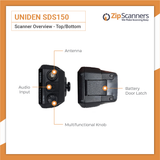
  • USB-C: SDS150 uses USB-C for charging and programming. SDS100 uses the older mini-USB setup.
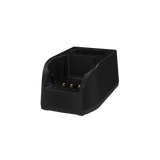
  • Charging cradle: SDS150 includes a desktop charge cradle with an extra slot to charge a spare battery. SDS100 does not include a dock.
  • Bigger color screen: SDS150 has a larger, brighter customizable display that’s easier to read at a glance.
  • Refined RF performance: Same True I/Q core as SDS100, but tuned for cleaner performance in heavy RF and simulcast environments.

If you already own an SDS100 and mostly monitor one area from home, you probably don’t need to upgrade. If you travel, storm chase, or want the cleanest all-in-one Uniden handheld, the SDS150 is the better tool.

Major SDS150 vs SDS200 differences

  • Handheld vs base/mobile: SDS150 is a portable handheld with an internal battery. The SDS200 is a base/mobile unit meant for home setups or permanent vehicle installs.
  • Power and install: SDS150 runs on battery or USB-C. SDS200 uses AC or 12V DC and includes mounting hardware.
  • GPS: SDS150 has GPS built in. SDS200 requires an external GPS puck if you want location-based scanning on the road.
  • Connectivity: SDS200 adds Ethernet for network control/streaming. SDS150 leans on Bluetooth and U/Aware app support for mobile use.
  • Best use case: SDS150 is grab-and-go for travel and events. SDS200 is the better anchor radio for a shack, EOC, or dedicated mobile rig.

Both share the same True I/Q platform and TrunkTracker performance, so digital reception is elite either way. Pick SDS150 for mobility. Pick SDS200 for a permanent station.

What’s in the box

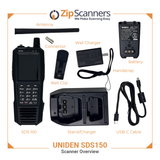
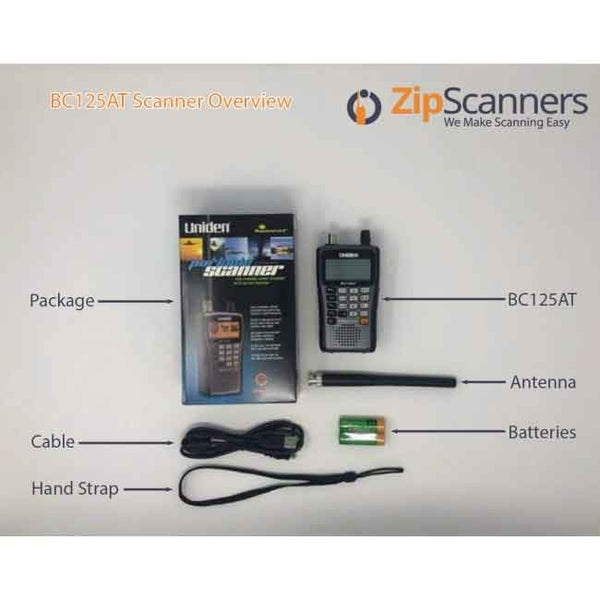
  • Uniden SDS150 digital handheld scanner
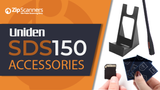
  • Charging cradle with extra battery charging slot
  • Lithium-ion battery pack
  • AC adapter with USB-C port
  • USB-C to USB-C cable (power and PC programming)
  • Pre-installed microSD card
  • SMA type stock antenna
  • SMA to BNC antenna adapter
  • Belt clip
  • Hand strap
  • Quick start guide and Uniden inserts
  • Uniden Sentinel software (free PC download for programming and database updates)

Want it ready to scan out of the box? Add Expert Programming and we’ll ship your SDS150 preloaded for your exact area.

Want to go past “turn it on and listen” and really master the SDS150? Start here. These are the best SDS150 resources we’ve found, all in one place.

  • Uniden SDS150 Owner’s Manual (PDF)
    The official manual straight from Uniden. Covers setup, zip/GPS scanning, Favorites Lists, filters, waterfall, recording, and every menu setting.
    Read the SDS150 Manual

  • Uniden Support Downloads Hub
    Central Uniden downloads page for manuals, firmware, and software across the SDS line.
    Go to Uniden Downloads
  • Sentinel Programming Software
    Sentinel is the free Uniden PC software used to update the database, manage Favorites Lists, and install firmware updates. Treat it like your control center.
    Sentinel Info + Changelog
  • RadioReference SDS150 General Discussion
    The best place for real-world owner tips, firmware chatter, and performance reports in simulcast-heavy areas.
    Read the SDS150 Thread
  • RadioReference: Is the SDS150 worth it?
    Field opinions comparing SDS150 vs SDS100 and what the added GPS, cradle, USB-C, and included waterfall are worth in practice.
    See the Debate
  • SEMA 2025 announcement and early field reports
    Background on why Uniden built the SDS150 and what early testers are seeing vs the SDS100 front end and speed.
    SEMA 2025 Announcement Thread
  • Feature overview video
    Quick visual walkthrough of the SDS150 display, waterfall, cradle, and app connectivity.
    Watch SDS150 Overview

If you want the SDS150 to show up already dialed for your county, add Zip Scanners Expert Programming and we’ll ship it ready to scan.

Still cross-shopping? Here are the closest siblings:

  • Uniden SDS100 — same True I/Q core, fewer travel/GPS/app upgrades.
  • Uniden SDS200 — base/mobile version for permanent installs.


Helpful links: Uniden, Radio Reference thread, Reddit thread, Facebook group, YouTube Video, Marks Scanners(Coming Soon)  

Deep dive on programming here.

We HIGHLY recommend letting our experts program your scanner.

Programming issues are, by FAR, the #1 reason for...

  • Returns
  • 99% of any negative comments about the SDS150 & SDS100 you'll read while researching
  • 99% of any negative comments about us
  • 90% + of all support questions
  • Our receding hairlines

Basically, you're about to spend hundreds of dollars on a snappy new gadget, might as well spring a few extra bucks so it will actually work right out of the box.

What is programming?

Scanners work like AM/FM radios in that they pick up airwaves based on a set of specifics frequencies. But unlike a radio there is not the simple 'seek' and 'save' feature on a scanner. Also, the frequencies are wildly different based on where you live and what you want to listen to.

What, specifically, do I get with expert programming?

For each county you purchase, our experts will program the following:

  • State police, fire & EMS
  • County police, fire & EMS

Add as many counties as you'd like.

When your scanner arrives, the programmed data will be on your scanner in easy to navigate lists.

What if your programming does not work?

100% money back guarantee on programming.

Can you program X, Y, Z?

We can program anything in Radio Reference, the world's largest & best frequency database. 

What if I need help after you program?

We’re always here to help with our lifetime tech support. 

Why should I buy programming?

Programming is the #1 reason police scanners are returned.

While scanner programming is much easier than the days of crystal scanners, there is a learning curve like any other electronics purchase. While some scanner enthusiasts are highly technical and want to learn the ins-and-outs of programming, others want their scanner to just "work" right out of the box.

95% of all scanner sales include programming, so unless you’re familiar with scanners, scanner terminology, own a PC (Macs do not work), and want to learn the nuances of programming, we highly recommend letting our experts program your scanner.

Scanner technology is fairly user friendly, but scanners are not smartphones or iPads. If you're spending hundreds on a scanner, we recommend springing a few extra bucks so it works right out of the box.

Can't you teach me programming with your lifetime technical support?

No.

Lifetime technical support is not unlimited technical support. We made "how to" videos and can help point you in the right direction, but we will not teach programming.

How long does your expert programming take?

We usually get this out same day, but it can add 1-2 business days to your shipment.

Can I program this scanner myself?

Yes.

We created a programming decision tree, as well as programming videos, to help you decide whether you should include expert programming with your scanner. With that said, we HIGHLY recommend adding the expert programming to your purchase to save time and spare yourself potential aneurysms.

Can't I just punch in my zip code for programming?

Yes, however...

When you punch in your zip code, it scans EVERYTHING in your area, which is kinda like getting the phone book thrown at you.

With our expert scanner programming, we filter out the junk so you don't have to listen to things such as the dog catcher, repo guy, power company & the like.

How long will it take me to program on my own?

It takes our scanner tech anywhere from 30 minutes to several hours to program each scanner...and this is ALL he does.

For new & moderate scanner users, we estimate 3-12 hours of programming. Setup time varies wildly based on scanner, area and general tech familiarity.

What software comes with my SDS150?

The Uniden SDS150 comes with Sentinel software like other Uniden scanners, including the:

While there is a version of Sentinel software for each scanner, they operate the same. The SDS150 includes Sentinel software (download free SDS150 software here). Watch our Uniden Sentinel software programming video here or above in the video gallery.

Any self-programming tips?

We recommend downloading the software before you buy to test drive.

Customer Reviews

Be the first to write a review
0%
(0)
0%
(0)
0%
(0)
0%
(0)
0%
(0)

Recently viewed