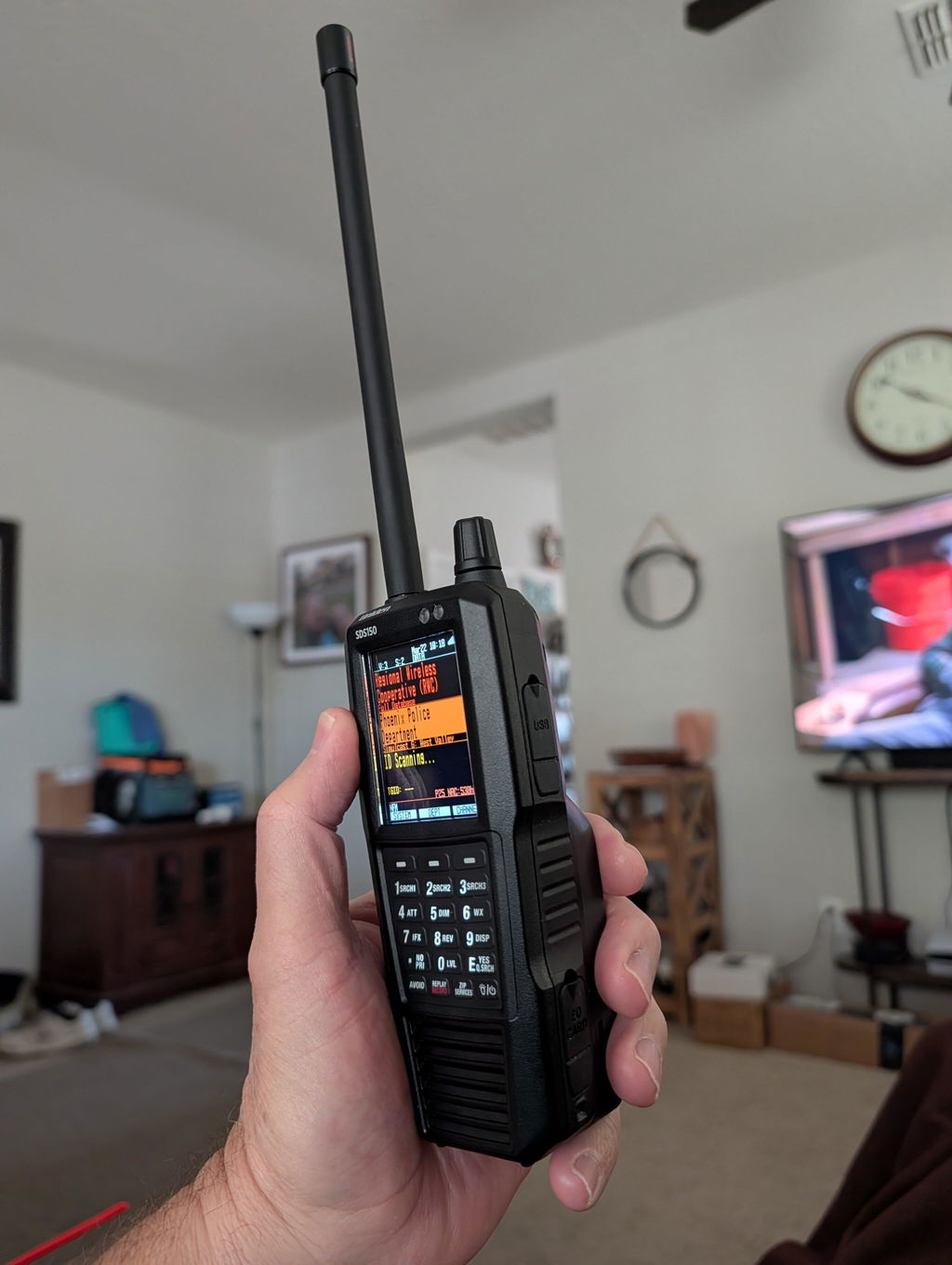
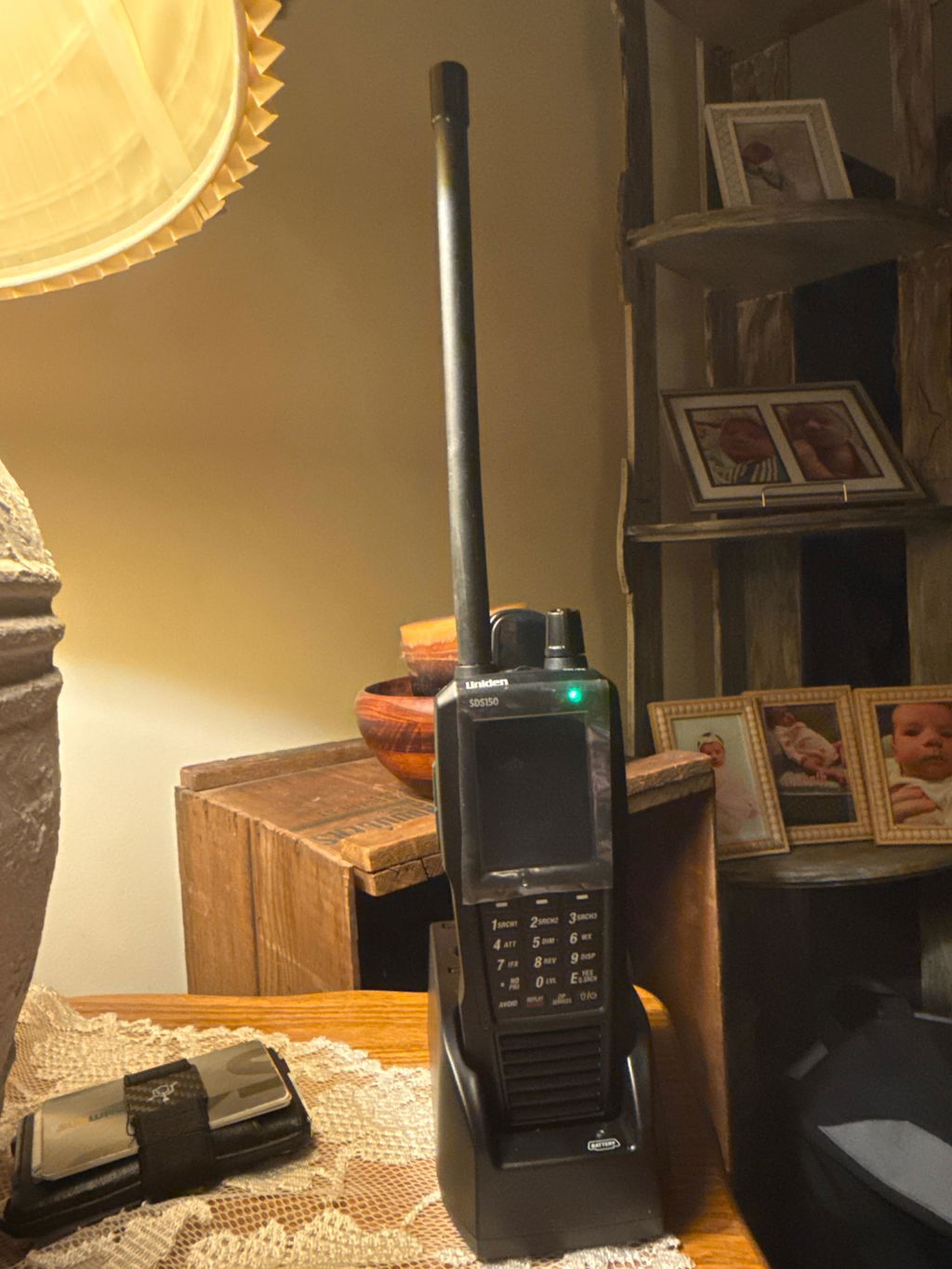
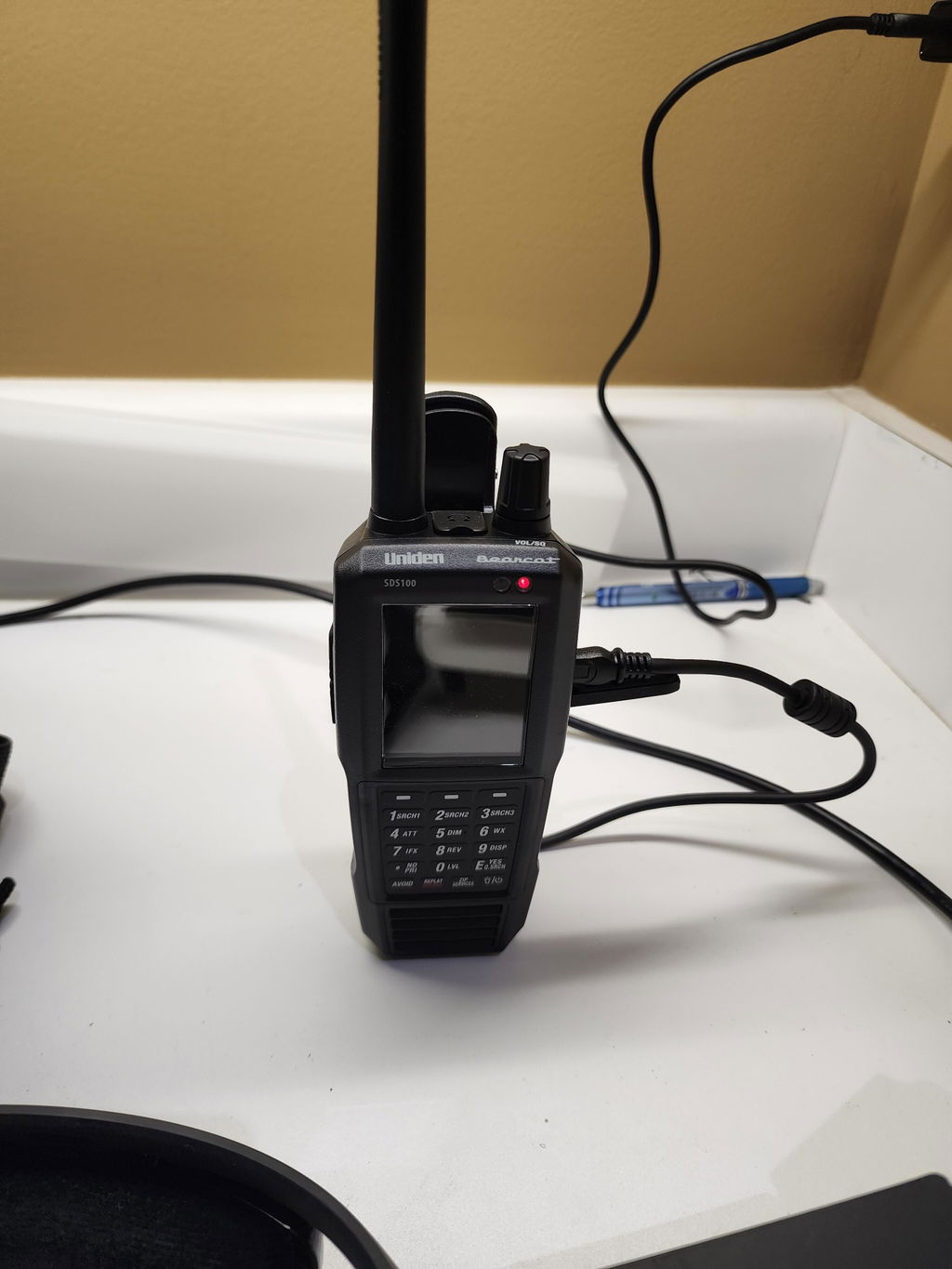
Uniden SDS150 vs SDS100: Which Scanner Should You Buy?
|
Scanner Buyer's Guide
Uniden SDS150 vs SDS100:
Which Scanner Should You Buy? The True I/Q showdown. Same DNA, different daily experience.
|
|||||||||||||||||||||||||||||||||||||||||||||||||||||||||||||||||||||
|
Bottom line: If you're buying new in 2026, get the SDS150. If you own an SDS100 and scan from home, keep it. |
|||||||||||||||||||||||||||||||||||||||||||||||||||||||||||||||||||||
|
The Uniden SDS150 launched in late 2025 and immediately raised the question every SDS100 owner started asking: is it worth upgrading? And for anyone shopping from scratch: which one do you actually buy? The short version is this. The SDS150 is not a different kind of scanner. It is the same True I/Q platform that made the SDS100 the most respected handheld on the market, rebuilt around a modern user experience. Built-in GPS, Bluetooth for phone control, USB-C, an included charge cradle, and Waterfall out of the box. The RF core is the same. The workflow around it is not. This article goes deeper than our side-by-side comparison page. We'll break down what actually changed, who benefits most, and how to make the call without second-guessing yourself.
Shared Foundation
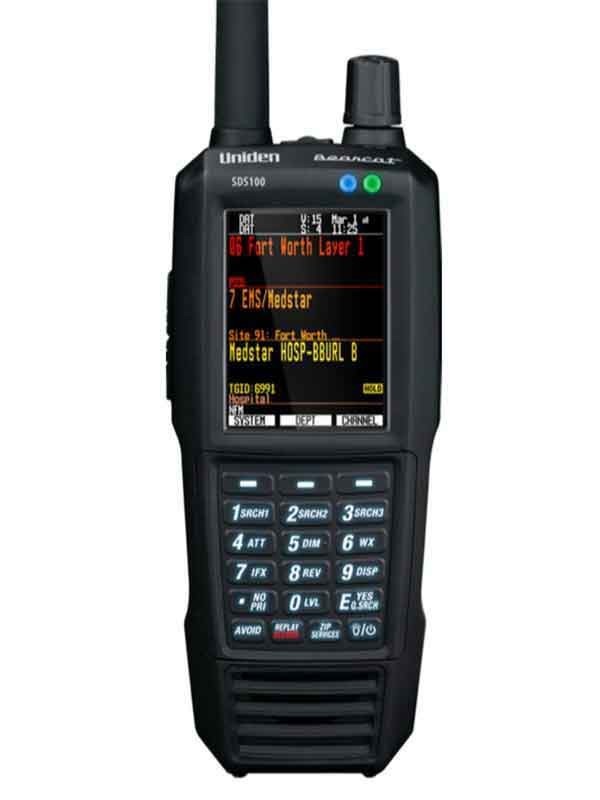
What Stayed the SameBefore listing the differences, it's worth understanding what Uniden did not change, because it matters for how you read the upgrade decision. Both the SDS150 and the SDS100 run True I/Q technology. That is the SDR-based receiver that processes I and Q signals separately to dramatically reduce simulcast distortion. If you live in a county with a trunked P25 Phase II system, True I/Q is the reason these scanners work so much better than anything else on the market. Uniden did not replace that platform. The SDS150 refines the RF front-end, but the core technology is the same. Both scanners also share the same trunking protocol support, the same RadioReference database, the same Sentinel programming software, and the same upgrade key system. If you own a Waterfall, DMR, or NXDN key for your SDS100, it transfers to the SDS150. Your Favorites Lists move over too. Neither scanner requires a clean start. You pick up exactly where you left off. Both are also water-resistant to JIS4/IPX4 standards, rugged enough for field use, and ship with an 8GB microSD card pre-installed. Close Call RF Capture, Fire Tone-Out, and S.A.M.E. weather alerts are present on both. For protocol coverage, P25 Phase I and Phase II, Motorola, EDACS, and LTR trunking are all supported on either unit. Optional paid upgrade keys for DMR, NXDN, and ProVoice work identically on both. "Both are elite. The SDS150's edge is less messing around to get the same or better result." The performance gap between them and everything else is far larger than the gap between them. Side-by-Side Specs
SDS150 vs SDS100 Spec Table
Upgrade Details
What's New in the SDS150Built-in GPSThe SDS100 can accept an external GPS puck, but most people never buy one. The SDS150 has GPS built in. That changes behavior. Location-based scanning works the moment you turn it on, without cables or accessories. Timestamps in recordings are accurate. Traveling across jurisdictions means the scanner knows where it is and adjusts automatically. This is the biggest practical difference for anyone who scans away from home. Bluetooth and the U/AWARE AppBluetooth Low Energy (BLE) connects the SDS150 to the U/AWARE app on your iPhone or Android phone. The full scanner interface is replicated on the app, so you can control everything from your phone screen. More usefully, the app routes audio to your phone, and from there to Bluetooth earbuds or your car audio system. For vehicle use, this alone changes how the scanner integrates into your setup. Note that direct scanner-to-Bluetooth-speaker pairing is not yet supported; the phone acts as the bridge. USB-CThe SDS100 uses mini-USB, a cable format that's increasingly hard to find and easy to damage. The SDS150 upgrades to USB-C for both charging and PC programming. Not a headline feature, but the kind of thing you notice every time you plug in. Waterfall Display IncludedWaterfall is a spectrum display that shows RF activity across a frequency range in real time. On the SDS100, it requires a paid upgrade key. The SDS150 includes it from day one. If you have never used Waterfall, you will use it once you have it. Finding unknown activity, checking bands at events, and visualizing what's actually transmitting near you are all much faster with it active. Drop-in Charging CradleThe SDS150 comes with a desktop cradle that charges the scanner and has a second slot for a spare battery. You set the scanner in the cradle, it charges. No plugging in a cable each time. The SDS100 has no included cradle, and aftermarket options add cost. Refined RF PerformanceUniden updated the front-end circuit design in the SDS150. The True I/Q core is the same, but the hardware around it is tuned for cleaner performance in heavy RF environments and challenging simulcast areas. Uniden specifically targeted the need to manually adjust IF filters in interference-heavy zones, a workaround many SDS100 users in dense urban areas know well. Easier MicroSD AccessOn the SDS100, accessing the SD card requires opening the battery door, which means powering down first. The SDS150 moves the slot to the side of the unit. It's a small change with a real impact if you regularly swap cards or pull recordings.
Getting Set Up
Programming: Same Process, Same SoftwareBoth the SDS150 and the SDS100 use Uniden's free Sentinel software for PC programming and database updates. The workflow is the same across both units. If you already know how to program the SDS100, you'll be immediately comfortable on the SDS150. One note for existing SDS100 owners switching to the SDS150: if your computer was previously used with an SDS100 or SDS200, uninstall the old USB drivers before connecting the SDS150. A driver conflict is the most common setup issue reported by users who upgrade. The fix takes two minutes in Device Manager. If you'd rather skip programming entirely, Zip Scanners offers expert programming service. Your scanner ships ready to scan your area straight out of the box.
The Decision
Who Should Upgrade, Who Should Not |
|||||||||||||||||||||||||||||||||||||||||||||||||||||||||||||||||||||
Get the SDS150 if...
Keep your SDS100 if...
|
|||||||||||||||||||||||||||||||||||||||||||||||||||||||||||||||||||||
|
Price Difference
What You're Paying For
The $250 gap looks large until you price out what the SDS150 bundles. A Waterfall upgrade key, an external GPS puck, and a cable bundle to make the SDS100 a proper vehicle or travel setup adds up quickly. For many buyers, the SDS150 is the more economical choice when you count what you would actually spend to match it. The SDS150 is excluded from promotions and coupons at most dealers, including Zip Scanners. The SDS100 frequently goes on sale. If budget is the primary constraint, the SDS100 on sale is still an exceptional scanner. Both models carry Zip Scanners' best price guarantee: free shipping, no tax, and lifetime tech support. Our Recommendation
The Clear CallThe SDS150 is the scanner to buy if you're starting fresh. The upgrades it ships with are not optional for most people who get serious about scanning. GPS awareness, a phone-connected audio path, and Waterfall for finding activity are where most users end up eventually. The SDS150 gets you there on day one. If you already own an SDS100, the upgrade is a quality-of-life improvement, not a performance revolution. If your current workflow is working, keep it. If you scan on the road and the friction of accessories and cables is real to you, the SDS150 solves it cleanly. Either way, you are choosing between two of the best handheld scanners ever built. The comparison that matters most is both of them versus everything else on the market. Not sure which is right for your specific county and system? That's exactly what we're here for. Not Sure Which Scanner is Right for You?Our scanner experts research your county and system for free. Book a call and we'll tell you exactly which unit will work in your area before you buy anything. Book a Free Call |
|||||||||||||||||||||||||||||||||||||||||||||||||||||||||||||||||||||
|
Shop Now
Ready to Order?
Free shipping. No tax. Lifetime tech support. |
|||||||||||||||||||||||||||||||||||||||||||||||||||||||||||||||||||||
|
Stay in the Loop
Get Scanner News & Deals
|
|||||||||||||||||||||||||||||||||||||||||||||||||||||||||||||||||||||
|
Zip Scanners • Free Shipping • Best Price Guarantee |