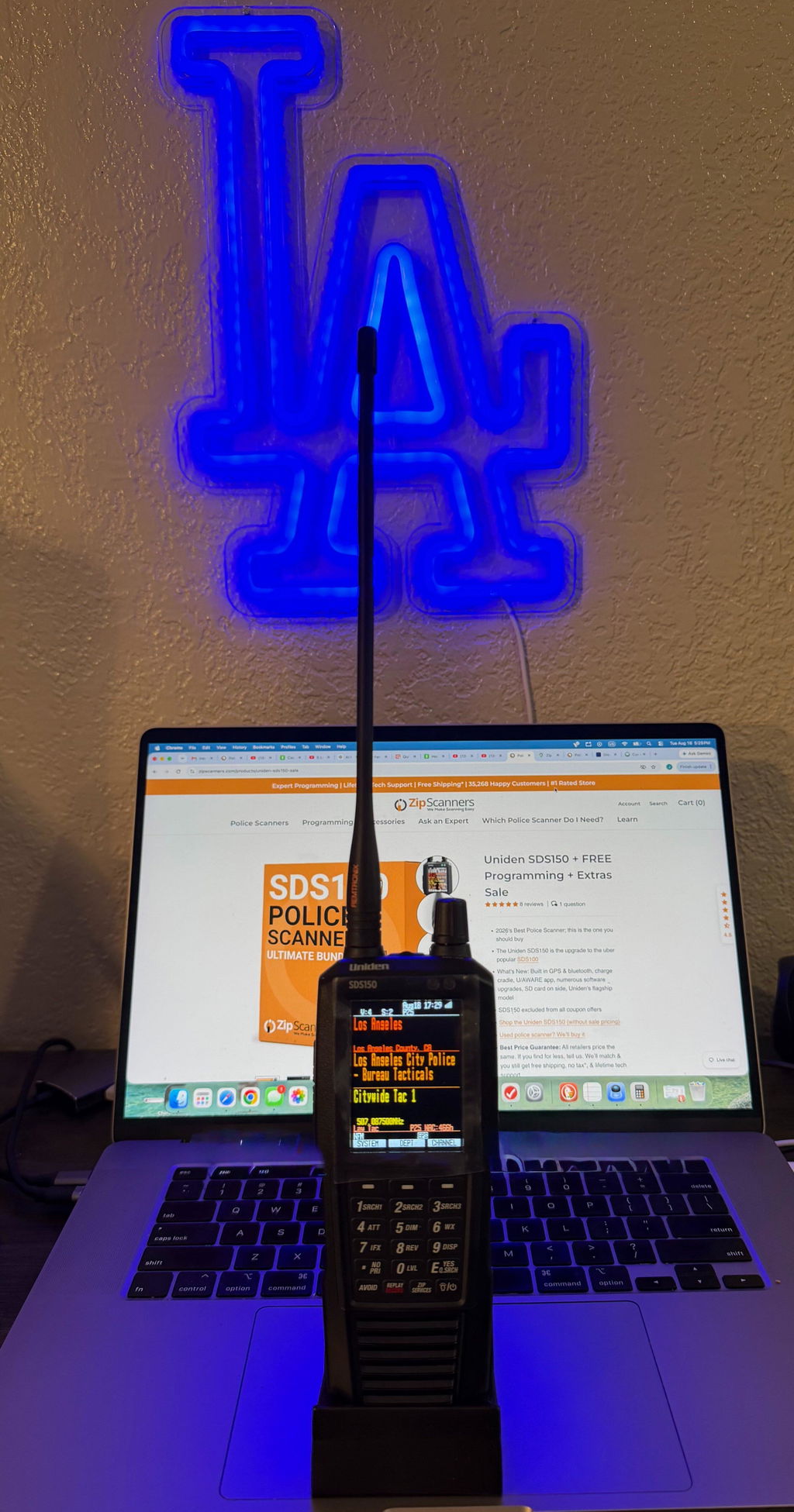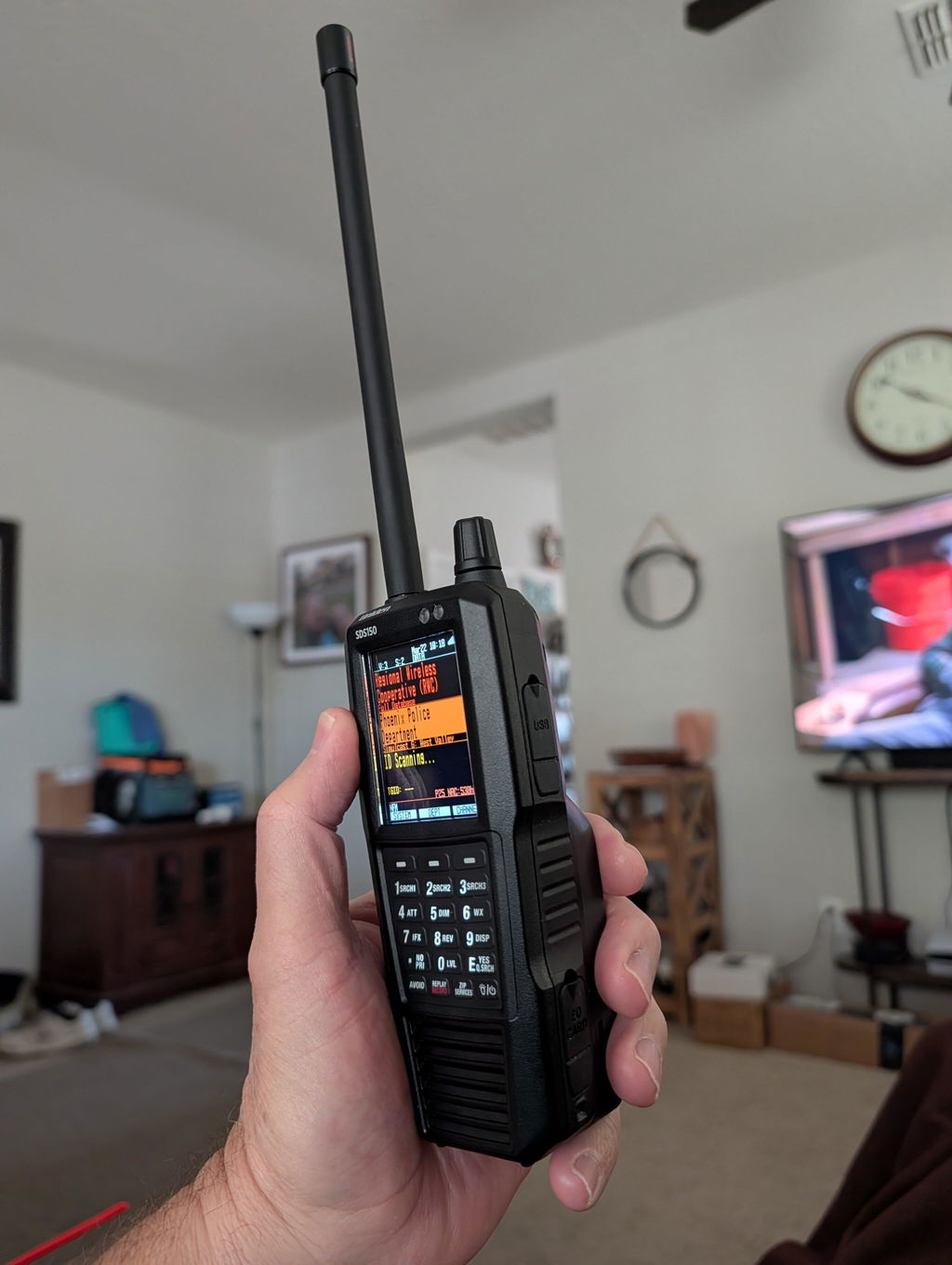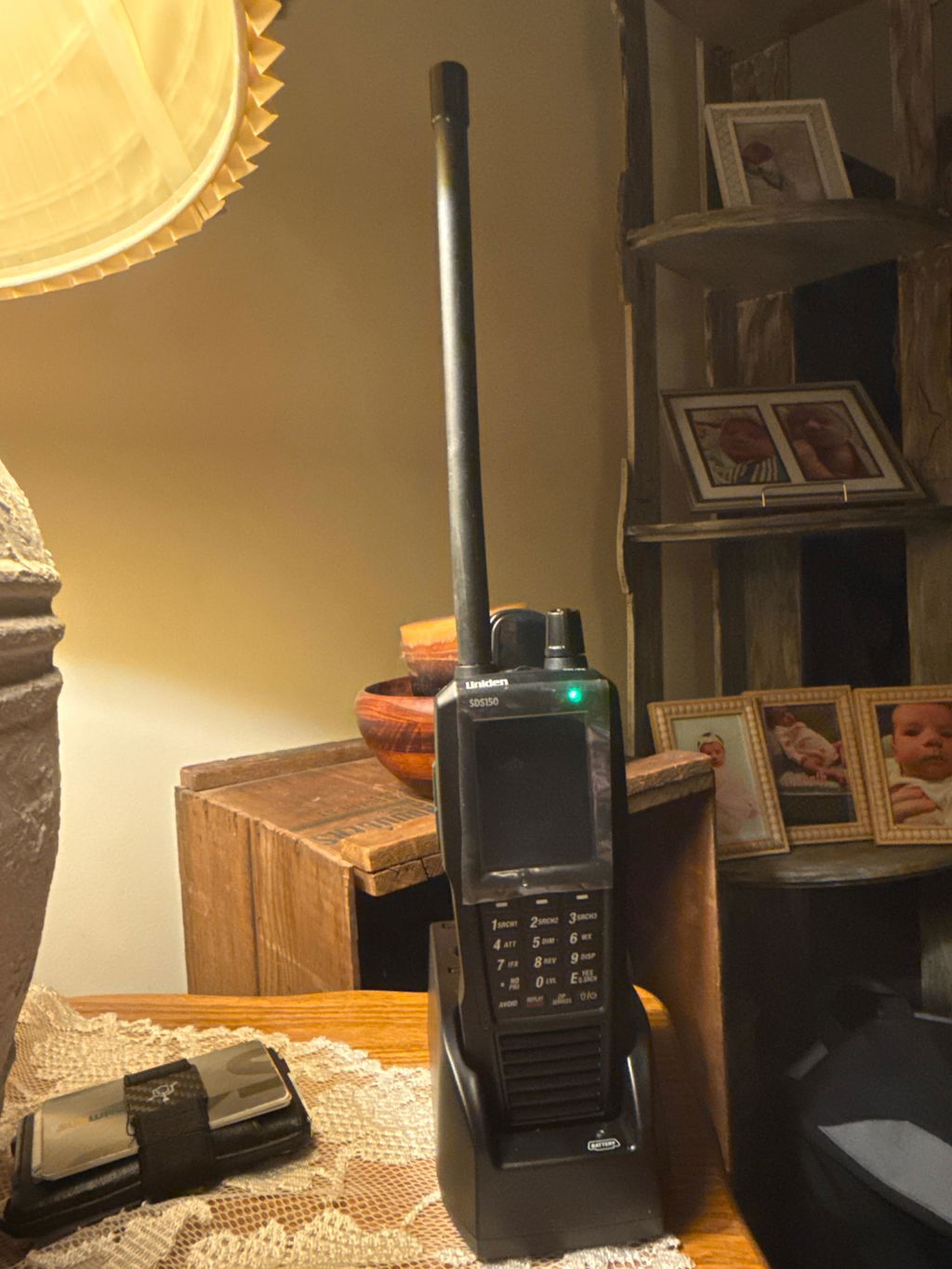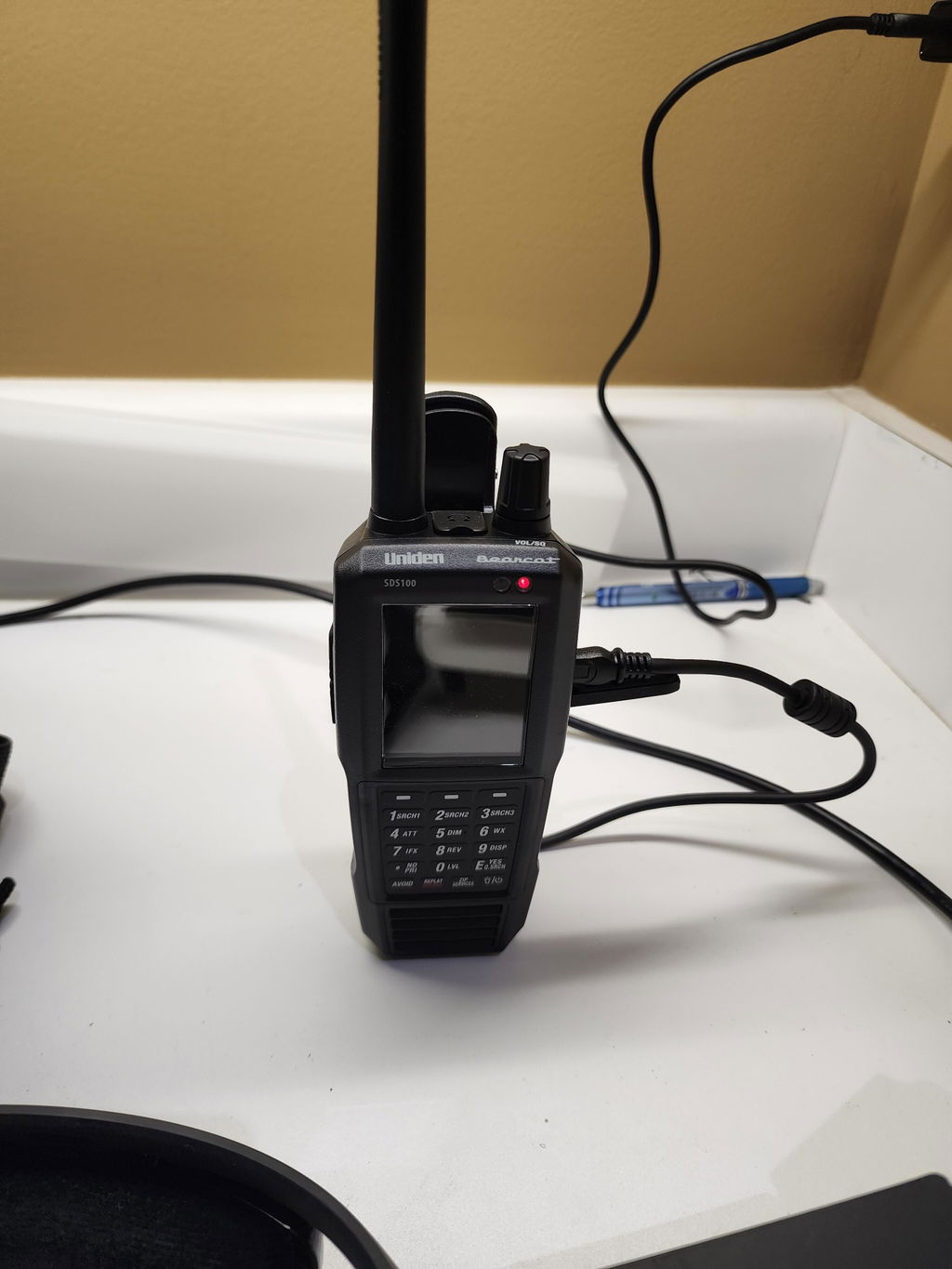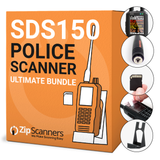
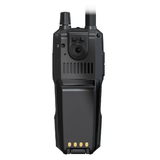
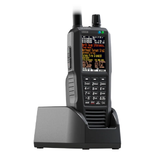
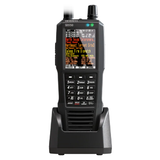


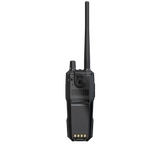
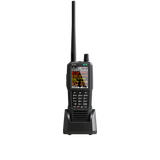
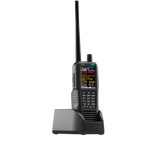
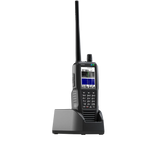
NEW! Uniden SDS150 + FREE Programming + Extras Sale

  • NOW IN STOCK!
  • Stock is limited & we expect to sell out.
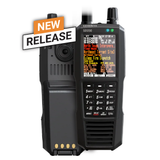
  • What's New: Built in GPS, Charge Cradle, U/AWARE App Connectivity
  • The Uniden SDS150 is the upgrade to the uber popular SDS100.
  • Key SDS150 vs SDS100 differences: GPS & Bluetooth capable, charging station vs cable, minor UX upgrades, SD card on side vs under battery.
  • Shop the Uniden SDS150 (without sale pricing)
  • Trade in your old scanner; cash or credit!

Short version: The SDS100 will work just fine for ~85% of police scanner buyers. The SDS150 has four real advantages:

  1. Built-in GPS
  2. App control
  3. Charging base
  4. Potentially stronger simulcast handling.

Most users don’t need these. For them, the extra $250 isn’t worth it.

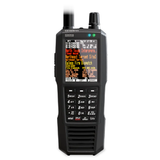
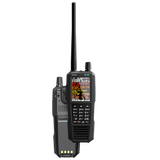
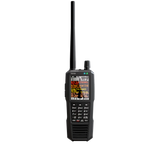
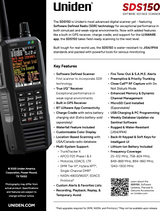
Both the Uniden SDS100 and SDS150 are premium True I/Q (SDR) handheld scanners designed for modern digital trunking and difficult simulcast environments. The SDS150 is the next-gen model with built-in GPS, smartphone control via the U/AWARE app, USB-C charging, and an included charge cradle. The SDS100 remains the proven flagship value play.

Quick decision

Choose the SDS150 if you want:

  • Built-in GPS (no external puck required)
  • Remote control, audio, and logging on your phone or tablet via the U/AWARE app
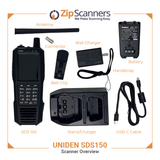
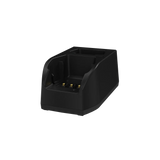
  • USB-C charging and an included charge cradle with extra battery slot
  • The newest platform with field-focused upgrades

Choose the SDS100 if you want:

  • The best price for True I/Q simulcast performance
  • A mature, well-documented scanner with a massive knowledge base
  • Optional GPS support or no GPS at all
  • No need for app-based remote control

Side-by-side comparison

Category Uniden SDS100 Uniden SDS150
Model position Flagship handheld (established) Next-gen flagship handheld (newest)
Launch window Q2 2018 Q4 2025 (broad launch Dec 2025)
Price $699.99 $949.99 (MAP pricing across vendors)
Receiver architecture True I/Q (SDR) True I/Q (SDR), next-gen platform
Simulcast performance Excellent Designed for hardest simulcast and high-interference environments
Frequency coverage 25–512 MHz, 758–824 MHz, 849–869 MHz, 894–960 MHz, 1240–1300 MHz
Trunking + digital TrunkTracker X, P25 Phase I & II, Motorola, EDACS, LTR TrunkTracker X, P25 Phase I & II, Motorola, EDACS, LTR
Paid digital upgrades DMR, NXDN 4800/9600, EDACS ProVoice DMR, NXDN 4800/9600, EDACS ProVoice (availability may vary early)
GPS / location scanning External GPS accessory Built-in GPS
Phone/tablet control No U/AWARE app via Bluetooth Low Energy
Charging + ports USB charging and PC programming USB-C charging and PC programming
Included charging hardware USB cable (no cradle) Charge cradle with extra battery slot
Water resistance JIS4 / IPX4 JIS4 / IPX4
Storage microSD microSD
Recording + replay Yes Yes
Encrypted police audio No No

Key differences that actually matter

1) GPS and travel scanning

  • SDS150: Built-in GPS. Automatic system changes while traveling.
  • SDS100: GPS works well but requires an external accessory.

Zip Scanners’ take: Fewer than 5% of scanner users actively use GPS.

2) Remote control on your phone or tablet

  • SDS150: U/AWARE app provides real-time control and audio.
  • SDS100: No official app-based control.

Zip Scanners’ take: Real-time control is useful. Most third-party apps introduce delay; this avoids that.

3) Charging workflow

  • SDS150: USB-C plus a desk- and vehicle-friendly cradle.
  • SDS100: USB charging only. No included cradle.

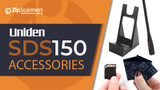
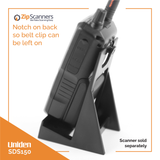
Zip Scanners’ take: The cradle is a nice quality-of-life upgrade and can act as a scanner stand. A similar stand can be added to the SDS100.

4) Price-to-performance

  • SDS100: Best value for top-tier simulcast performance.
  • SDS150: Higher cost justified by convenience and platform upgrades.

Zip Scanners’ take: Simulcast performance gains on the SDS150 are still being validated as field reports come in.

This is the one you want. Look no further.

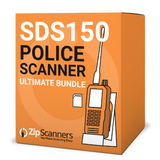
The SDS150 Sale bundles Uniden’s newest flagship handheld with the exact extras people end up buying anyway: expert programming, premium antenna, stand, screen protectors, one touch start up, free shipping, and lifetime tech support. You get the top scanner plus the kit that makes it plug in, power on, and start hearing traffic in minutes instead of hours.

BOGO programming is built in. Buy programming for one county and we program a second county free. Perfect if you want to cover where you live and where you work, or home and your main travel area, without paying full price for both.

If you are buying a gift for Dad, Mom, or the scanner nerd in your life, this bundle gets them 100 percent of what they need and gives them a real human to talk to when they have questions. We handle the tech support so you do not have to.

We took the SDS150 and added the most popular extras so it simply works right out of the box. Tell us the counties, drop it in the cart, and when it shows up they can turn it on and start listening the same day.

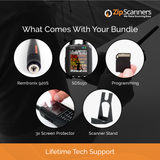
Included in the SDS150 Sale

  1. Uniden SDS150 Scanner
  2. BOGO (Buy One, Get One) County FREE Programming
    Buy programming for one county and we’ll program a second county free.
  3. Lifetime Tech Support
    Real humans, lifetime help. You’re covered if anything changes or you need a hand.
  4. Free Shipping
  5. Screen Protectors (3 Pack)
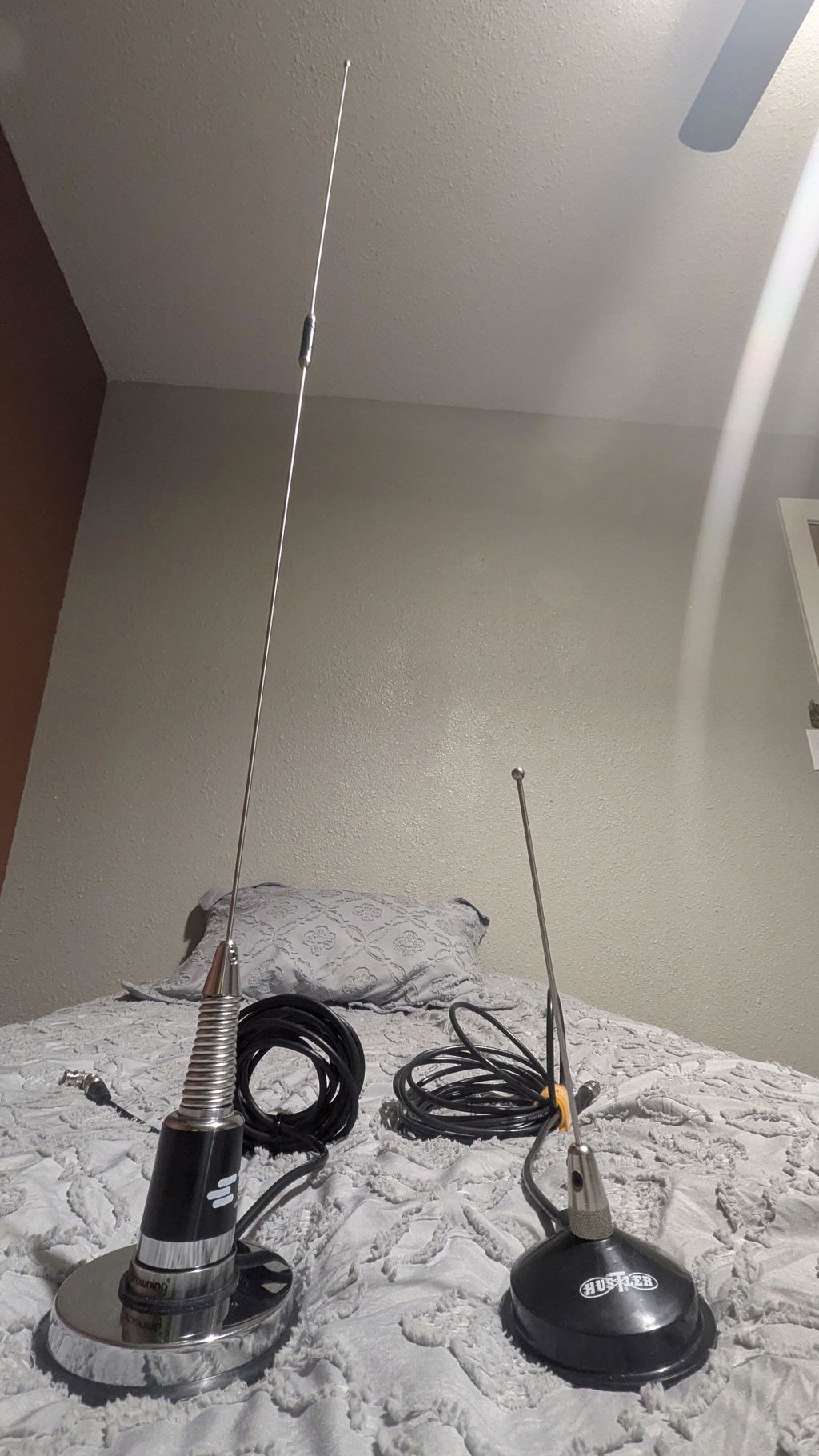
  6. Remtronix SMA Antenna (920S with O-Ring)
  7. One Touch Start-Up
    We pre-set the scanner so it’s ready to scan the moment you power it on.
  8. Desktop Stand

Note: All items must be purchased together to get the sale pricing.

Deep dive on programming here.

We HIGHLY recommend letting our experts program your scanner.

Programming issues are, by FAR, the #1 reason for...

  • Returns
  • 99% of any negative comments about the SDS150 & SDS100 you'll read while researching
  • 99% of any negative comments about us
  • 90% + of all support questions
  • Our receding hairlines

Basically, you're about to spend hundreds of dollars on a snappy new gadget, might as well spring a few extra bucks so it will actually work right out of the box.

What is programming?

Scanners work like AM/FM radios in that they pick up airwaves based on a set of specifics frequencies. But unlike a radio there is not the simple 'seek' and 'save' feature on a scanner. Also, the frequencies are wildly different based on where you live and what you want to listen to.

What, specifically, do I get with expert programming?

For each county you purchase, our experts will program the following:

  • State police, fire & EMS
  • County police, fire & EMS

Add as many counties as you'd like.

When your scanner arrives, the programmed data will be on your scanner in easy to navigate lists.

What if your programming does not work?

100% money back guarantee on programming.

Can you program X, Y, Z?

We can program anything in Radio Reference, the world's largest & best frequency database. 

What if I need help after you program?

We’re always here to help with our lifetime tech support. 

Why should I buy programming?

Programming is the #1 reason police scanners are returned.

While scanner programming is much easier than the days of crystal scanners, there is a learning curve like any other electronics purchase. While some scanner enthusiasts are highly technical and want to learn the ins-and-outs of programming, others want their scanner to just "work" right out of the box.

95% of all scanner sales include programming, so unless you’re familiar with scanners, scanner terminology, own a PC (Macs do not work), and want to learn the nuances of programming, we highly recommend letting our experts program your scanner.

Scanner technology is fairly user friendly, but scanners are not smartphones or iPads. If you're spending hundreds on a scanner, we recommend springing a few extra bucks so it works right out of the box.

Can't you teach me programming with your lifetime technical support?

No.

Lifetime technical support is not unlimited technical support. We made "how to" videos and can help point you in the right direction, but we will not teach programming.

How long does your expert programming take?

We usually get this out same day, but it can add 1-2 business days to your shipment.

Can I program this scanner myself?

Yes.

We created a programming decision tree, as well as programming videos, to help you decide whether you should include expert programming with your scanner. With that said, we HIGHLY recommend adding the expert programming to your purchase to save time and spare yourself potential aneurysms.

Can't I just punch in my zip code for programming?

Yes, however...

When you punch in your zip code, it scans EVERYTHING in your area, which is kinda like getting the phone book thrown at you.

With our expert scanner programming, we filter out the junk so you don't have to listen to things such as the dog catcher, repo guy, power company & the like.

How long will it take me to program on my own?

It takes our scanner tech anywhere from 30 minutes to several hours to program each scanner...and this is ALL he does.

For new & moderate scanner users, we estimate 3-12 hours of programming. Setup time varies wildly based on scanner, area and general tech familiarity.

What software comes with my SDS150?

The Uniden SDS150 comes with Sentinel software like other Uniden scanners, including the:

While there is a version of Sentinel software for each scanner, they operate the same. The SDS150 includes Sentinel software (download free SDS150 software here). Watch our Uniden Sentinel software programming video here or above in the video gallery.

Any self-programming tips?

We recommend downloading the software before you buy to test drive.

Customer Reviews

Based on 3 reviews
100%
(3)
0%
(0)
0%
(0)
0%
(0)
0%
(0)
L
Luis G.
Impressed!

Having owned scanners for a while, this one has been one of the better buys over the years although priced a little high!

S
Susan K.
Fast Delivery

Unit was programmed and delivered before Christmas. My husband loves it!

H
Harold M.
Great Scanner

Really impressed with the build of the new scanner. Uniden hit it out the park with the charging station.

Recently viewed