
The performance difference is night and day compared to the stock antenna.
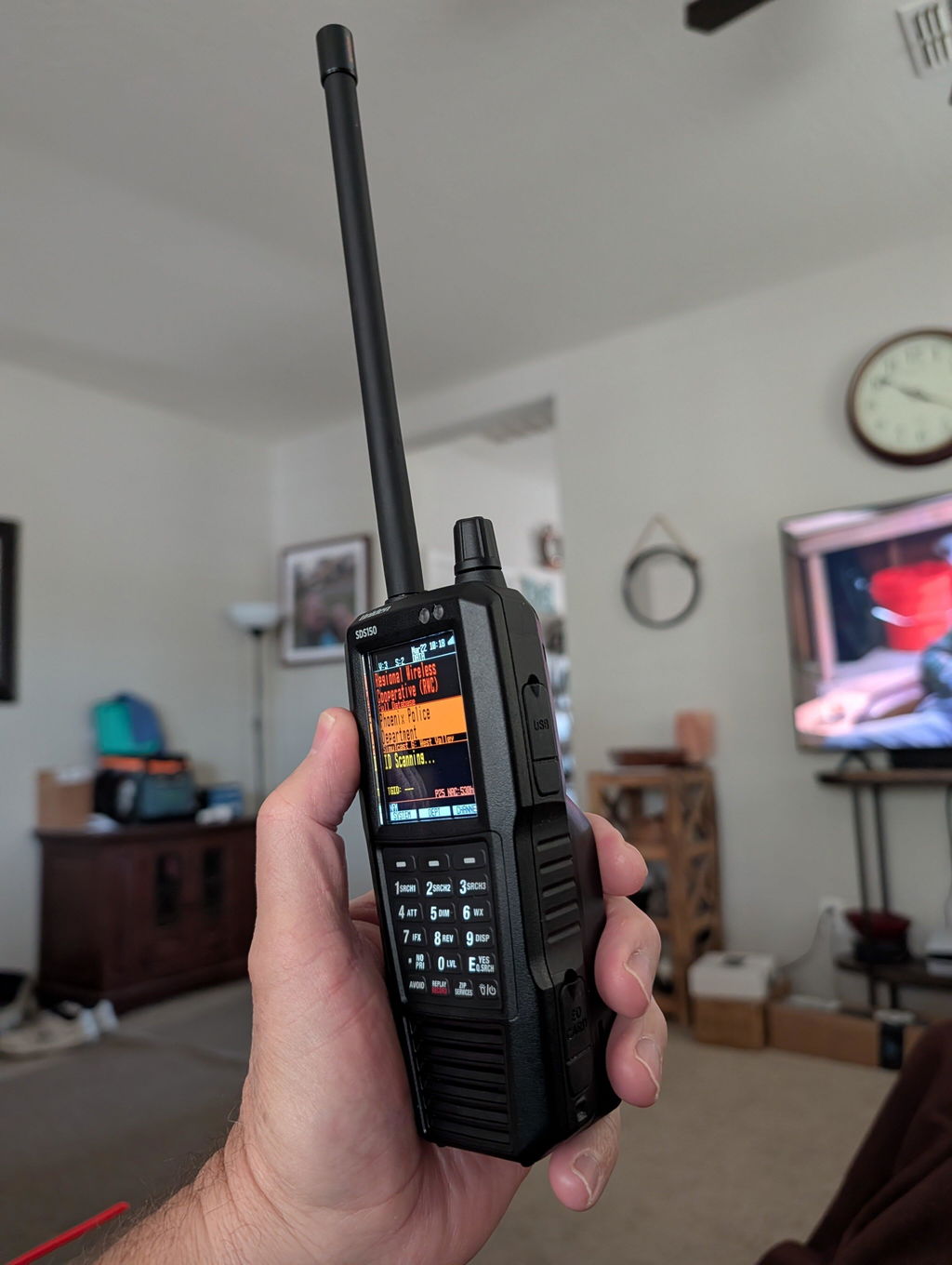
This antenna is insanely great. well made. It picks up police transmissions from Powers and S Carefree in Colorado Springs all the way across town to Monument Police FROM INSIDE MY BEDROOM! Thats 20+ miles of hilly city from inside a bedroom with antenna mag base sitting on a TV stand metal base and no clear line of sight. When I place my Remtronix tri-band rubber duck antenna back on I only get local stuff. Crazier still, my window has metal blinds. In every way youd think signal loss in every way. No, Im even getting signals from Fountain Co, Woodland Park Co, Black Forrest Co, Peyton Co. All areas around me that are 25 to 40 miles away. I pick up state patrol sometimes in Castle Rock Co which is 40 miles away with mountains in front of it. It picks up mountain forestry over 50 miles away at times. SDS100 works under a watt I believe but it makes HIGH efficient use of this antenna. In the photo I swapped mag bases with my Browning/Laird NMO type but its no different or better than the Hustler mag base. its the antenna that shines here. I use the hustler base for my UHF 2 way radios. BUY IT. you will love it on a SDS100 in your car with BNC connections.
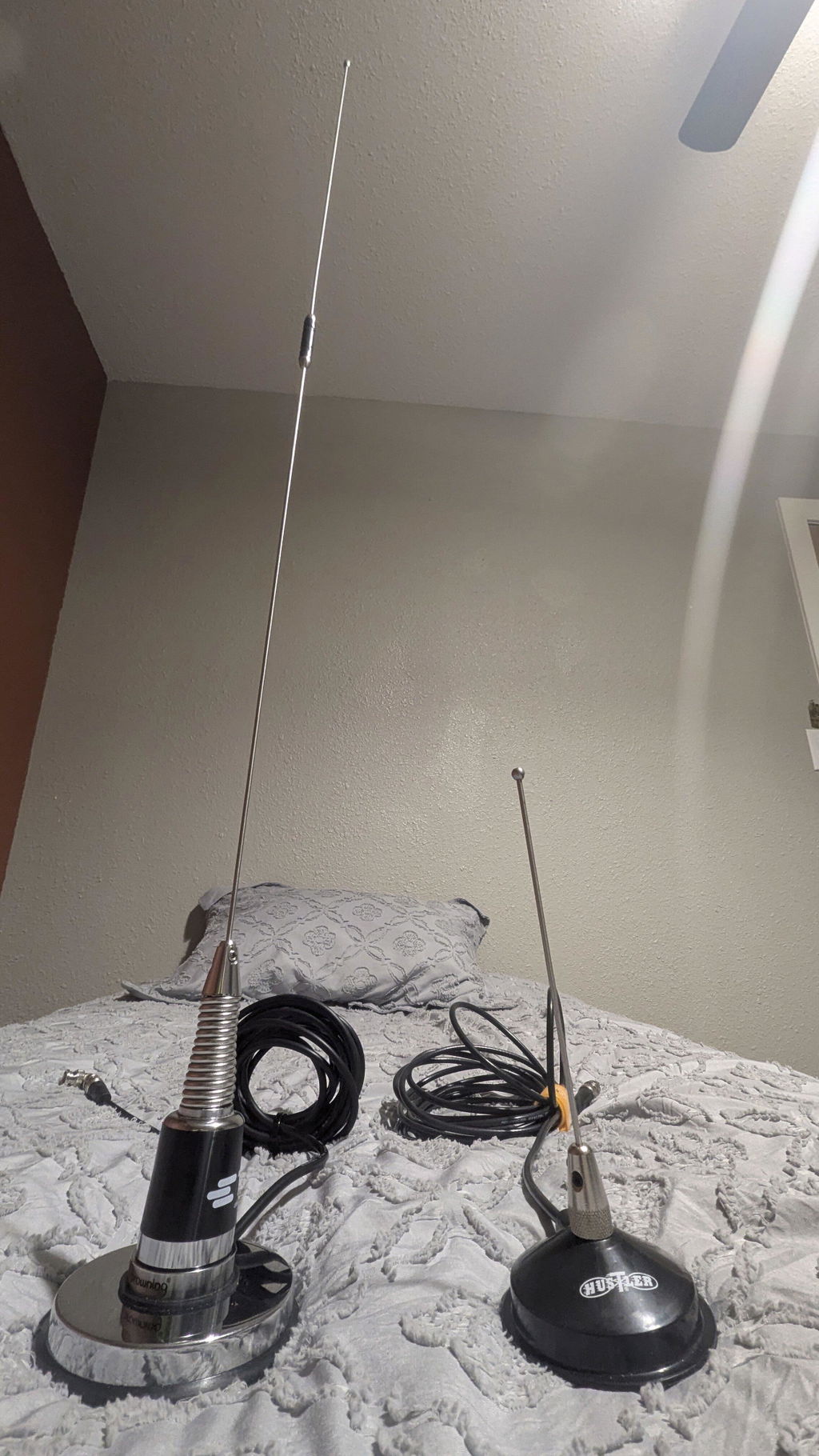
Zipscanners had the SDS 150 in stock so I bought it they got it to me very quickly!! I love it so far!! It’s the best scanner I’ve owned yet!!
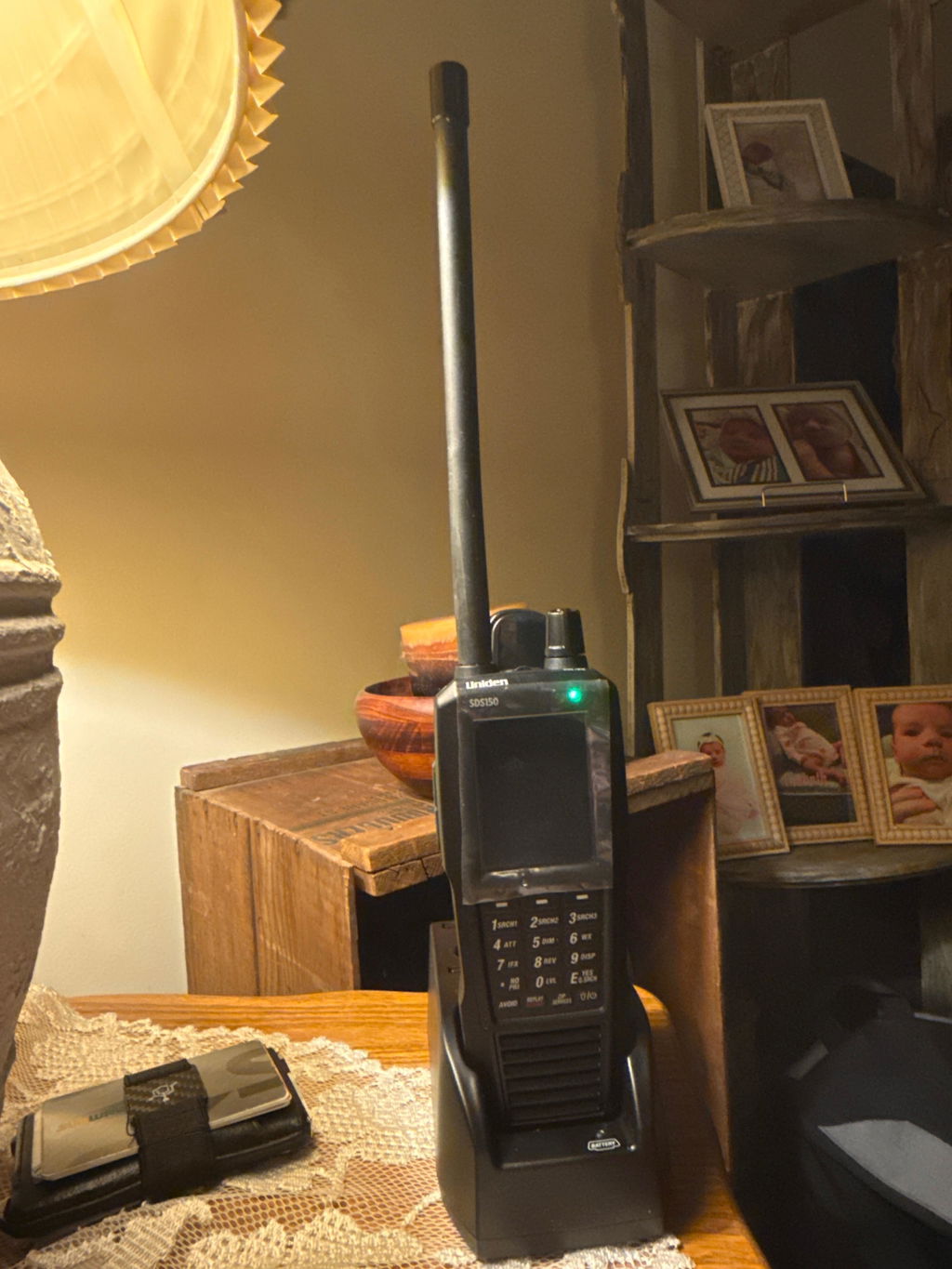
this scanner is rocks my area has simulcast distortion my other scanner that I had was not able to handle this mostly because I did not do my research on scanners I used the app before but can't tell who is talking when you use the app works great and programmed and ready out of the box
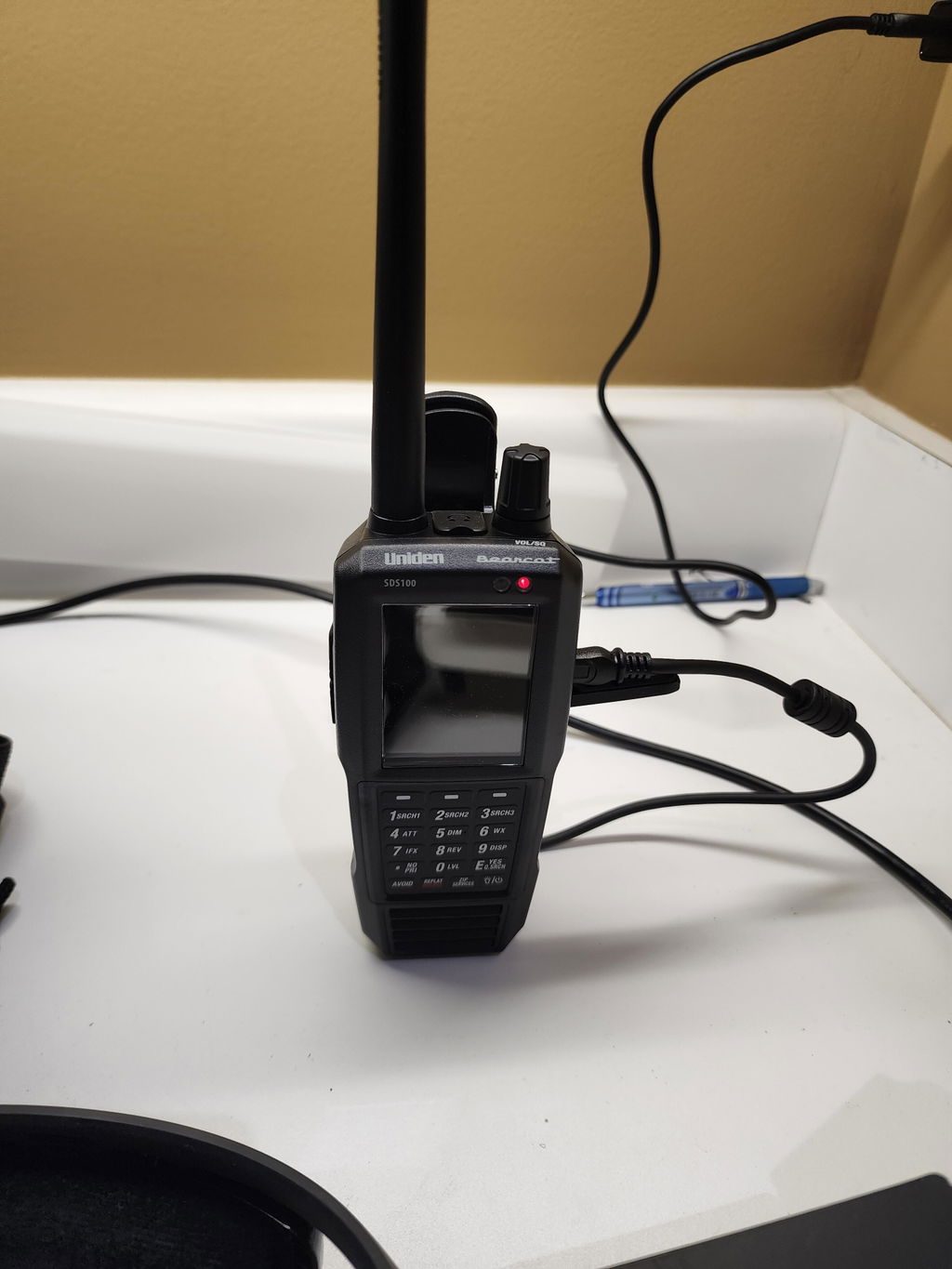
I purchased this antenna as an upgrade over the stock. I am in the Upstate NY area. Currently using on my SDS100. I have the 842B and recently purchased the 820s to compare because every review states it's the one to get. I have not tested this trying to pickup new bands/frequencies yet. 700-900 mhz, seems to pick up just as good as the 820s, audio seems a little clearer.400 mhz seems very good as well. All though, it is not billed as a triband antennae, it picks up almost as well as the 842B in my area for the analog bands. I do like the aesthetic look of it and the water proof O-ring. Overall I'm very pleased with this purchase and will be ordering again in the future.
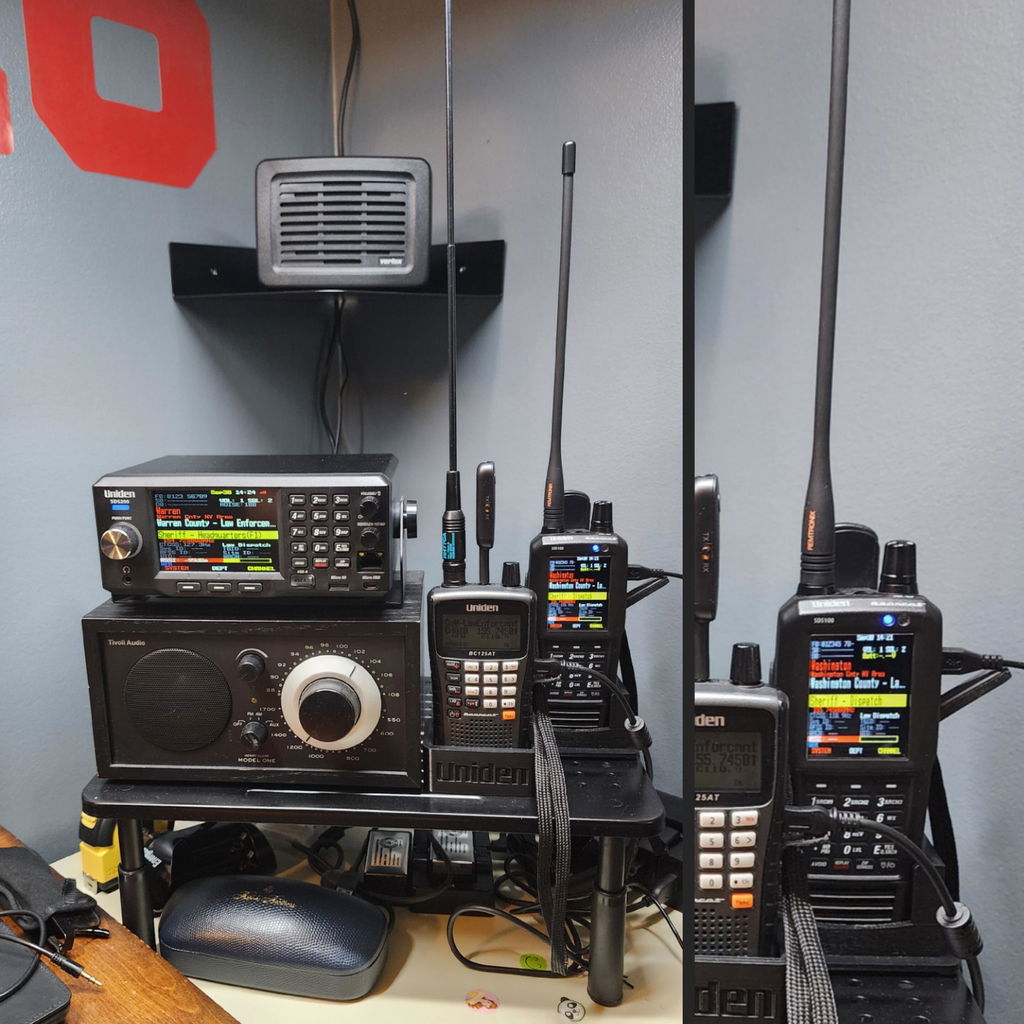
Hi there! Thank you for your review and for choosing our On Set Remtronix Scanner Antenna. We are happy to hear that it is working well for you in the Upstate NY area and is an upgrade over the stock antenna.